
























Running NanoClaw WhatsApp Assistant in Docker Sandboxes Shell Environment
Learn how to run NanoClaw, a Claude-powered WhatsApp assistant, inside a Docker Sandboxes shell sandbox for stronger isolation and proxy-managed API keys.
Read the full articleYou might also wanna read


NanoClaw: The 500-Line AI Assistant Revolution
NanoClaw is a revolutionary 500-line AI assistant that runs Claude agents in secure containers. Discover how its container-first architectur
OpenClaw Sandboxing: Docker Isolation for Safe AI Tools
Learn how Docker sandboxing in OpenClaw limits the blast radius when AI agents execute tools, protecting your system while maintaining produ

OpenClaw: Build AI Assistants Without Writing Python
Discover OpenClaw, the revolutionary personal AI assistant that runs locally without Python code. Build powerful AI agents for WhatsApp, Sla

WhatsApp-to-Host Attack via OpenClaw Flaws Detailed
Security flaws in OpenClaw AI assistant could lead to credential theft and more. Learn about the vulnerabilities and updates.
OpenClaw Docker Deployment Containerized Setup Guide
Learn when and how to run OpenClaw in Docker containers. Understand the hybrid architecture with host gateway and sandboxed agent sessions,
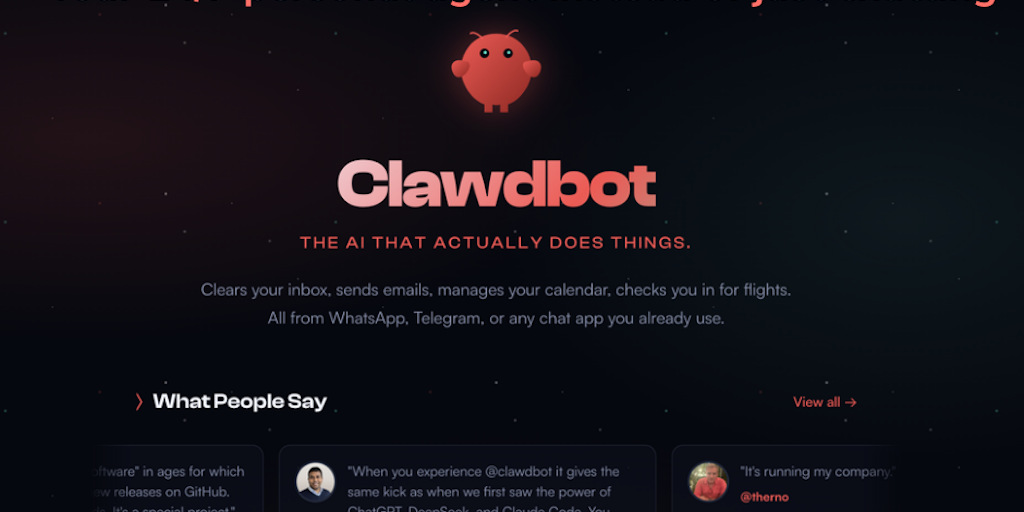
OpenClaw: AI Personal Agent for Computer Control via Chat Apps
Formerly Moltbot and Clawbot, OpenClaw turns your computer into a 24/7 personal agent accessible from any chat app. Control your browser, ex
 Product Hunt·5mo ago
Comments
Sign in to join the conversation.
No comments yet. Be the first.