
























Realtime - Post-meeting transcriptions are now Generally Available in RealtimeKit
27d ago
Source
CloudflareRealtime - Post-meeting transcriptions are now Generally Available in RealtimeKitcloudflare.comRealtimeKit lets you build products where people meet over live audio and video — such as HealthTech, EdTech, proctoring, and other real-time platforms — on Cloudflare's global WebRTC infrastructure . Post-meeting transcription is now Generally Available, so completed RealtimeKit meetings can automatically produce full transcript files after they end. Those transcripts can also power AI-generated summaries for meeting notes, review workflows, and follow-up tasks after the transcript is available. Post-meeting transcription is a managed service powered by Workers AI using Whisper Large v3 Turbo . RealtimeKit handles transcription processing and can return transcript and summary files through webhooks or the REST API, so you do not need to run your own transcription infrastructure. Generate transcripts and summaries To generate a transcript after a meeting ends, set transcribe_on_end: true when creating a meeting . To also generate an AI summary automatically after the transcript is available, set summarize_on_end: true : curl -X POST " $ACCOUNT_ID /realtime/kit/ $APP_ID /meetings" \ -H "Authorization: Bearer $CLOUDFLARE_API_TOKEN " \ -H "Content-Type: application/json" \ -d '{ "title": "Weekly product review", "transcribe_on_end": true, "summarize_on_end": true, "ai_config": { "transcription": { "language": "en" }, "summarization": { "word_limit": 500, "text_format": "markdown", "summary_type": "team_meeting" } } }' Consume results When RealtimeKit finishes processing a meeting, it creates download URLs for the transcript and, if summarize_on_end is set, the summary. You can receive those URLs automatically with webhooks , or fetch them later for a specific session with the REST API . To receive results as soon as they are ready, configure the meeting.transcript and meeting.summary webhook events: curl -X POST " $ACCOUNT_ID /realtime/kit/ $APP_ID /webhooks" \ -H "Authorization: Bearer $CLOUDFLARE_API_TOKEN " \ -H "Content-Type: application/json" \ -d '{ "name": "AI results webhook", "url": " "events": ["meeting.transcript", "meeting.summary"], "enabled": true }' To fetch results later, call the transcript or summary endpoint for the session: curl -X GET " $ACCOUNT_ID /realtime/kit/ $APP_ID /sessions/ $SESSION_ID /transcript" \ -H "Authorization: Bearer $CLOUDFLARE_API_TOKEN " curl -X GET " $ACCOUNT_ID /realtime/kit/ $APP_ID /sessions/ $SESSION_ID /summary" \ -H "Authorization: Bearer $CLOUDFLARE_API_TOKEN " Use the Generate summary of transcripts for the session API only if summarize_on_end was not set and you want to generate a summary manually after the transcript is available: curl -X POST " $ACCOUNT_ID /realtime/kit/ $APP_ID /sessions/ $SESSION_ID /summary" \ -H "Authorization: Bearer $CLOUDFLARE_API_TOKEN " Post-meeting transcription supports CSV, JSON, SRT, and VTT transcript outputs , automatic language detection and Whisper language codes . RealtimeKit also supports real-time transcription with Deepgram Nova-3 for live captions, in-meeting accessibility, and real-time note-taking. Learn more in the RealtimeKit transcription docs and summary docs .
You might also wanna read

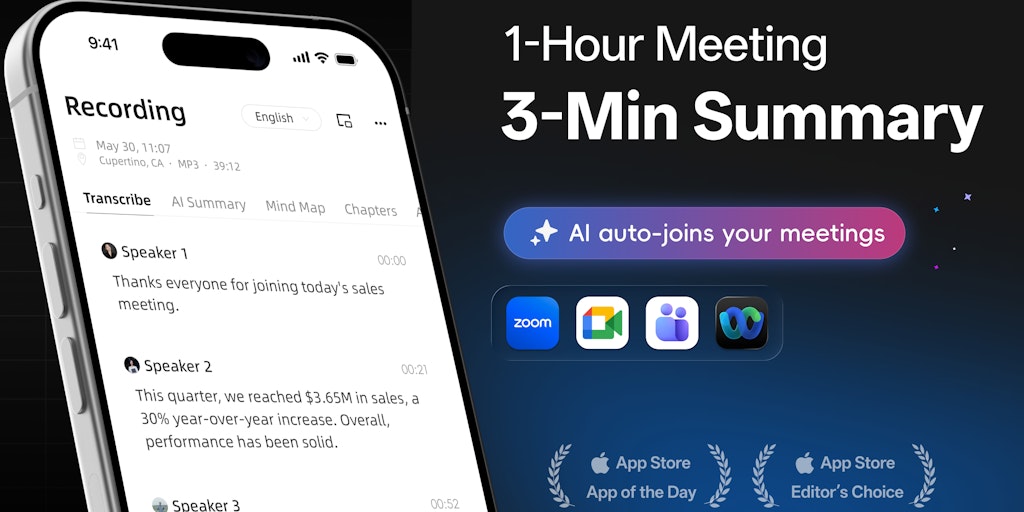
Atter AI: AI transcription app with speaker labels, summaries, and action items
Atter AI is an AI-powered transcription app that records, transcribes, and summarizes meetings, interviews, lectures, and podcasts. Unlike b
 Product Hunt·1mo ago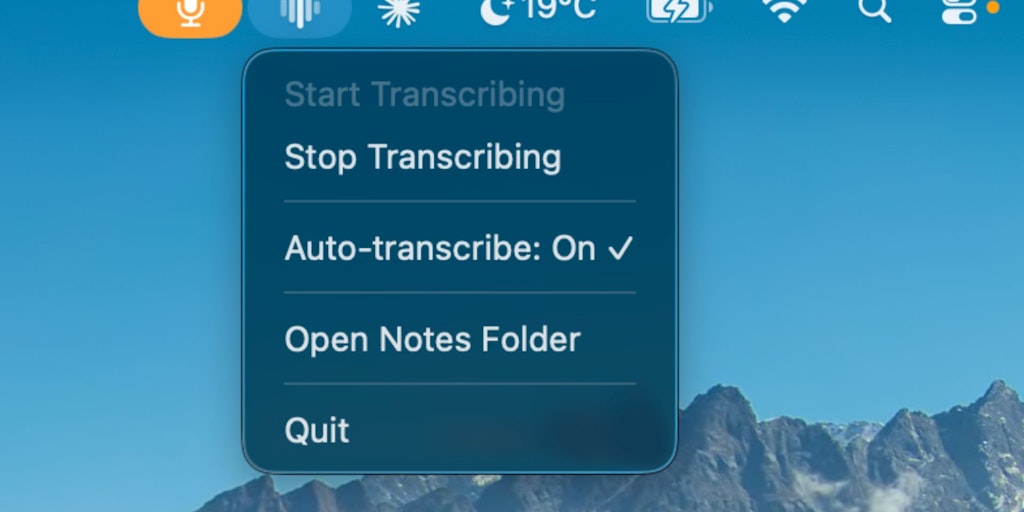
trnscrb: Local On-Device Meeting Transcription for macOS with Claude Desktop Integration
trnscrb is a macOS application that provides local, on-device transcription for meetings on platforms like Zoom, Meet, Teams, Slack, and Fac
Product Hunt·4mo ago
Realtime translation guide
OpenAI·11mo ago

Realtime transcription guide
OpenAI·11mo ago
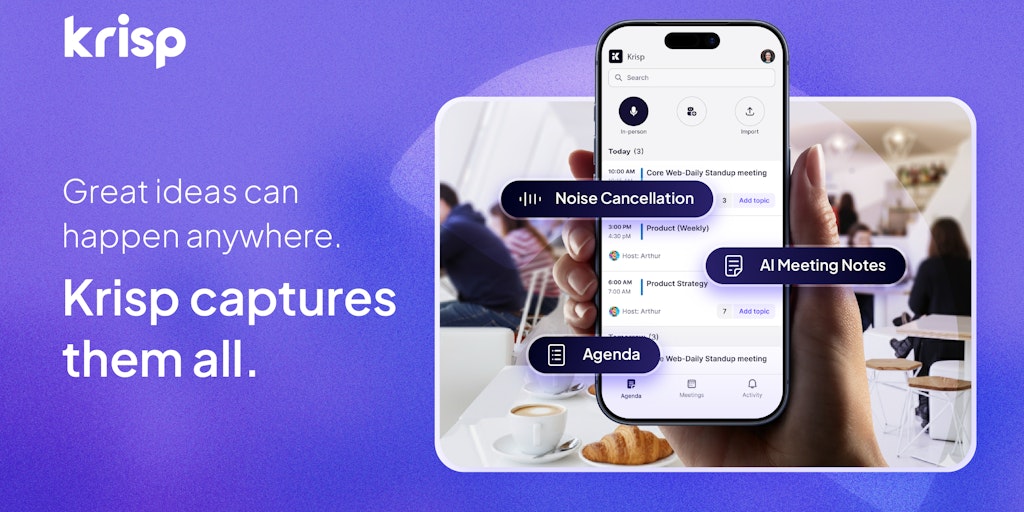
Krisp: AI-Powered Meeting Assistant with Noise Cancellation and Transcription Features
Krisp is an AI-powered productivity tool for online meetings that provides noise cancellation, transcription, meeting notes, and recording f
Product Hunt·29d ago
Recall.ai Launches Desktop Recording SDK for Meeting Data Capture Without Bots
Recall.ai, a Y Combinator W20 startup, is launching a Desktop Recording SDK that allows developers to capture meeting recordings and transcr
 news.ycombinator.com·9mo ago
Comments
Sign in to join the conversation.
No comments yet. Be the first.