

























Raspberry Pi Storage Options Compared: SD Cards, USB Drives, SSDs, and NVMe
By
Thomas Dyan
Summary
A comprehensive comparison of Raspberry Pi storage options including SD cards, USB drives, SSDs, and NVMe. The article evaluates each option based on performance, price, and use case suitability. NVMe offers the best performance but is most expensive, SSDs and USB drives provide a good balance, while SD cards remain the simplest and cheapest choice for light projects. The best choice depends on the user's specific project requirements.
Source
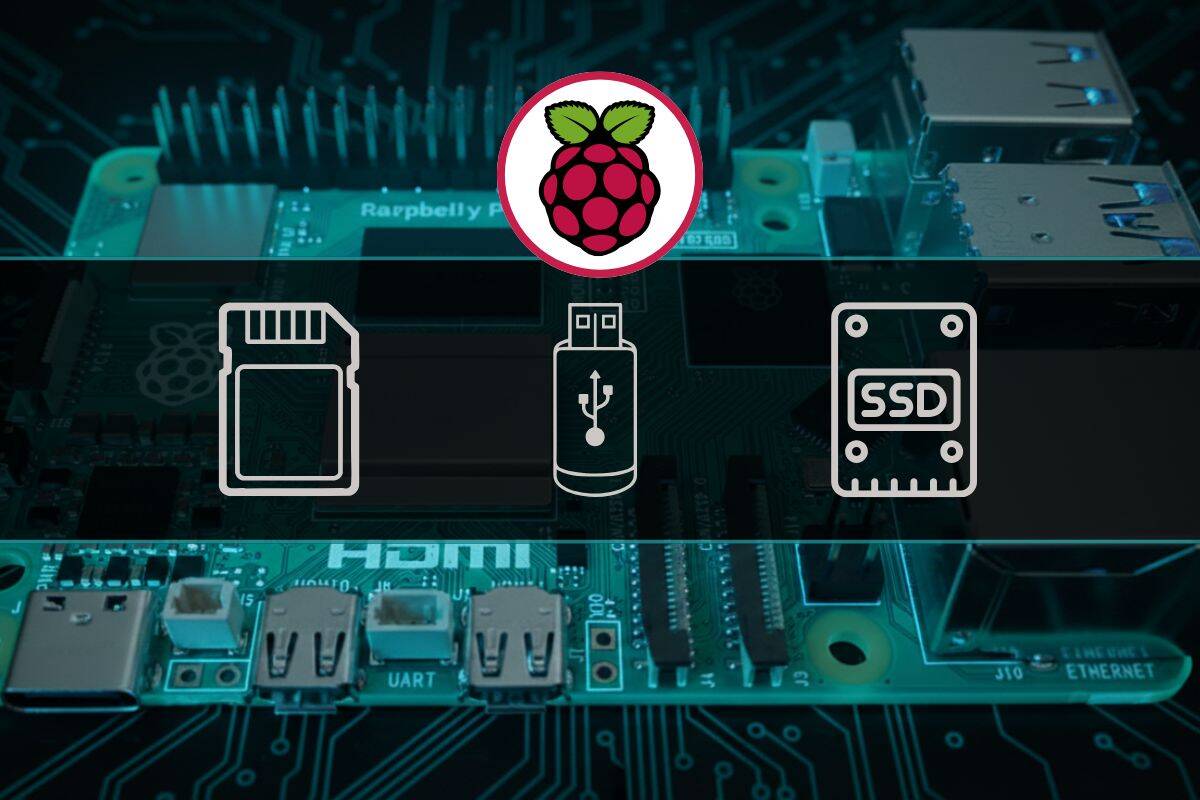
 bskyRaspberry Pi Storage Options Compared: SD Cards, USB Drives, SSDs, and NVMeraspberrytips.com
Key quotes
· 3 pulledNVMe offers the best performance on supported Raspberry Pi models, but it's also the most expensive option.
SSDs and some USB drives provide a good balance of speed and price, while SD cards remain the simplest and cheapest choice for light projects.
That said, the best choice depends on your use case.
You might also wanna read

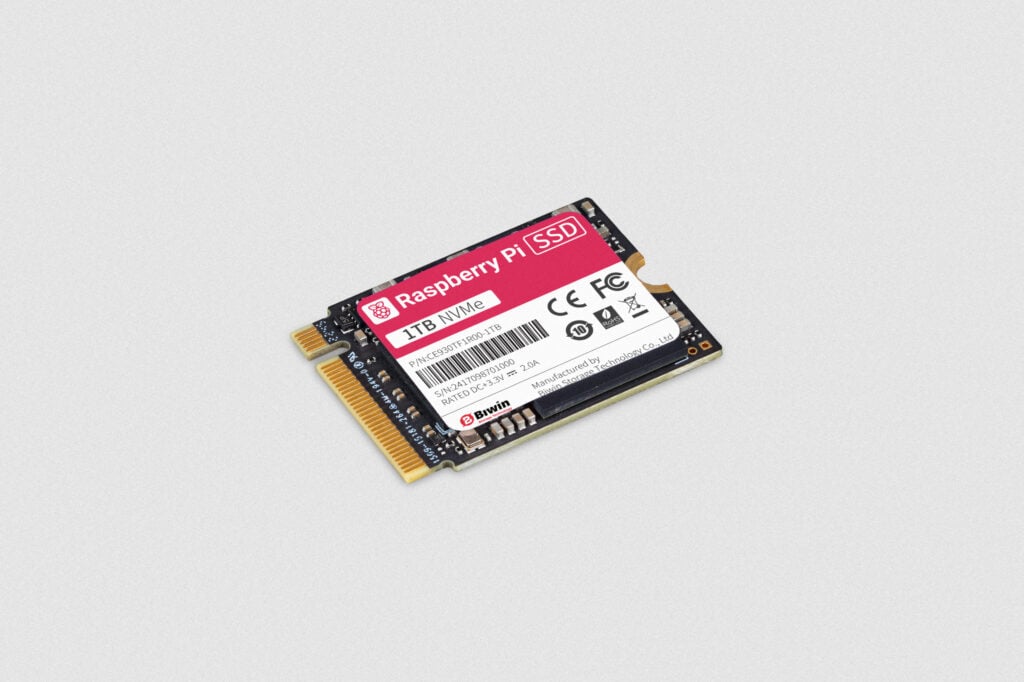
Raspberry Pi Launches 1TB SSD for $70 with High-Performance Capabilities
Raspberry Pi is offering a 1TB SSD for $70, designed specifically for Raspberry Pi 5 and other devices. The SSD provides high performance fo
 raspberrypi.com·9mo ago
Storage Price Comparison: SSD, HDD, NVMe, RAM, and Tape Pricing Analysis
The article appears to be a price comparison tool or database for storage media, specifically comparing prices of various storage technologi
 disk-scout.com·4mo ago
Comparison of Intel N100 Mini PC and Raspberry Pi: Benchmark Results and Operating System Debate
The article compares the Intel N100 mini PC to the Raspberry Pi, highlighting the newer versions of both devices and the benchmarks run with
jeffgeerling.com·11mo ago
Storage Drive Price Comparison: SSD and HDD Deals with Price per TB Analysis
The article appears to be a price comparison list for storage drives (SSDs and HDDs) on Amazon, focusing on finding the cheapest options and
terabytedeals.com·5mo ago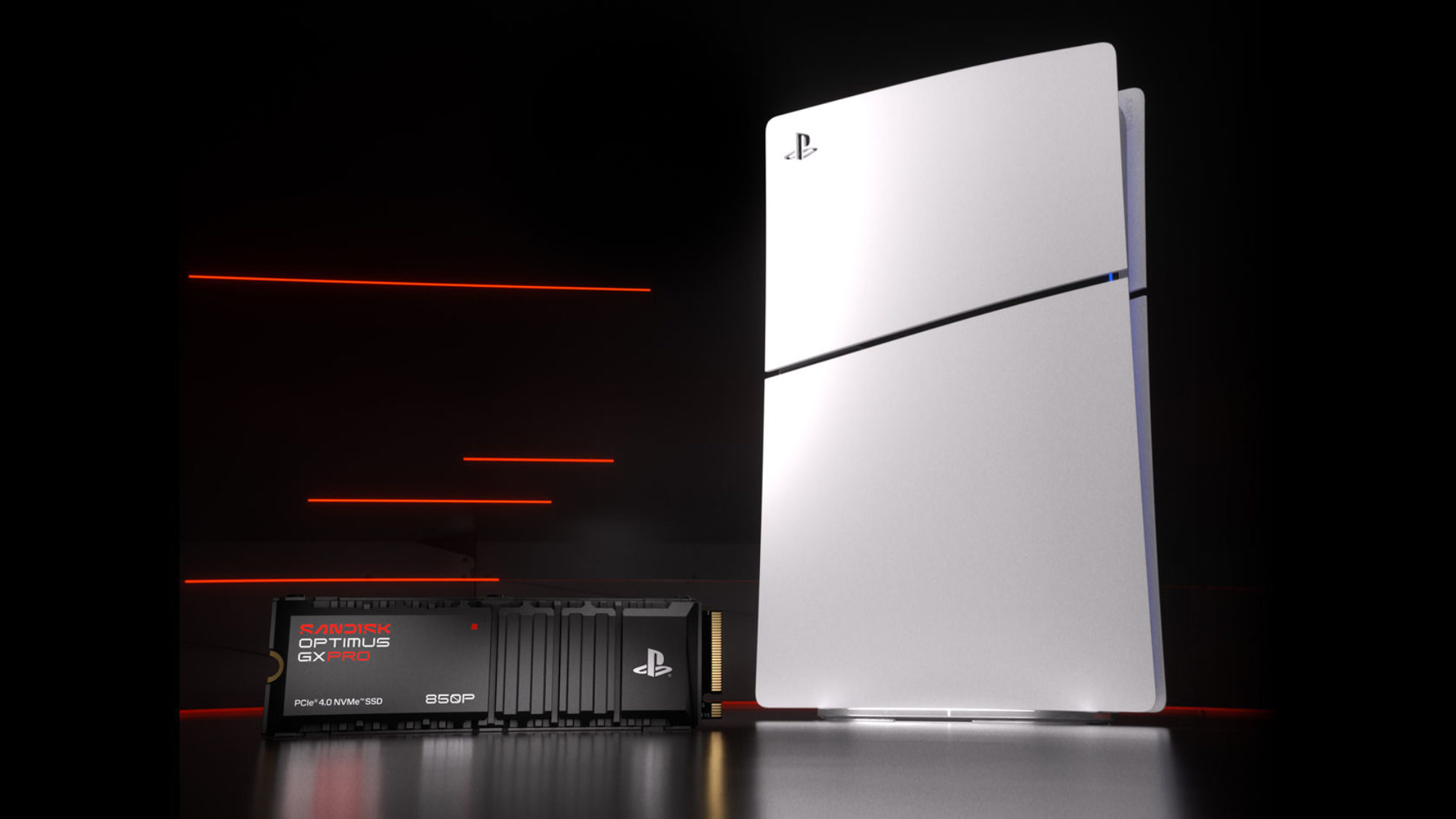
SanDisk Launches Two New Optimus NVMe SSDs for PS5 and PC Gaming
SanDisk has expanded its Optimus SSD lineup with two new models targeting console and PC gamers: the Optimus GX PRO 850P NVMe SSD for PS5 an
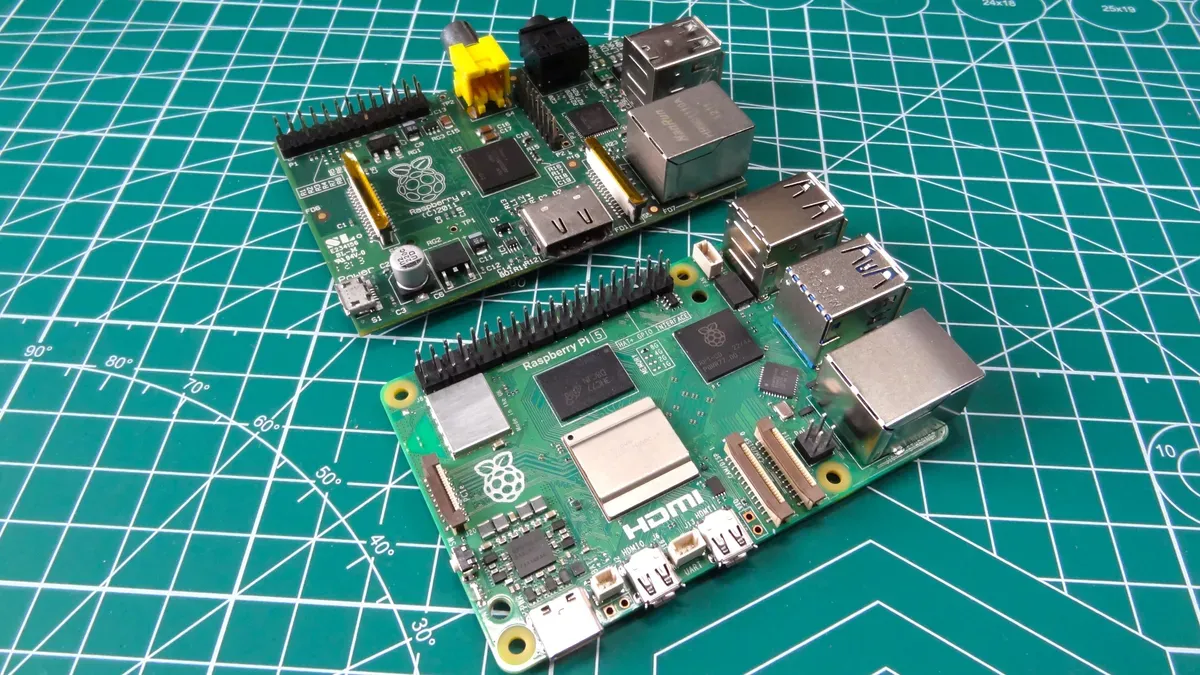
Raspberry Pi Price Parity with Mini PCs Forces Hobbyists to Reconsider Hardware Choices
Raspberry Pi single-board computers have reached price parity with Intel N100-based mini PCs due to rising DRAM costs, forcing hobbyists and
 tomshardware.com·5mo ago
Comments
Sign in to join the conversation.
No comments yet. Be the first.