
























Quickly Install Applications on Your Mac With Homebrew and Cask
How to use Homebrew and Cask to bulk-install Mac applications from a script — a reliable way to get your machine back up and running quickly after a clean OS install.
Read the full articleYou might also wanna read

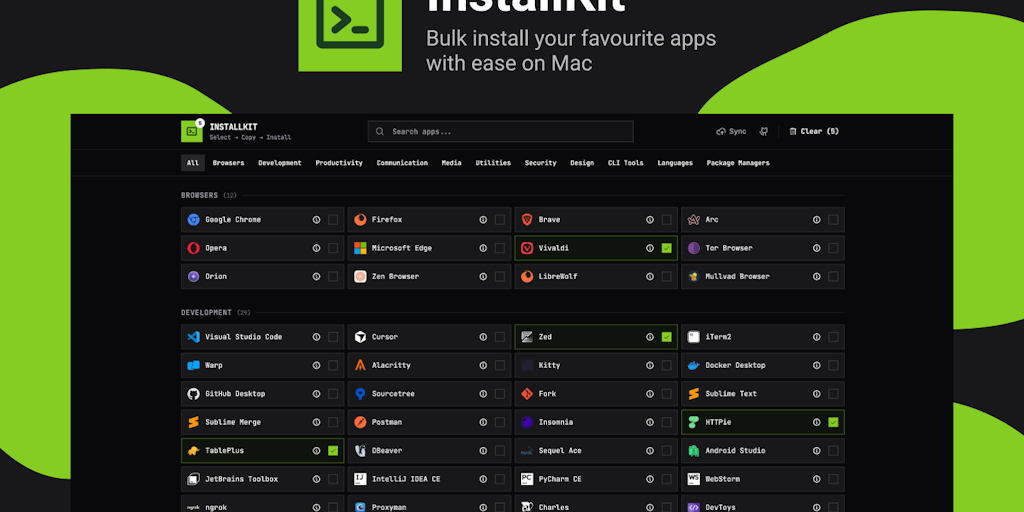
InstallKit: Automate Mac Setup with Homebrew Commands
Select apps and generate a brew install command. Install your Mac essentials faster.
 Product Hunt·6mo ago
Homebrew to Remove --no-quarantine Flag Support for macOS Security Compliance
Verification This issue's title and/or description do not reference a single formula e.g. brew install wget. If they do, open an issue at
 github.com·8mo ago
nanobrew: A High-Speed macOS Package Manager Written in Zig
The fastest macOS package manager. 3.5ms warm installs. Written in Zig.
nanobrew.trilok.ai·3mo ago
Homebrew 6.0.0 Released: Tap Trust Security, Linux Sandboxing, and macOS 27 Support
Today, I’m proud to announce Homebrew 6.0.0. The most significant changes since 5.1.0 are a new tap trust security mechanism, the new faster
 brew.sh·29d ago
Homebrew 6.0.0 Released: Tap Trust Security, Linux Sandboxing, and macOS 27 Support
Today, I’m proud to announce Homebrew 6.0.0. The most significant changes since 5.1.0 are a new tap trust security mechanism, the new faster
brew.sh·29d agoShow HN: Windowfied
My friend was saying to me today that dir in windows is superior to ls in every way. So I created windowfied for macOS on homebrew. This is
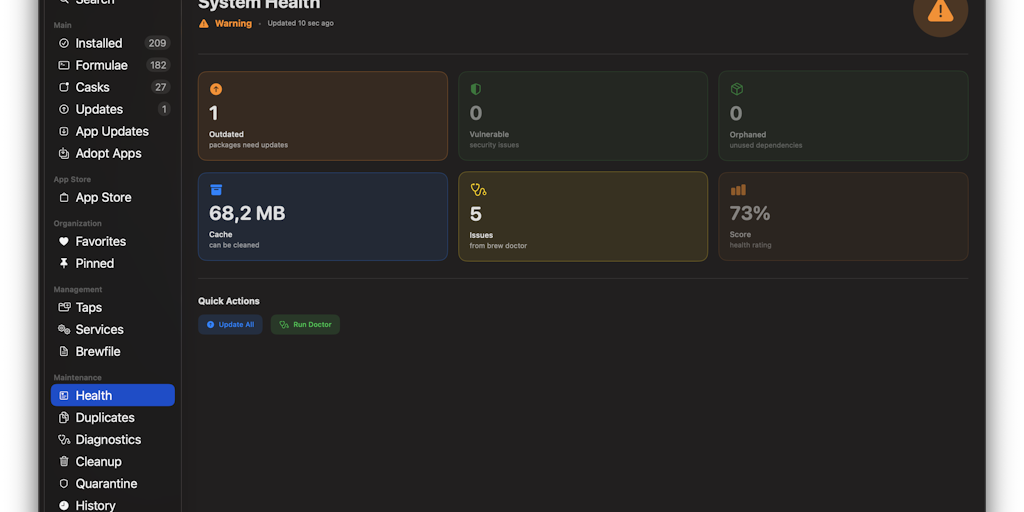
Taphouse: Native macOS GUI for Homebrew Package Management
Taphouse is the best Homebrew GUI for Mac. A visual Homebrew manager to browse, install, and update packages without terminal. Adopt existin
Product Hunt·5mo ago
Comments
Sign in to join the conversation.
No comments yet. Be the first.