





















Pointer: Cursor-Driven Element Inspection Tool for Chrome DevTools
By
Myster Violets

Pulled from the oven just right. Trustworthy, fact-dense, deeply satisfying.
Summary
Pointer is a Chrome DevTools enhancement tool that provides cursor-driven element inspection for web developers. It adds a persistent DOM navigation tool that stays active while working, improving the workflow for inspecting and navigating webpage elements. The tool integrates with Chrome's built-in element inspector to offer a more intuitive and efficient development experience.
Key quotes
· 3 pulledPointer enhances Chrome's built-in element inspector with a persistent, intuitive DOM navigation tool that stays active while you work.
Cursor-driven element inspection for DevTools workflow
The best of Product Hunt, every day
You might also wanna read

wterm: A DOM-based Web Terminal Emulator Powered by Zig and WebAssembly
wterm is a web-based terminal emulator that renders directly to the DOM, providing native text selection, copy/paste, find functionality, an
 wterm.dev·2d ago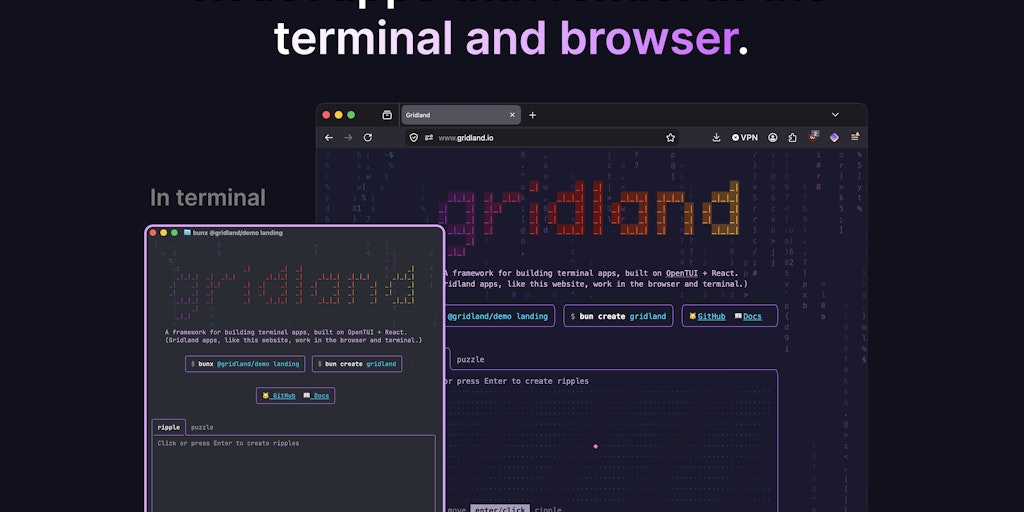
Gridland: React Framework for Building Terminal Apps That Render in Browser and Terminal
Gridland is a React framework that enables developers to build terminal applications that can render in both the browser and terminal enviro
 Product Hunt·1mo ago
OpenPolicy Astro Integration: Zero-Build Privacy Policy Generation
The article discusses OpenPolicy's Astro integration for generating privacy policies, terms, and cookie policies directly within Astro page
 openpolicy.sh·1mo ago
Vite+: Unified Toolchain for Web Application Development
Vite+ is a new unified toolchain for web application development that aims to simplify the development workflow by combining runtime managem
Product Hunt·2mo ago
Chrome DevTools MCP Server Update Enables Coding Agents to Debug Active Browser Sessions
Chrome DevTools MCP server now allows coding agents to directly connect to active browser sessions, enabling them to reuse existing sessions
 developer.chrome.com·2mo ago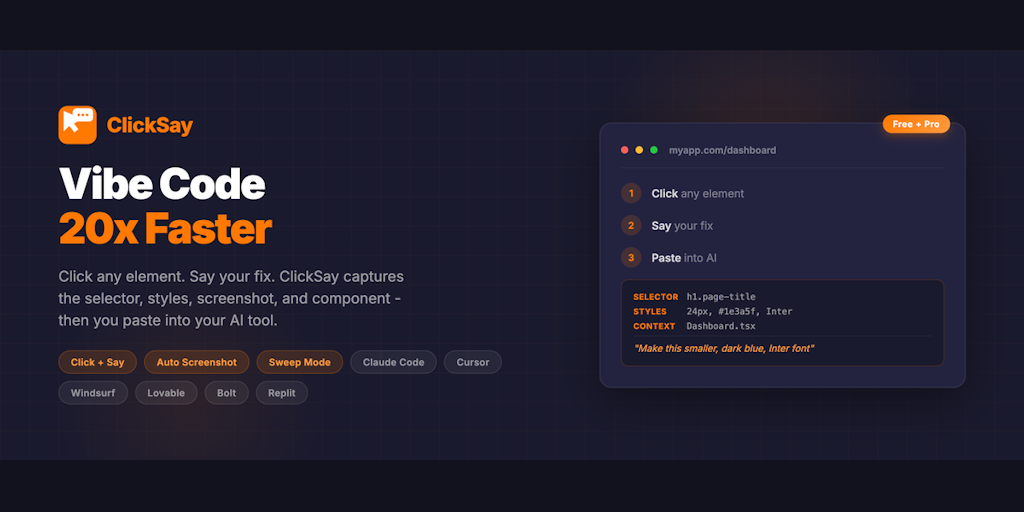
ClickSay: Developer Tool for Capturing Web Elements and Generating AI Coding Prompts
ClickSay is a developer tool that allows users to click any element on a webpage to instantly capture its CSS selector, computed styles, HTM
Product Hunt·2mo ago