





















ClickSay: Developer Tool for Capturing Web Elements and Generating AI Coding Prompts
By
Fred L.

Best dunked in coffee. Better still, swap for a fresh one.
Summary
ClickSay is a developer tool that allows users to click any element on a webpage to instantly capture its CSS selector, computed styles, HTML, screenshot, and React/Vue/Svelte component name. Users can then add fixes via voice or text, generating structured prompts for AI coding tools like Claude Code or Cursor. The tool includes a 'Sweep Mode' for fixing multiple elements at once and offers a free tier with a promotional code for 3 months of Pro access.
Key quotes
· 4 pulledClick any element on your page and ClickSay instantly captures its CSS selector, computed styles, HTML, screenshot, and React/Vue/Svelte component name.
Add your fix with voice or text, and a structured prompt hits your clipboard. Paste into Claude Code, Cursor, or any AI tool - it nails the fix first try.
Sweep Mode lets you click 5 elements and fix them all in one prompt.
Free to start. Code PRODUCTHUNT2026 = 3 months Pro free.
You might also wanna read

CSS Studio: Visual CSS Editor with AI-Powered Code Generation
CSS Studio is a browser-based visual CSS editor that allows designers to adjust styles using intuitive sliders and pickers, while an AI agen
 cssstudio.ai·1mo ago
ScreenCoder: A Modular System for Converting UI Screenshots to HTML/CSS Code
ScreenCoder is an advanced UI-to-code generation system that converts screenshots or design mockups into clean, production-ready HTML/CSS co
 github.com·10mo ago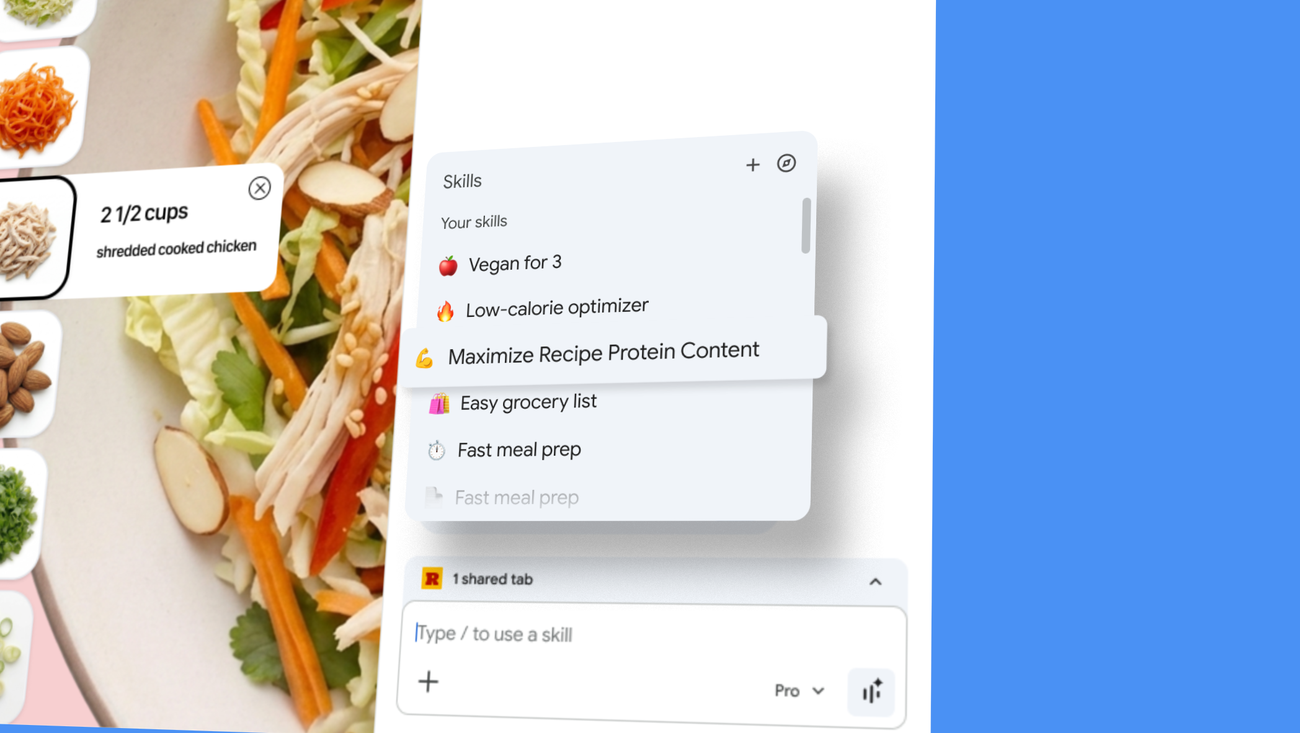
Google Chrome Introduces 'Skills' Feature to Save and Reuse AI Prompts as One-Click Tools
Google is introducing 'Skills in Chrome,' a new feature that allows users to save and reuse their most helpful AI prompts as one-click tools
 blog.google·1mo ago