
























Naming variables in style code
From the article
This morning, the atomic design GOAT Brad Frost Tweeted a question about variable naming for colors: Here’s a fun one: what variable name would you define for `rgba(0,0,0,0.9);`? I drafted up a Tweet to answer this, but it ended up being closer to five Tweets, so I figured it might just work better for me to do a tiny blog post instead of a big, noisy thread. Strategy This might seem overwrought, but I actually like to name my variables twice: once to tokenize and once to contextualize. I’ll use Mr. Frost’s example of rgba(0,0,0,0.9) to explain what I mean. Honestly, when he Tweeted about this, he was probably only looking for the first “tokenize” step, but I’ve already written most of this post, and it’s too late to turn back now. Tokenize First off, I want to prevent unnecessary variation of color implementation in my style code. Different developers might represent this color as an RGBA function, an 8-digit hex (#000000E6), an HSLA function (0, 0%, 0%, .9), etc. They might also eyedrop sample the color out of a design tool and come up with something just different enough to introduce inconsistencies (lookin’ at you, rgba(0,0,0, .89) ). Tokenization gives us a clarified and sanitized way to provide colors to developers implementing design. With monochrome colors, I try to stay away from descriptive color keywords—we’ve all seen some cursed variation on the $lightishGrayButLighter naming scheme. I prefer instead to sort my mono palette by each shade’s lightness. This makes it easy to see at a glance that: A color is some form of gray, and It is very much lighter or darker than another form of gray. I use an HSL-style representation of that lightness, purely because the mental model of “0 = black, 100 = white” is way more straightforward for me to parse at a glance than “0 = black, 255 = white.” The last consideration for tokenization is an alpha value—since both rgba(0,0,0,0) and rgba(0,0,0,.9) technically have the same lightness value, we need some distinction between them. // designate a monochrome namespace with $mono, then a lightness value, then an alpha value. $mono--0-90 : rgba ( 0 , 0 , 0 , 0.9 ) ; The pseudo-almost-kindasorta-BEM-like namespacing technique is something I learned from Stuart Robson , who’s solved this specific design systems problem a thousand times and whose writing on design systems is incredibly valuable. Depending on your preference, you might also namespace color variables with something like $color__mono--0-90 . If we have many of these in our system, it’ll start to look like we’ve got ourselves a stew going. Aside The cool part of the mono palette concept is that it can be used even your grays aren’t pure rgba(x, x, x, alpha) shades. Here’s an example where the colors aren’t literally monochrome, but still represent a monochromatic palette: $color--mono-14 : rgb ( 32 , 37 , 39 ) ; $color--mono-35 : rgb ( 93 , 88 , 86 ) ; $color--mono-49 : rgb ( 129 , 123 , 121 ) ; $color--mono-66 : rgb ( 172 , 167 , 165 ) ; $color--mono-86 : rgb ( 223 , 218 , 216 ) ; $color--mono-90 : rgb ( 230 , 230 , 230 ) ; Contextualize Now that we’ve tokenized our colors to protect them from accidental variation and allow for easy reuse within the app, we’ll contextualize our variables for global or component use. We don’t use the pure $mono--0-90 variable in a CSS declaration, because if the design calls for a change to border colors, for example, you’d have to change that instance in every location, which in my opinion defeats the purpose. Instead, we’ll come up with a purpose for the color in the context of the app or website. What function does the color actually serve? A semi-opaque off-black color could be a lot of things, maybe a $theme-color--text or $theme-color--border . This is a really important consideration, because it makes your color system palette-agnostic. That is, no matter what the colors change to over the life of the system, an element that has color: $theme-color--text; will never need to change. I love hydrating themes with palettes in this way; it feels really systematic and logical. Decoupling. Unbundling. Synergizing. Conclusion Anyway, thanks for reading. I know this is a short one but I figured better this than 30 Tweets. I would love to hear what you think about this strategy, why your approach is better, why I’ll never amount to half the developer that you are, etc.—get at me on Bluesky @strange.website . Colophon Graciously edited by the Chris Shiflett , and written according to the Faculty Style Guide .
Continue reading on henry.codesYou might also wanna read

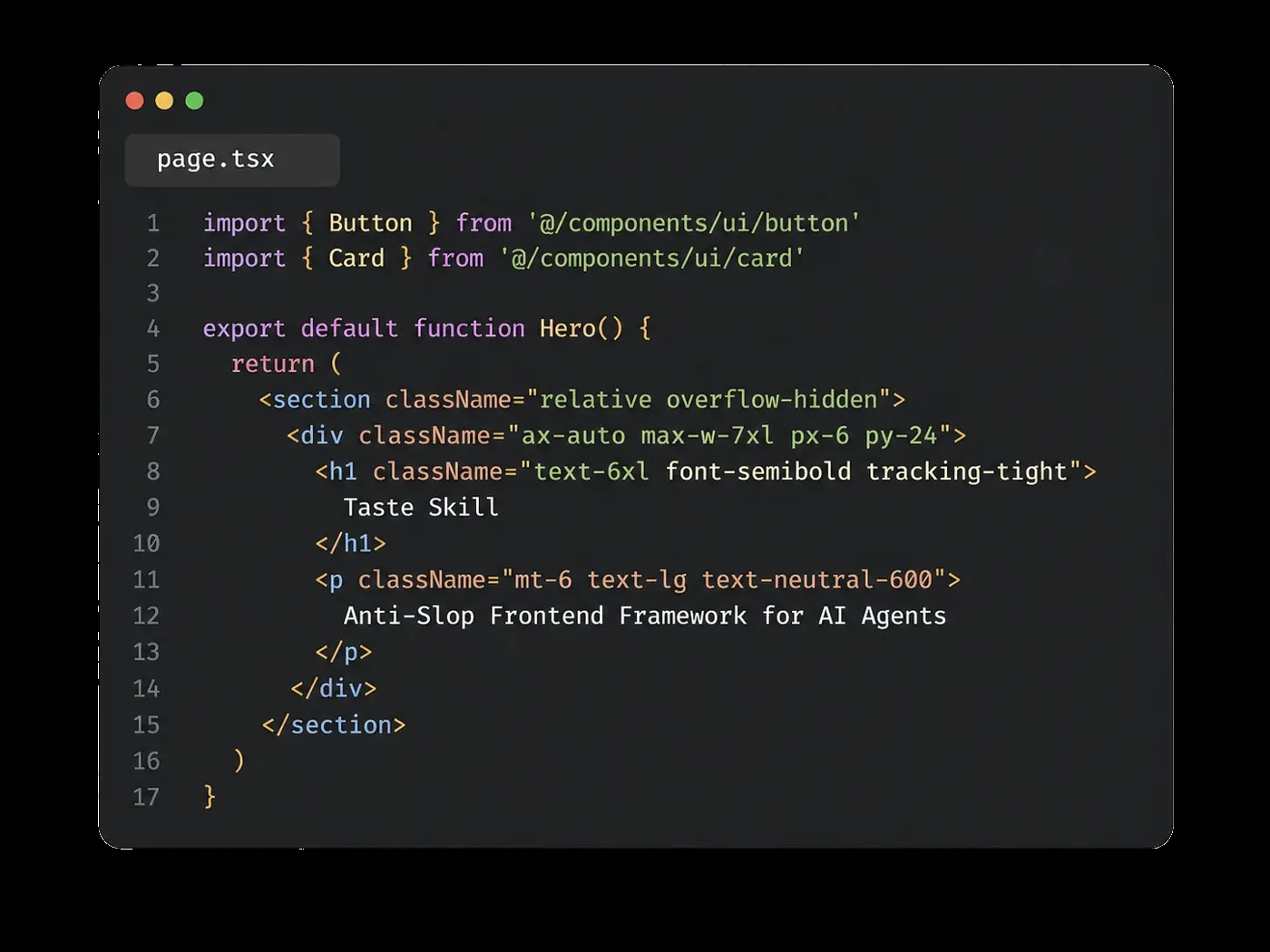
Taste Skill: An Open-Source Framework for Disciplined AI-Generated Web Design
Taste Skill is an open-source frontend framework created by designer Leon Lin that helps AI coding agents (like Cursor and Claude Code) gene
 Abduzeedo·1d ago
n8n workflow template: AI-powered UI design assistant using Telegram, Gemini, and Google Stitch
This article presents an n8n workflow template that creates an AI-powered design and prototyping assistant. The workflow integrates Telegram
n8n.io·2d ago

If You're a Button, You Have One Job: The Case for Responsive UI
developersdigest.tech·3d ago
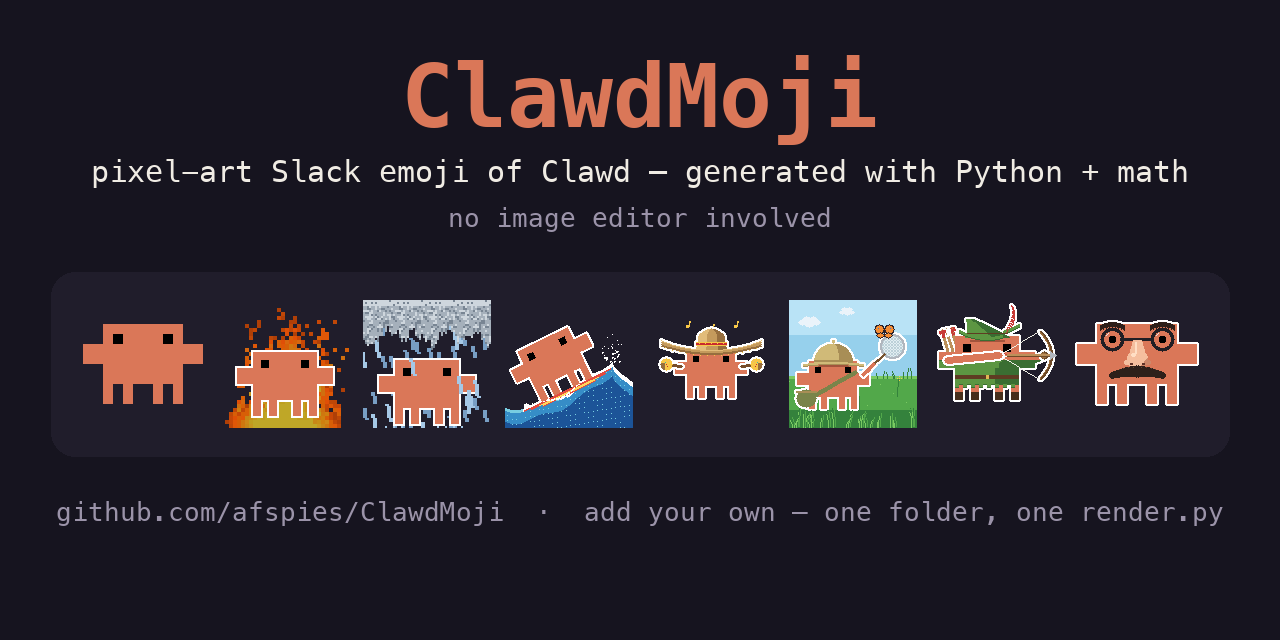
ClawdMoji: Programmatically generated pixel-art Slack emoji of the Clawd mascot using Python and math
A GitHub repository (ClawdMoji) that programmatically generates pixel-art Slack emoji of the Clawd mascot using Python and math, without any
 github.com·5d ago
June 2026 Roundup: New Tools and Resources for Web Developers and Designers
A curated roundup of new tools and resources for web developers and designers for June 2026, covering GPU-accelerated terminal emulators, AI
 Hongkiat·8d ago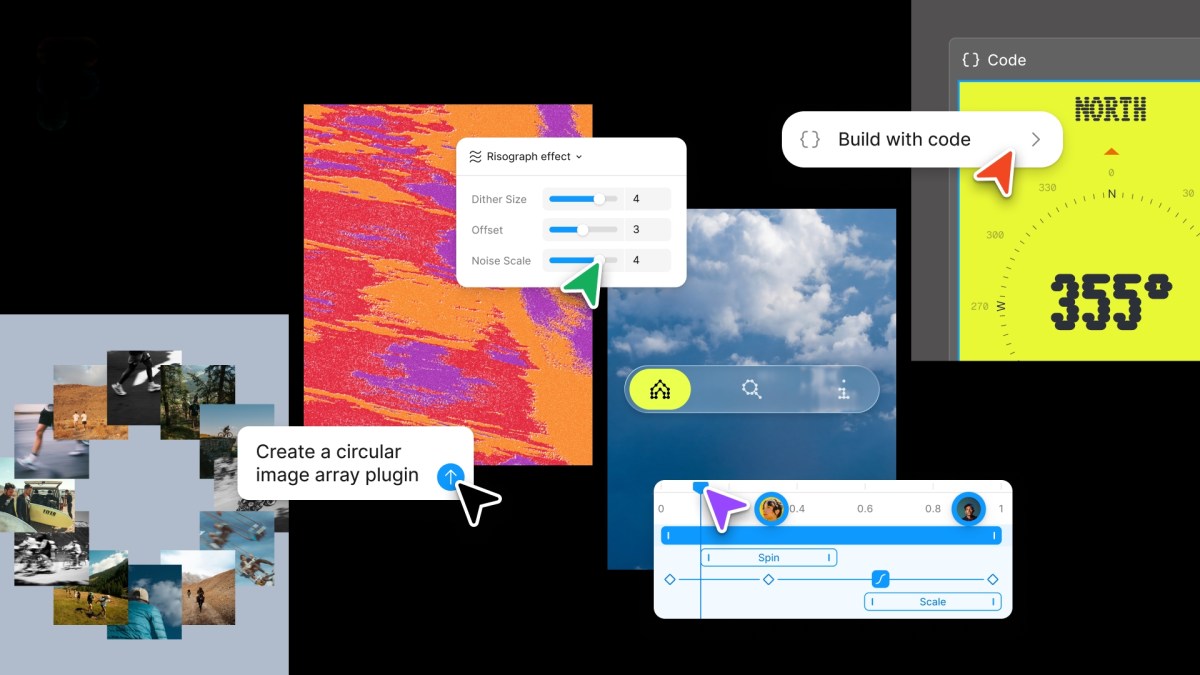
Figma adds native code layers, animation support, and AI plug-in creation
Figma announced a major update adding code layers directly to its collaborative canvas, support for motion and shaders, and AI-powered custo
 techcrunch.com·13d ago
Comments
Sign in to join the conversation.
No comments yet. Be the first.