
























Log Explorer - Tabs and pivots
4mo ago
Source
CloudflareLog Explorer - Tabs and pivotscloudflare.comLog Explorer now supports multiple concurrent queries with the new Tabs feature. Work with multiple queries simultaneously and pivot between datasets to investigate malicious activity more effectively. Key capabilities Multiple tabs: Open and switch between multiple query tabs to compare results across different datasets. Quick filtering: Select the filter button from query results to add a value as a filter to your current query. Pivot to new tab: Use Cmd + click on the filter button to start a new query tab with that filter applied. Preserved progress: Your query progress is preserved on each tab if you navigate away and return. For more information, refer to the Log Explorer documentation .
You might also wanna read

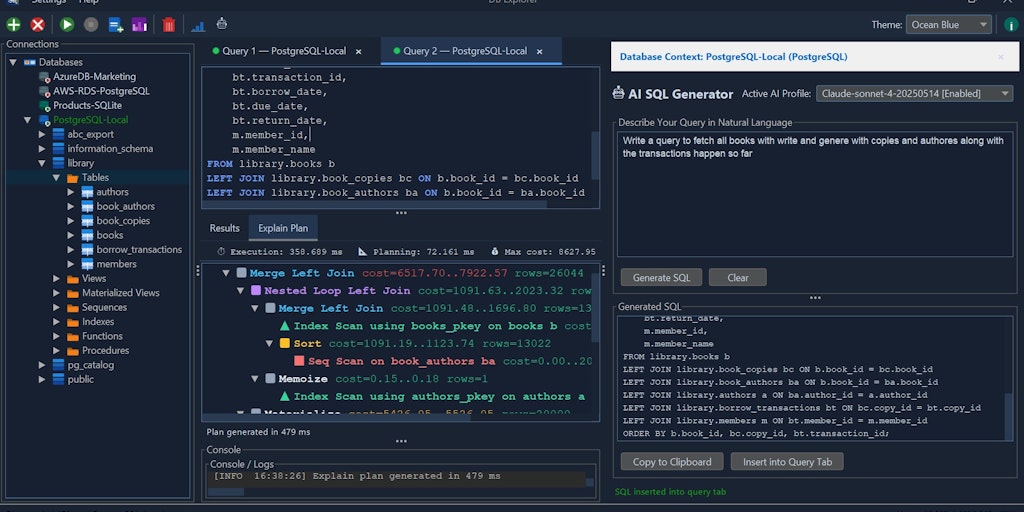
DB Explorer: Free Open-Source Database Management Tool with AI SQL Assistant
DB Explorer is a free, open-source database management tool that provides AI-powered SQL assistance, real-time database health monitoring, a
 Product Hunt·2mo ago
CT Log Explorer: A Tool for Browsing Certificate Transparency Logs
CT Log Explorer is a tool for browsing Certificate Transparency logs, which are public records of SSL/TLS certificates issued by Certificate
certs.swerdlow.dev·5mo ago
Split View in Firefox: Two tabs side by side, right where you need them
Mozilla·3mo ago

Logfile Navigator (lnav): Advanced Log File Viewer with Performance Advantages
The Logfile Navigator (lnav) is an advanced log file viewer designed for small-scale use that can outperform standard terminal tools when pr
 lnav.org·3mo ago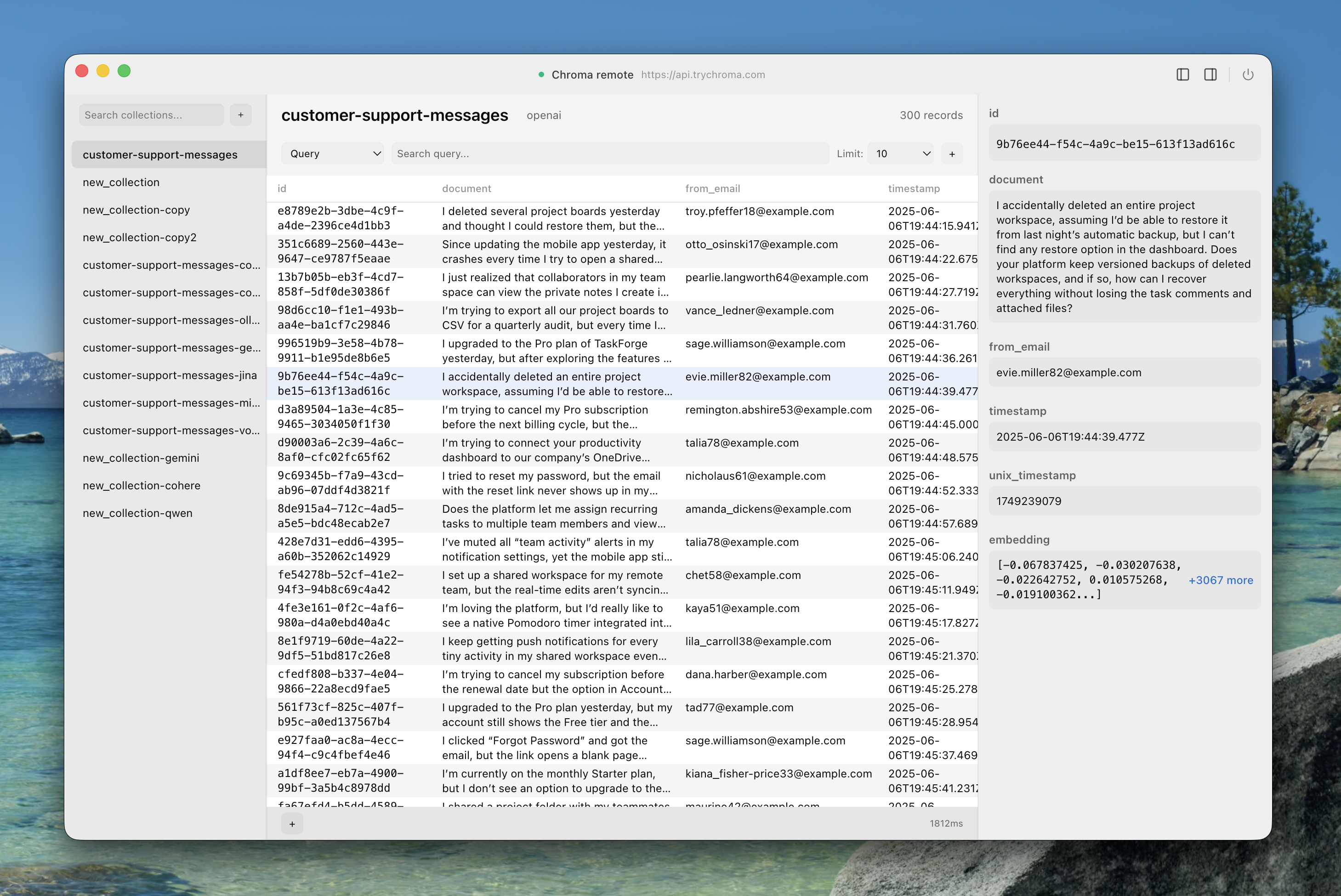
Chroma Explorer: Native macOS Desktop GUI for ChromaDB Vector Database Management
Chroma Explorer is a native macOS desktop application that provides a graphical user interface for working with ChromaDB vector databases. T
 chroma-explorer.com·5mo ago
day1tabs: Automatic Tab Management Tool Closes Unused Tabs at Midnight
day1tabs is a productivity tool that automatically closes browser tabs at midnight and categorizes them into 'Used' and 'Didn't use' to help
Product Hunt·4mo ago
Comments
Sign in to join the conversation.
No comments yet. Be the first.