
























JS Import Maps
1y ago
From the article
Introduction # Just as holiday shopping requires careful planning and organization, managing JavaScript dependencies in web applications demands thoughtful coordination. Traditionally, web developers have relied on bundlers like webpack or browserify to handle bare module imports. But what if we could easily manage our dependencies? Enter Import Maps, a native browser specification that lets you control JavaScript module loading without the need for bundling tools. Understanding Import Maps # The Problem with Bare Imports # When we write modern JavaScript, we often use bare import statements like: import { Snowflake } from "winter-animations" ; Without build tools, browsers can't resolve these bare module specifiers - they need complete URLs. It's like trying to deliver presents without knowing the full address! How Import Maps Help # Import Maps tell browsers exactly where to find these modules, mapping bare import names to their actual locations. Think of them as your holiday shipping manifest—a clear guide showing where each package needs to go. Example Usage # Let's create an example using Import Maps to build a winter-themed countdown timer. First, create your index.html : < script type = " importmap " > { "imports" : { "date-fns" : " , "snowfall-effect" : " } } < script type = " module " src = " ./winter.js " > < div id = " countdown " > Then create a file called winter.js : import { differenceInDays } from "date-fns" ; import { createSnowfall } from "snowfall-effect" ; // Create countdown to winter solstice const winterSolstice = new Date ( 2024 , 11 , 21 ) ; const countdown = document . getElementById ( "countdown" ) ; function updateCountdown ( ) { const daysLeft = differenceInDays ( winterSolstice , new Date ( ) ) ; countdown . textContent = ` ${ daysLeft } days until Winter Solstice! ` ; } // Update daily updateCountdown ( ) ; setInterval ( updateCountdown , 86400000 ) ; // Add some winter magic createSnowfall ( { density : 50 , speed : 1.5 } ) ; Advanced Features # Scoped Imports # Like organizing different gifts for different family members, Import Maps allow you to specify different versions of the same package for different parts of your application. { "imports" : { "animation-lib" : "/shared/animation-v2.js" } , "scopes" : { "/legacy/" : { "animation-lib" : "/shared/animation-v1.js" } } } Version Management # Need to maintain different versions for different features? Import Maps let you handle this elegantly: { "imports" : { "snowfall-effect" : "/modules/snowfall-v2.js" , "snowfall-effect-legacy" : "/modules/snowfall-v1.js" } } Browser Support and Fallbacks # As of late 2024, Import Maps are supported in all modern browsers. However, for broader compatibility, you can use the ES Module Shims polyfill: < script async src = " " > VS Code Extension # Alternatively, there is a VS Code extension which can automatically generate and inject import maps for modules and HTML pages. You can learn more about this extension here . Project Ideas # Here are some projects you can build over the holidays to help you master Import Maps: 1. Winter Task Tracker with Snowfall Effects # Build a task management system where completed tasks trigger animated snowflakes. Use these libraries. < script type = "importmap" > { "imports" : { "tsparticles" : " , "sortablejs" : " , "date-fns" : " , "@lit/reactive-element" : " } } < / script > Key Features to Implement: Use tsparticles for snowflake animations when tasks are completed Implement drag-and-drop task reordering with sortablejs Add due date handling with date-fns Create custom task components with @lit/reactive-element 2. Holiday Gift List Organizer # Create a gift tracking application with categories, budgeting, and progress tracking. < script type = "importmap" > { "imports" : { "alpine" : " , "currency.js" : " , "chart.js" : " , "uuid" : " } } < / script > Key Features to Implement: Use alpine for reactive UI components Handle gift budget calculations with currency.js Create spending visualizations with chart.js Generate unique IDs for gifts using uuid 3. Winter Weather Dashboard # Build a weather dashboard that pulls data from multiple sources and displays it with winter-themed visualizations. < script type = "importmap" > { "imports" : { "d3" : " , "axios" : " , "dayjs" : " , "weather-icons" : " } , "scopes" : { "/weather/" : { "temp-conversion" : "./utils/temperature.js" , "weather-api" : "./services/weather-service.js" } } } < / script > Key Features to Implement: Create weather visualizations with d3 Handle API requests with axios Manage dates and times with dayjs Display weather conditions using weather-icons Additional Resources # Import Maps Specification: MDN Documentation: ES Module Shims: Conclusion # Import Maps provide a powerful way to manage JavaScript dependencies directly in the browser. By eliminating the need for bundlers in many cases, they simplify development workflows and provide more direct control over module loading. Thanks for reading. I hope this article has been helpful in getting you started with import maps. Happy holidays! Cheers! Victoria Lo I'm a technical blogger, web developer and solutions engineer. You can find my blog at: Victoria selected Girls Who Code for an honorary donation of $50 Girls Who Code is an organization working to close the gender gap in technology by inspiring, educating, and equipping young women with the computing skills needed to pursue modern opportunities. They offer coding clubs, summer programs, and college/career prep.
Continue reading on 12daysofweb.devYou might also wanna read

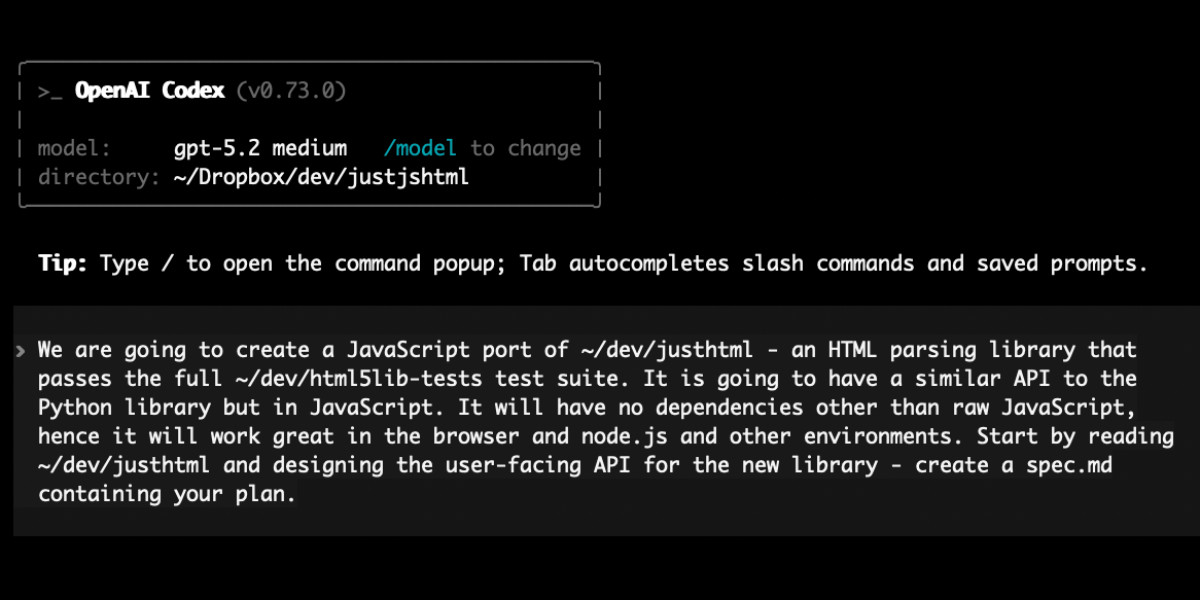
Porting JustHTML HTML5 Parser from Python to JavaScript Using Codex CLI and GPT-5.2
The author describes successfully porting JustHTML, a standards-compliant HTML5 parser originally written in Python, to JavaScript using Cod
simonwillison.net·6mo ago
Untangle your web development with Snowpack
daily.dev·5y ago
Up and running with Snowpack and Svelte in seconds
daily.dev·5y ago

CSS-Only Web Components: A JavaScript-Free Approach for Marketing Websites
The article argues against using traditional JavaScript-based web components for marketing websites, criticizing their JavaScript dependency
 hawkticehurst.com·5mo ago
Workers - Use the latest JavaScript features with Wrangler CLI v4.0.0-rc.0
Cloudflare·1y ago

µJS: Lightweight AJAX Navigation Library for Instant Page Transitions
µJS is a lightweight JavaScript library that enables AJAX navigation for traditional websites without requiring a full framework. It interce
 mujs.org·4mo ago
Comments
Sign in to join the conversation.
No comments yet. Be the first.