
























iOS 27 Apple TV Remote Home Screen: How to Set It Up
By
Gadget Hacks
23d ago
Source
Gadget HacksiOS 27 Apple TV Remote Home Screen: How to Set It Upgadgethacks.comiOS 27 Apple TV Remote Home Screen: How to Set It Up iOS 27 gives the Apple TV Remote a dedicated Home Screen icon for the first time since the app was pulled from the App Store in 2020. Users can add the Apple TV Remote to their iPhone Home Screen with a simple drag from Spotlight or the App Library, no Settings configuration required. The change ships in the current developer beta, as MacRumors reported this week. Since 2020, accessing the virtual remote meant either navigating through Control Center or building a custom Shortcut to place it on the Home Screen a workaround most users never bothered with, per MacRumors. iOS 27 removes both friction points entirely. Apple has not formally announced the change, and updated support documentation has not yet been published. Everything documented here comes from hands-on reporting on the developer beta. What changed: from Control Center to the iOS 27 Apple TV Remote Home Screen The old setup flow is still documented in Apple's support p
You might also wanna read

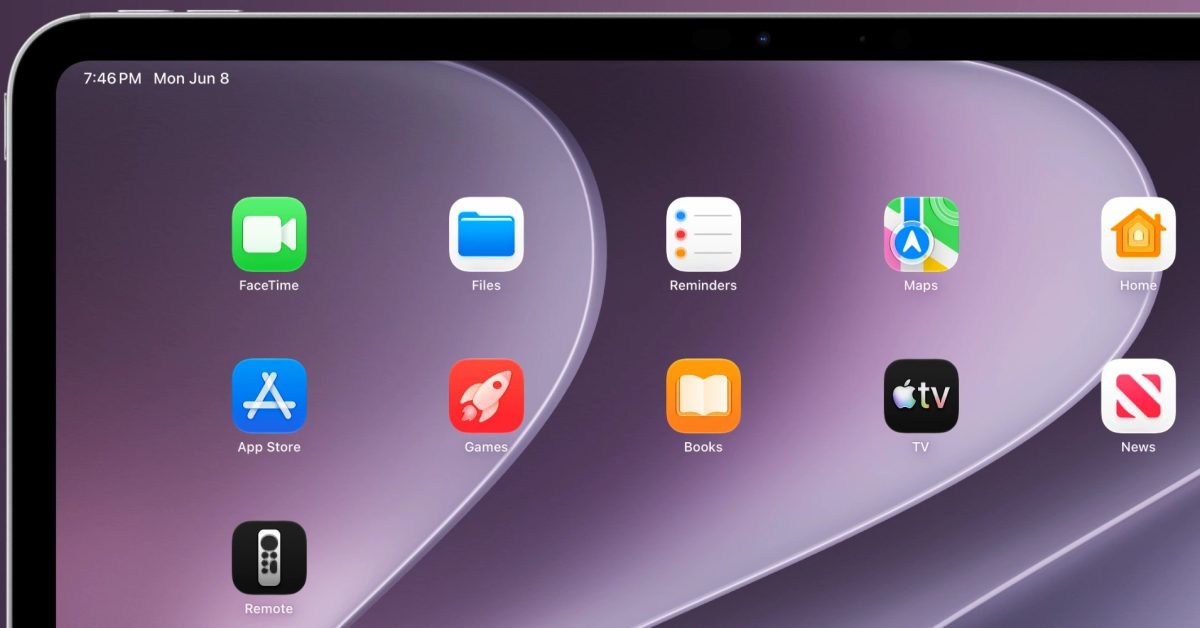
iOS 27 brings back Home screen access to Apple TV remote on iPhone and iPad
iOS 27 and iPadOS 27 reintroduce the ability to add the virtual Apple TV remote as a Home screen icon, not just a Control Center tile. The d
 9to5mac.com·25d ago
Apple's tvOS 27 will not support first-generation Apple TV models with Siri remote
Apple's upcoming tvOS 27 will drop support for first-generation Apple TV HD and Apple TV 4K models that feature the Siri-enabled remote cont
 thedesk.net·25d ago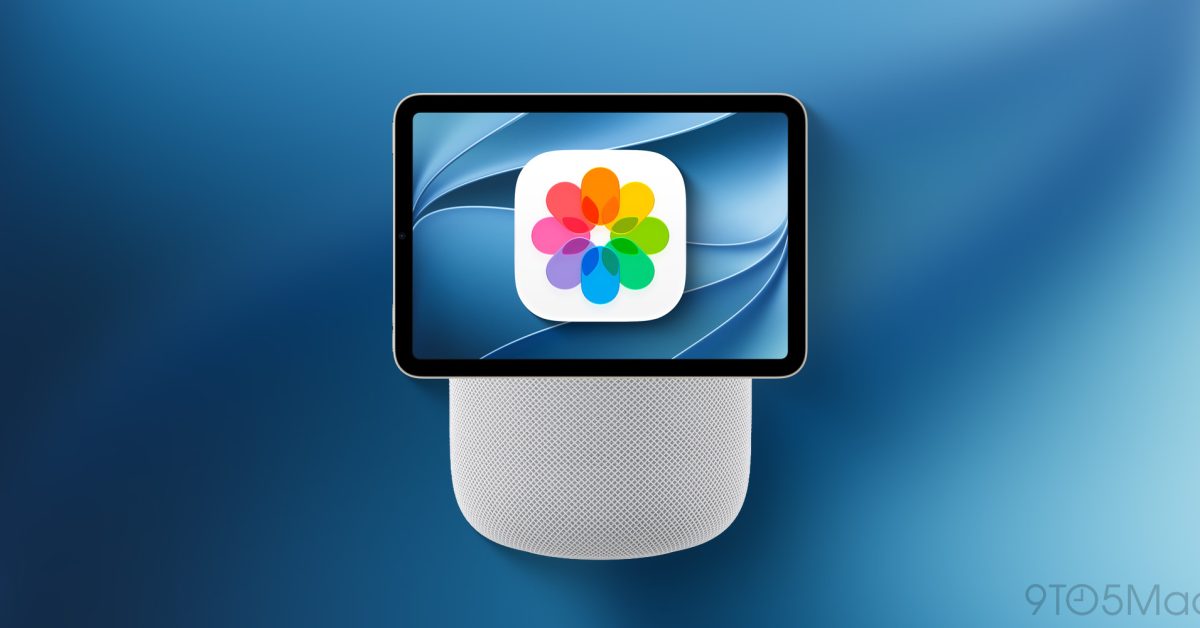
iOS 27 Photos features hint at Apple's upcoming 'HomePad' smart display
The article discusses how iOS 27 introduces new features to the Photos app on iPhone that appear designed for Apple's upcoming 'HomePad' sma
9to5mac.com·6d agotvOS 27: Four new features coming soon to Apple TV 4K
9to5mac.com·2d ago
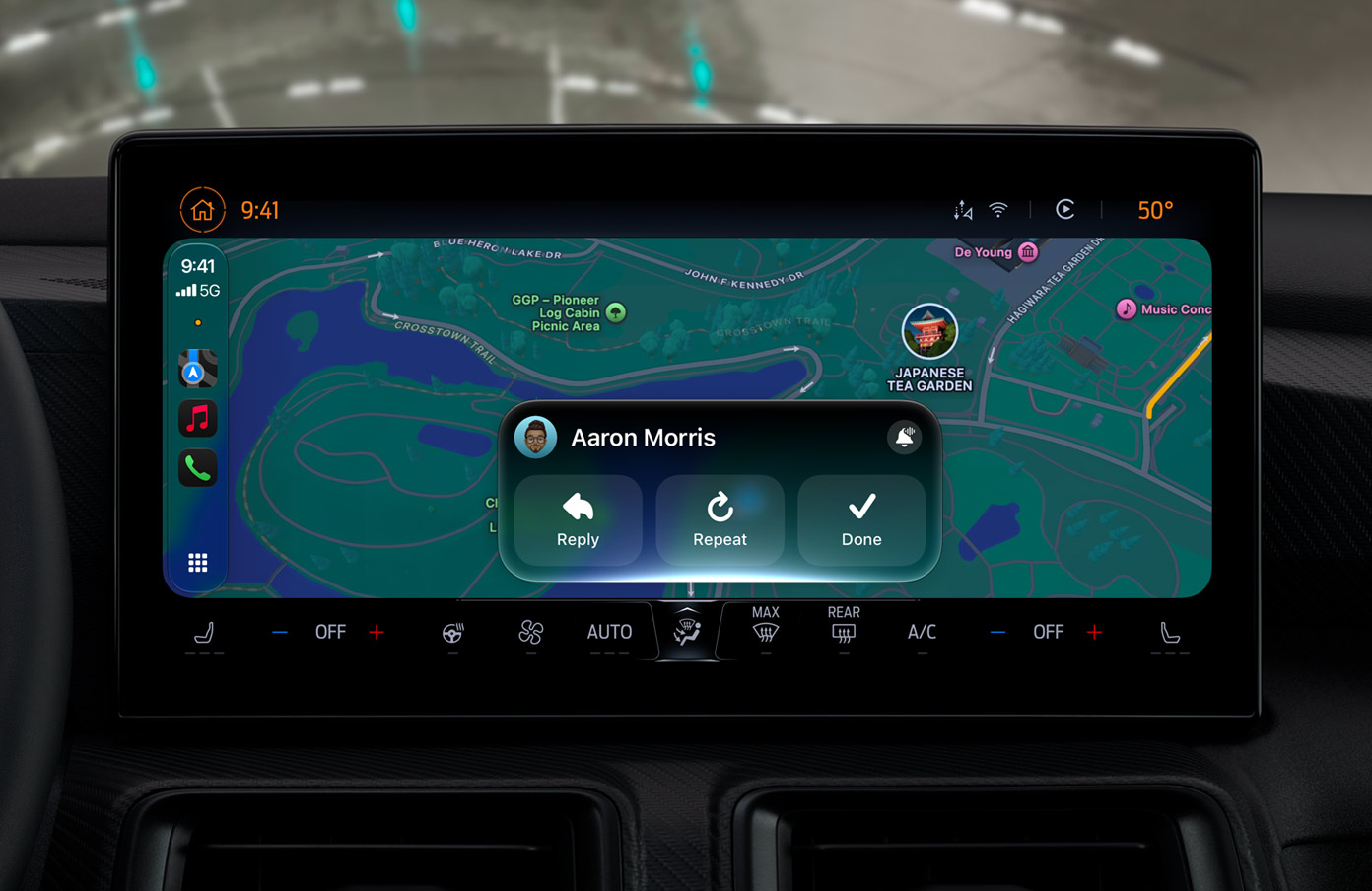
Apple adds video playback to CarPlay in iOS 27, alongside navigation and UI refinements
Apple's iOS 27 brings video playback support to CarPlay, allowing users to watch video through AirPlay when parked in supported vehicles. De
 gadgetbond.com·23d ago
tvOS 27 and HomePod Issue
MacRumors·9h ago
Comments
Sign in to join the conversation.
No comments yet. Be the first.