
























How to Troubleshoot a MacBook Stuck on a Black Screen
By
Chris Smith
Summary
This article provides a comprehensive troubleshooting guide for MacBook users experiencing a black screen issue. It walks through several diagnostic steps, starting with basic power checks (charging, Force Restart), then moves to testing with an external display to isolate hardware vs. software problems. The guide also explains how to reset the System Management Controller (SMC) and NVRAM/PRAM, which can resolve power and display-related glitches. The article emphasizes methodical troubleshooting before seeking professional repair.
Source
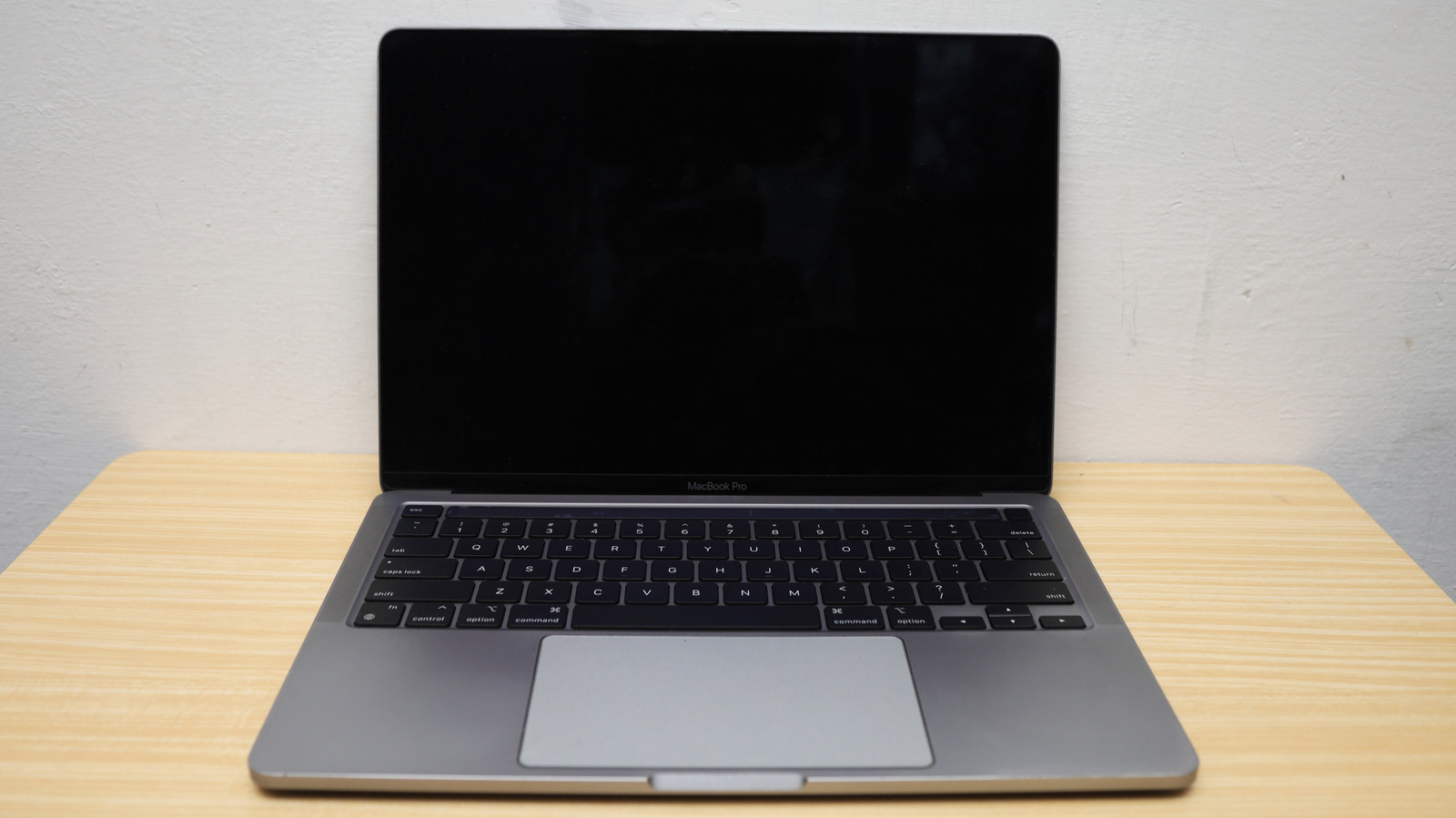
 bskyHow to Troubleshoot a MacBook Stuck on a Black Screenbgr.com
Key quotes
· 2 pulledThe scariest thing about a MacBook that seems to be stuck on a black screen may not be
We explain how to troubleshoot power issues, test an external display, and reset the SMC and NVRAM.
You might also wanna read


Troubleshooting Unexpected Battery Drain on MacBook Pro M1 Max
The article discusses a user's experience with unexpected battery drain issues on their MacBook Pro Silicon M1 Max. The user describes their
 manuel.bernhardt.io·11mo ago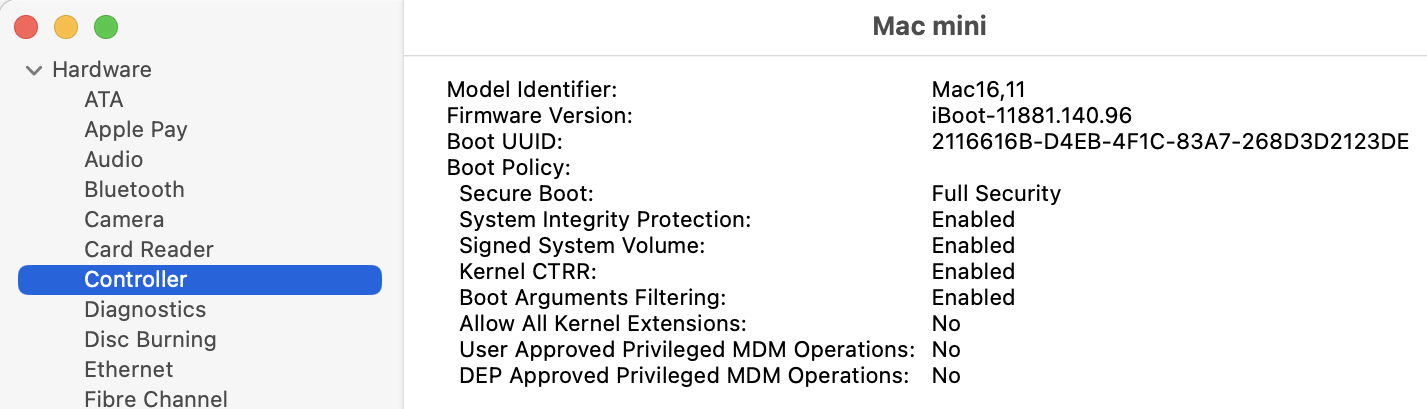
Verifying Secure Boot on Apple Silicon Macs: A Practical Guide
This article provides a practical guide for Apple silicon Mac users to verify their device's security status during boot. It explains how to
 eclecticlight.co·10mo ago
Technical Guide to Troubleshooting and Repairing Computer and Video Monitors
This is a comprehensive technical guide on troubleshooting and repairing computer and video monitors, specifically focusing on CRT (Cathode

MacBook Display Rendering Issue in Full-Screen Games
The article discusses a rendering issue affecting MacBook displays when running games, particularly in full-screen mode. The problem, report
Fix "pulsing" sensation when charging MacBook
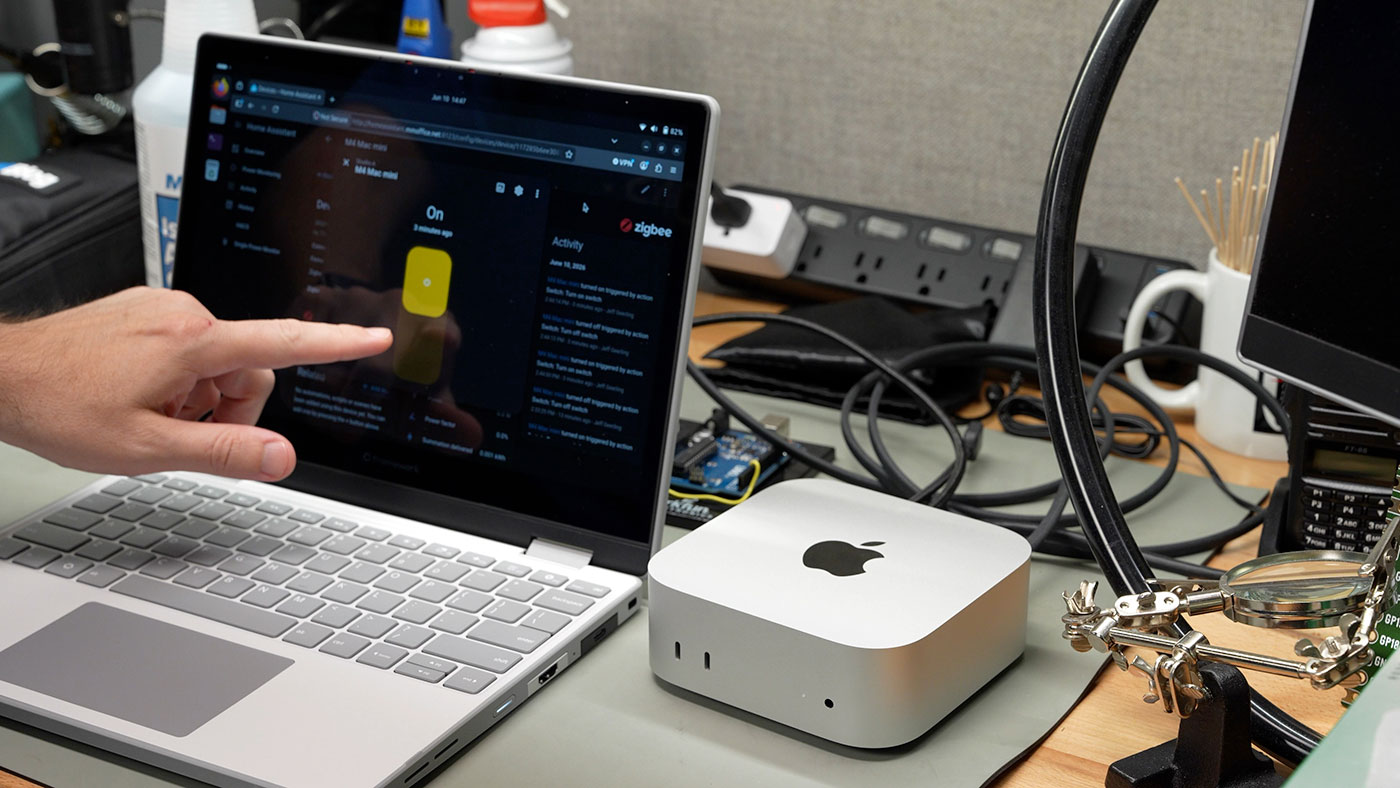
Apple adds remote power-on feature for Macs, addressing long-standing user needs beyond Mac mini button complaints
Apple has introduced a new feature allowing Macs to be powered on remotely without pressing the physical power button. While media coverage
Comments
Sign in to join the conversation.
No comments yet. Be the first.