
























How to turn a cheap travel router into a portable VPN device with OpenWrt and WireGuard
By
Umair Khurshid
Summary
The author details how they transformed a cheap GL.iNet travel router (GL-MT300N-V2, ~$25) into a powerful portable VPN device for secure remote access to their home network. The setup involves flashing the router with OpenWrt firmware, configuring a WireGuard VPN server on a home Raspberry Pi, and connecting the travel router as a VPN client. The result is a pocket-sized device that, when plugged into any hotel or public network, creates a secure Wi-Fi hotspot that tunnels all traffic through the user's home network — bypassing geo-restrictions, avoiding insecure public Wi-Fi, and enabling access to local home network resources. The article provides step-by-step instructions including flashing OpenWrt, installing and configuring WireGuard, setting up firewall rules, and troubleshooting common issues.
Source

 bskyHow to turn a cheap travel router into a portable VPN device with OpenWrt and WireGuardhowtogeek.com
Key quotes
· 5 pulledRemote access to your home network doesn't require expensive gear—here's what I did with a travel router
The GL.iNet GL-MT300N-V2 (also known as Mango) is a tiny travel router that costs around $25. It's not powerful, but it's cheap, small, and runs OpenWrt.
Once configured, the travel router becomes a VPN client that connects to your home server. Any device that connects to the travel router's Wi-Fi will have its traffic routed through your home network.
The beauty of this setup is that you don't need to install any VPN software on your laptop, phone, or tablet. Just connect to the travel router's Wi-Fi, and you're automatically protected.
With this setup, I can access my home network from anywhere in the world, bypass geo-restrictions, and browse securely on public Wi-Fi — all for around $25 plus the cost of a Raspberry Pi.
You might also wanna read

Open Source Privacy Router: Whole-Home VPN Gateway with OpenWrt, WireGuard, and AmneziaWG
This article describes a privacy-focused network solution called 'privacy-first-network' that transforms a Raspberry Pi or mini PC into a wh
 github.com·7mo ago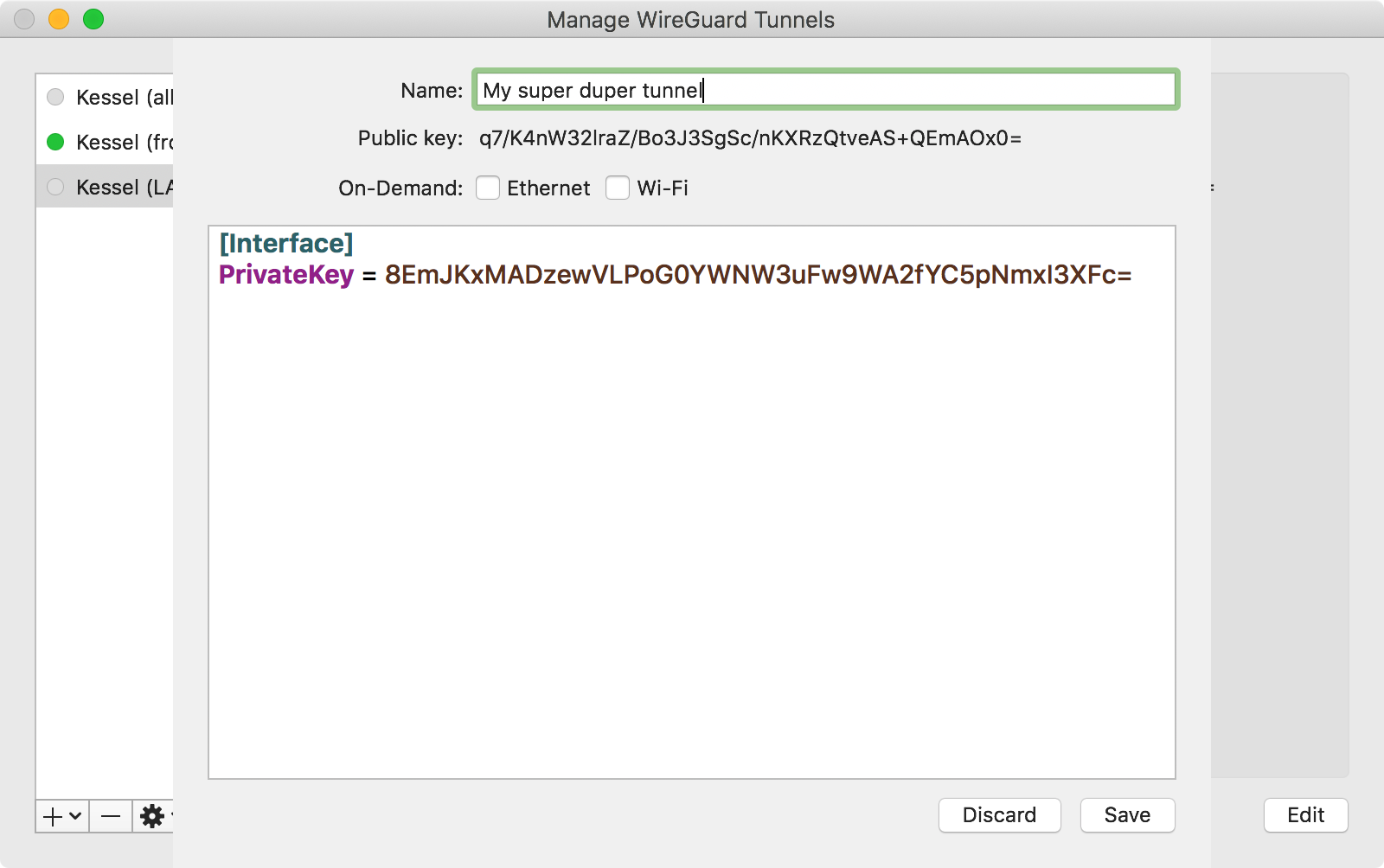
How to set up a home VPN server with Wireguard
A practical guide for setting up a home VPN server using Wireguard, covering the motivations (accessing home computers securely, bypassing g
 mikkel.hoegh.org·10mo ago
Complete Guide to Setting Up Wireguard VPN with Pi-Hole Adblock and Unbound DNS
This comprehensive guide explains how to set up a Wireguard VPN network integrated with Pi-Hole adblocker and Unbound DNS resolver. The auth
psyonik.tech·8mo ago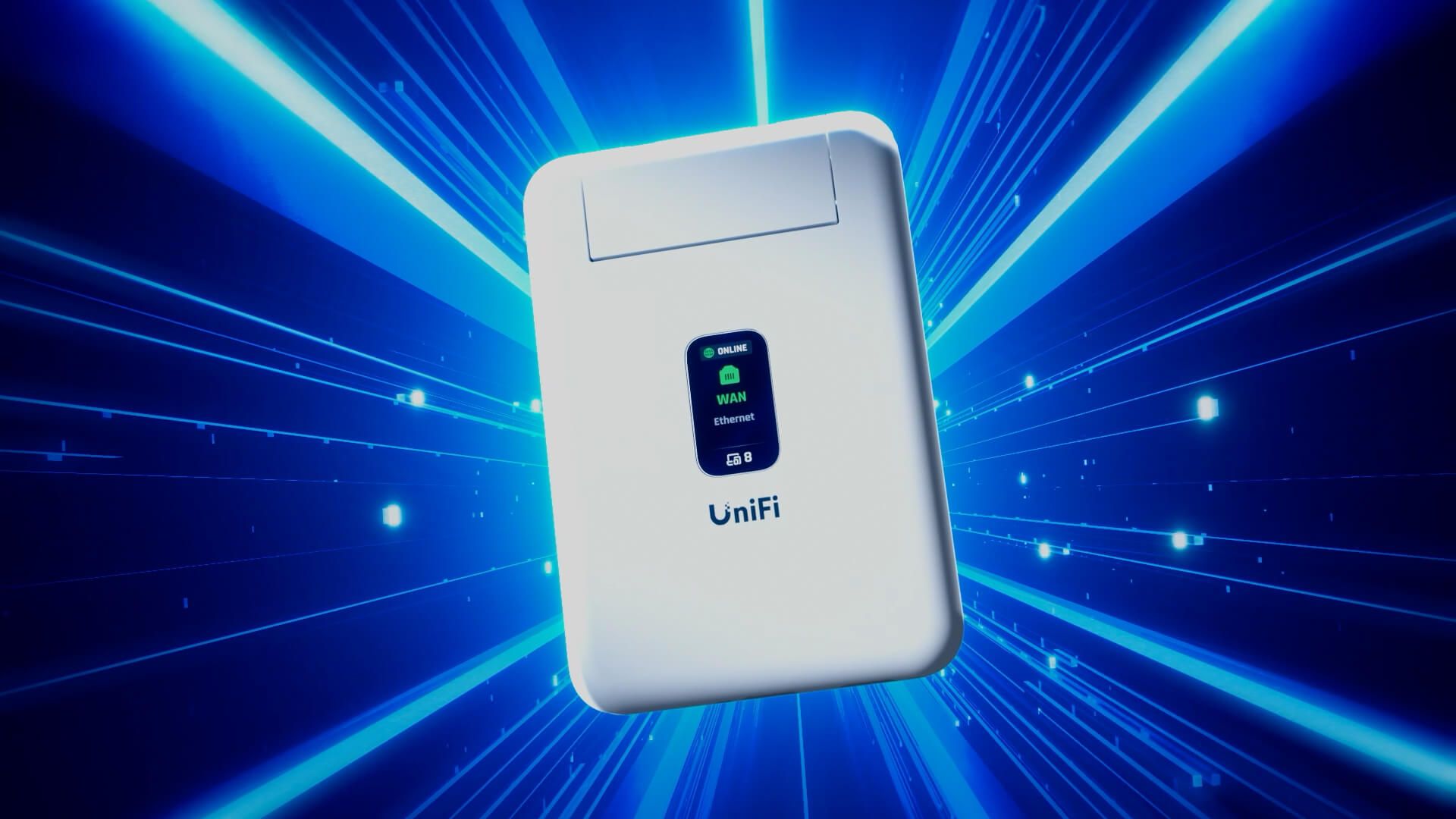
UniFi Travel Router: Portable Networking Solution for Mobile UniFi Environments
The UniFi Travel Router is a portable networking device that allows users to take their entire UniFi network environment with them when trav
 blog.ui.com·6mo ago
How to Bypass Imgur's UK Geo-Block with a Network-Wide Proxy Solution
The article describes how the author responded to Imgur's geo-blocking of UK users by implementing a network-wide proxy solution rather than
 blog.tymscar.com·7mo ago
Setting Up WireGuard VPN on FreeBSD 14.3: PF Firewall Configuration and Linux Peer Routing
This technical guide details setting up a WireGuard VPN on FreeBSD 14.3 for a home NAS server, covering firewall configuration with PF, rout
Comments
Sign in to join the conversation.
No comments yet. Be the first.