
























A tiny free app fixes Windows 11's forced Edge and Bing search in the Start menu
By
Michael Crider
Summary
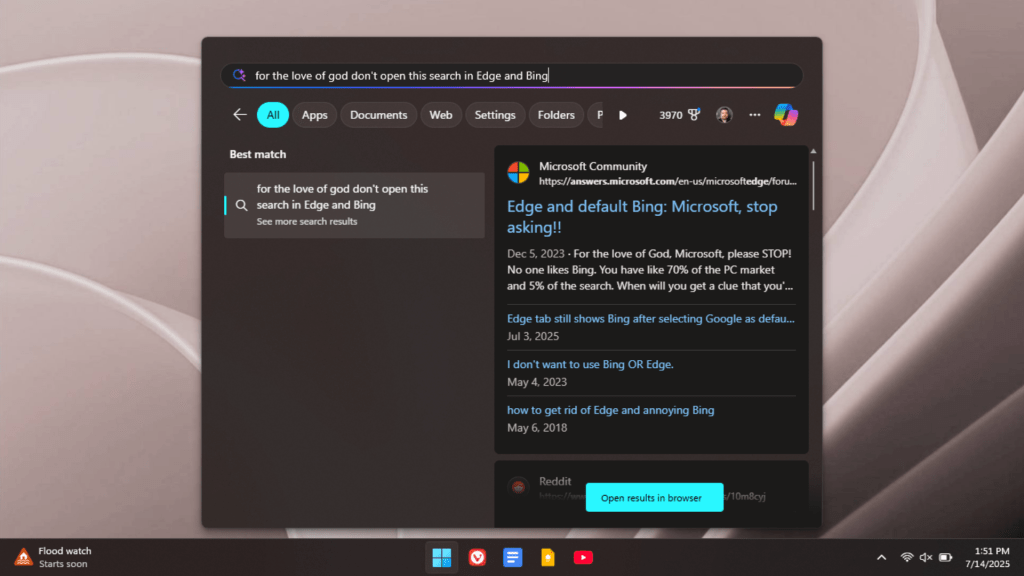
The author expresses frustration with Windows 11, particularly its forced integration of Microsoft Edge and Bing search in the Start menu. They've tried various workarounds that stopped working due to Microsoft updates. The article discusses discovering a tiny free app that finally fixes this annoyance, making the author dislike Windows 11 a little less.
Source
 bskyA tiny free app fixes Windows 11's forced Edge and Bing search in the Start menupcworld.com
Key quotes
· 3 pulledI like Windows 11 a lot less than I liked Windows 10—and that was before it started advertising to me incessantly and filling up every nook and cranny of the experience with 'AI' I neither wanted nor asked for.
One of the oldest annoyances is that it still demands I use Microsoft's Edge browser and Bing search for everything, including the searches made in the otherwise very handy Start menu search.
I've previously tried various remedies for this thorn in the side of my PC experience, but Microsoft has patched and updated Windows often enough that they've all stopped working.
You might also wanna read


Windows 11's Start Menu Is Getting Better.But These 3 Launchers Still Run Circles Around It

Windows 11's Start Menu Is Getting Better.But These 3 Launchers Still Run Circles Around It
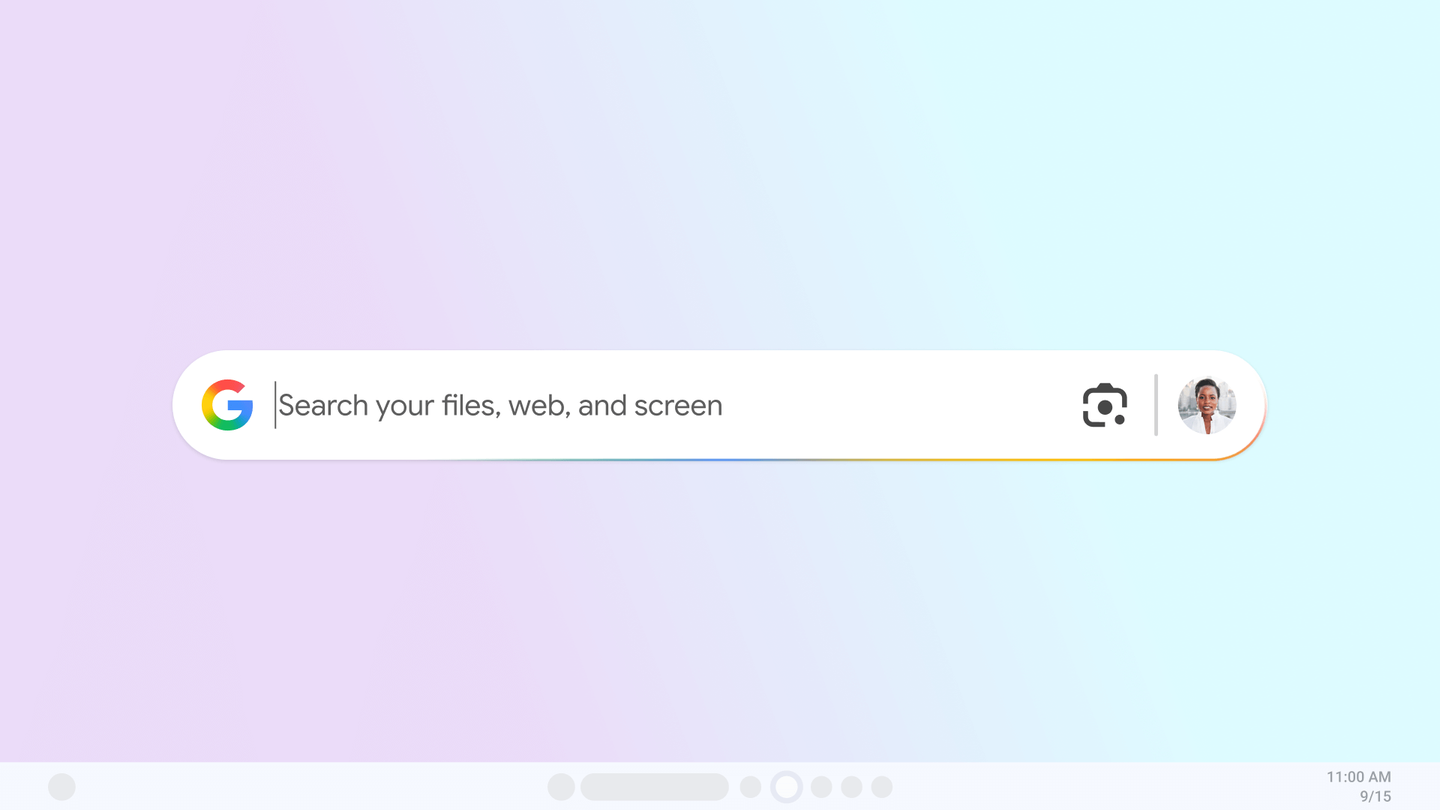
Google Launches Experimental Windows App for Instant Search and AI Assistance
Google is launching an experimental Windows app called 'Google app for Windows' through Labs that allows users to search instantly using Alt
 blog.google·9mo ago
How to disable Microsoft Edge, step by step
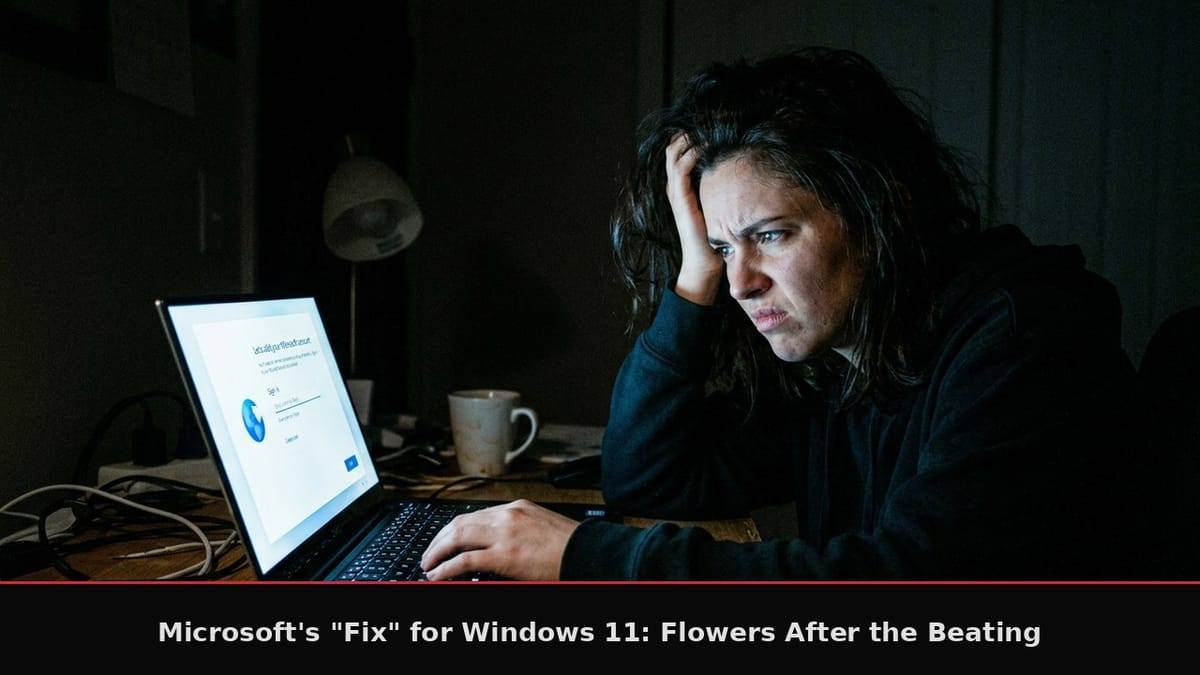
Microsoft Announces Plan to Remove Ads and Bloatware from Windows 11 After User Complaints
Microsoft has announced a 7-point plan to address user complaints about Windows 11, including removing ads, reducing forced Copilot integrat
 sambent.com·3mo ago
Microsoft's AI Push Erodes Windows' Core Value for Average Users
The article criticizes Microsoft's recent changes to Windows, particularly the introduction of AI features like Copilot and Recall, which th
 yankodesign.com·4mo ago
Comments
Sign in to join the conversation.
No comments yet. Be the first.