
























How to enable Google Maps navigation on your Pixel's always-on display
By
Sanuj Bhatia
Summary
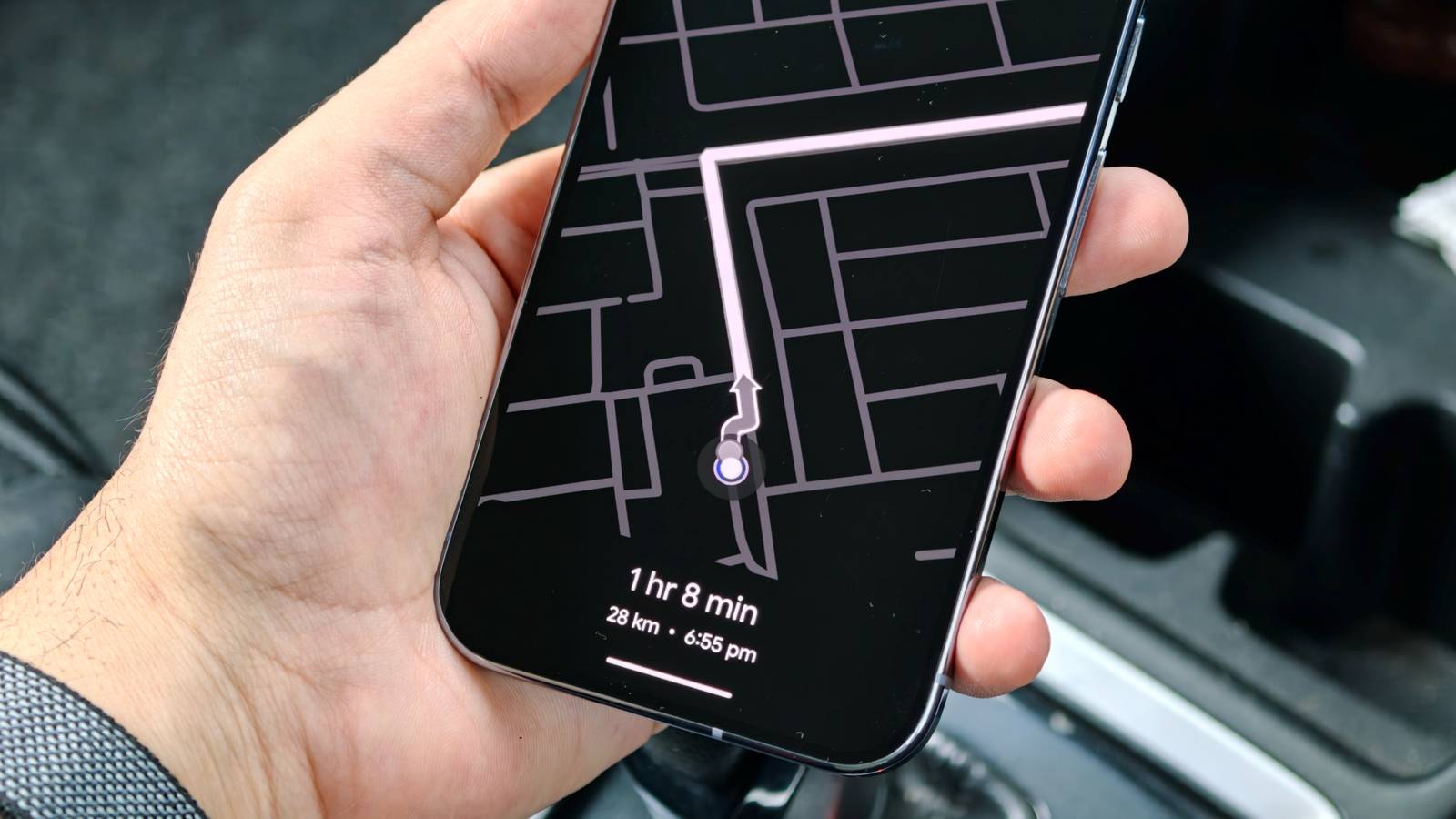
The article describes a hidden Google Maps feature that allows users to display navigation directions on their Pixel phone's always-on display (AOD). The author explains how to enable this feature through Google Maps settings, which shows turn-by-turn directions, estimated arrival time, and distance on the lock screen without waking the device. The piece covers the setup process, practical benefits for driving and walking, battery impact considerations, and compares it to similar features on other devices. It's a practical how-to guide aimed at Pixel users looking to make their always-on display more functional.
Source
 bskyHow to enable Google Maps navigation on your Pixel's always-on displayandroidpolice.com
Key quotes
· 3 pulledI found a hidden Google Maps feature that made my Pixel's always-on display useful
A hidden Maps trick worth turning on
The always-on display shows turn-by-turn directions, estimated arrival time, and distance without waking your phone
You might also wanna read


Google Maps Integrates Gemini AI for Conversational Navigation and Enhanced Route Planning
Google Maps is integrating Gemini AI to enhance navigation features, including conversational route planning, landmark-based directions, and
 The Verge·8mo ago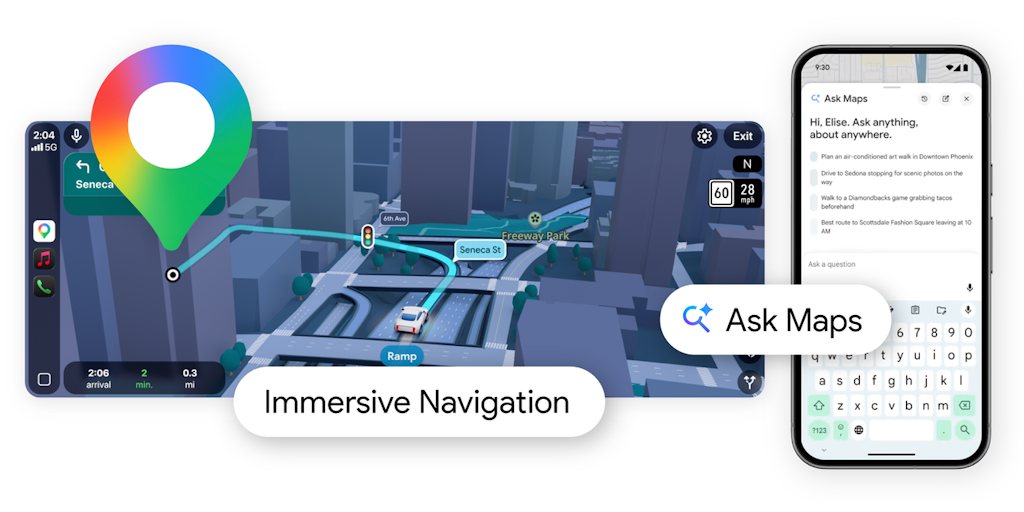
Google Maps Launches Gemini-Powered Ask Maps and Immersive Navigation Features
Google Maps has received a major upgrade powered by Gemini AI, introducing two key features: Ask Maps allows users to ask complex, real-worl
 Product Hunt·3mo ago
Google Maps Food Ordering: What the Evidence Shows So Far

Google Maps Adds Gemini AI-Powered 'Ask Maps' Feature for Complex Real-World Questions
Google has integrated its Gemini AI into Google Maps with a new 'Ask Maps' feature that allows users to ask complex, real-world questions an
The Verge·3mo ago
Google AI Mode Now Includes Canvas Feature for Automated Travel Itinerary Creation
Google has integrated its Canvas feature into AI Mode in Search, allowing users to create detailed travel itineraries by describing their tr
The Verge·7mo ago
Google Maps Adds Live Lane Guidance to Polestar 4 EVs Using Camera and AI
Google Maps is introducing a live lane guidance feature for Polestar 4 electric vehicles that uses the car's front-facing camera to detect l
The Verge·8mo ago
Comments
Sign in to join the conversation.
No comments yet. Be the first.