
























Three hidden Android 17 settings worth enabling on your Pixel
By
Brandon Miniman
11h ago· 7 min readen
Summary
The article highlights three useful but hidden settings in Android 17 (available on Pixel devices initially). These features are buried in the settings menu and not enabled by default, which the author finds puzzling. The piece walks through each setting, explaining what it does, why it's useful, and how to enable it. The author argues that these features improve the user experience significantly and should be more prominently surfaced by Google.
Source
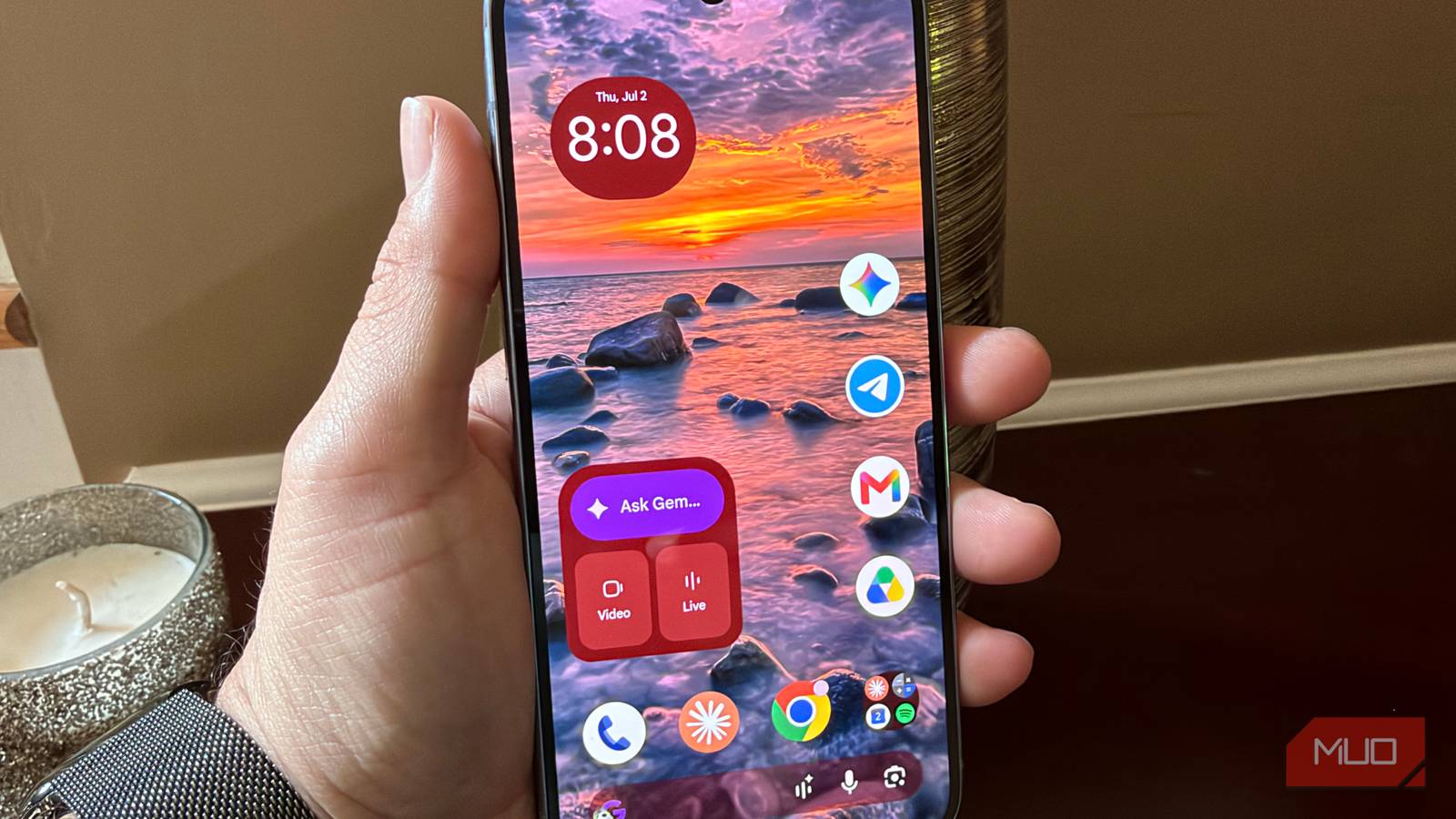
 bskyThree hidden Android 17 settings worth enabling on your Pixelmakeuseof.com
Key quotes
· 3 pulledI found 3 Android 17 settings so useful I'm confused why they're hidden by default
Android 17 is here on the Pixel (but later this year, many other devices will get it), and while everyone's talking about the big features (like app bubbles), the changes I like most are the ones nobody's talking about.
Don't miss out on these three hidden Android 17 features
Don't miss out on these three hidden Android 17 features
You might also wanna read
Android 17 Leak Reveals Pixel Custom Accent Colors and Intensity Presets
Gadget Hacks·9d ago


5 Google Pixel features I miss whenever I use another Android phone
Android Authority·1d ago

Google releases Android 17 with adaptive-first design and mandatory large-screen resizability
Google has released Android 17, marking a transition to an "intelligence system" that puts apps at the center. The update introduces mandato
 android-developers.googleblog.com·15d ago
Android 17 Updates Have Lost Their Magic, But Security Gaps Are Worse
Gadget Hacks·3d ago

Android 17 announced: Emoji overhaul, AI widgets, and new screentime tools coming to Pixel first
Android 17 introduces a mix of AI-powered features (improved dictation, vibe-coded widgets) and non-AI updates including a complete emoji ov
 The Verge·1mo ago
Android 17 Pixel Touch Input Bug Explained: Causes and Workarounds
Gadget Hacks·9d ago
Comments
Sign in to join the conversation.
No comments yet. Be the first.