
























USB port colors explained: What each color means for speed and charging
By
Shaheer Khan
Summary
This article explains the meaning behind USB-A port color coding, detailing what each color (white, black, blue, teal, yellow/orange, red, purple, green) indicates about the port's capabilities — from USB 1.0/2.0 speeds to fast charging, sleep-and-charge, and high-power delivery. It provides a practical guide for readers to identify port types at a glance and plug devices into the optimal port for speed or charging needs.
Source
 bskyUSB port colors explained: What each color means for speed and chargingmakeuseof.com
Key quotes
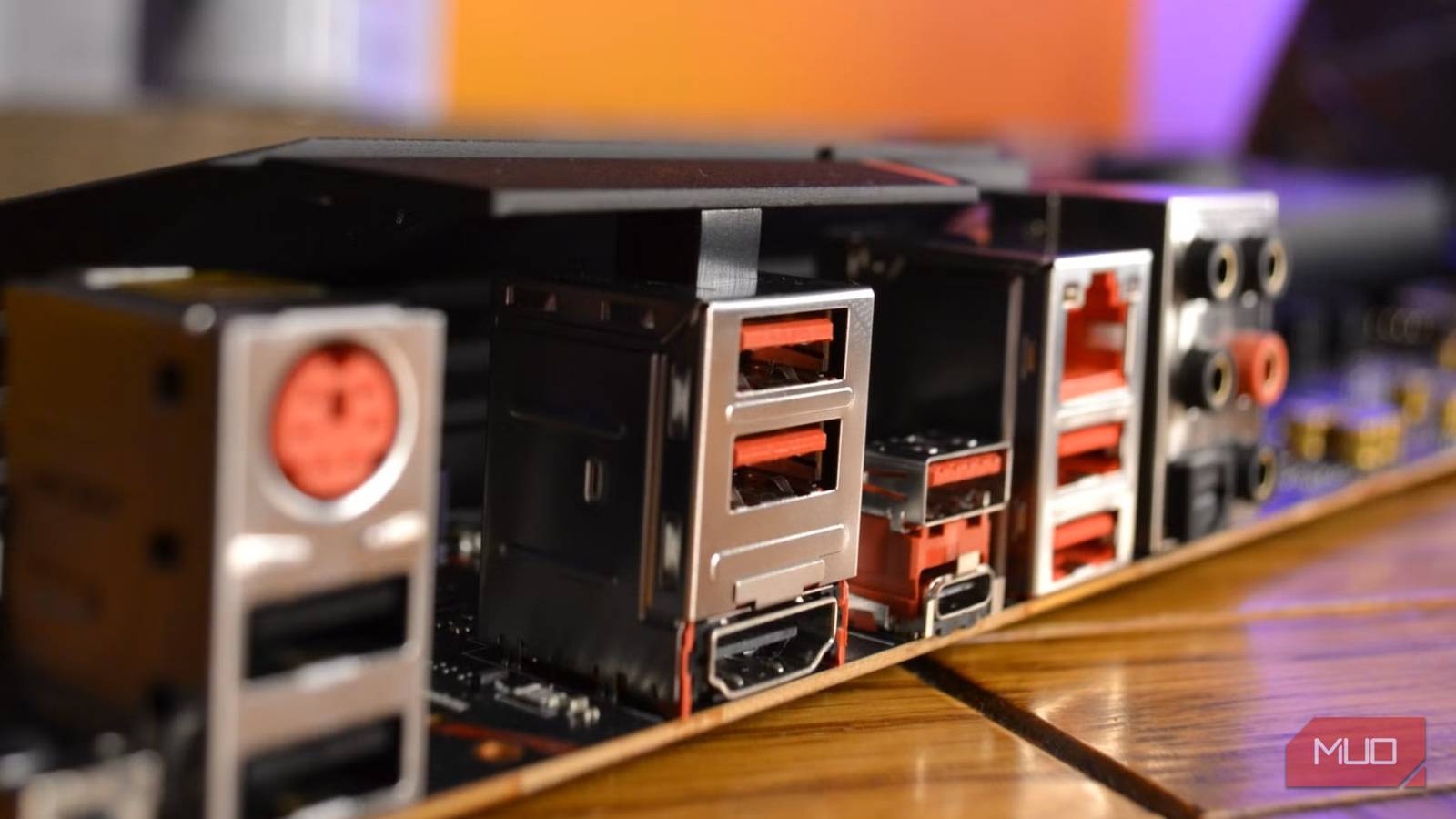
· 5 pulledEver since USB-A ports became the standard for connecting peripherals, they've come in a variety of colors — and each one tells you something important about the port's capabilities.
If you see a blue USB port, you're looking at a USB 3.0 port. These are your go-to for fast data transfers.
Yellow or orange ports are typically 'always-on' ports that provide power even when the computer is shut down.
Red USB ports are usually high-power ports designed for fast charging — they can deliver more current than standard ports.
Green ports are often associated with Qualcomm's Quick Charge technology, which can charge compatible devices significantly faster than standard USB ports.
You might also wanna read


USB Standards Reference: Speeds, Names, and Cable Specifications
A technical reference article providing a USB standards cheat sheet, clarifying USB marketing names, signal speeds, wire counts, and cable l
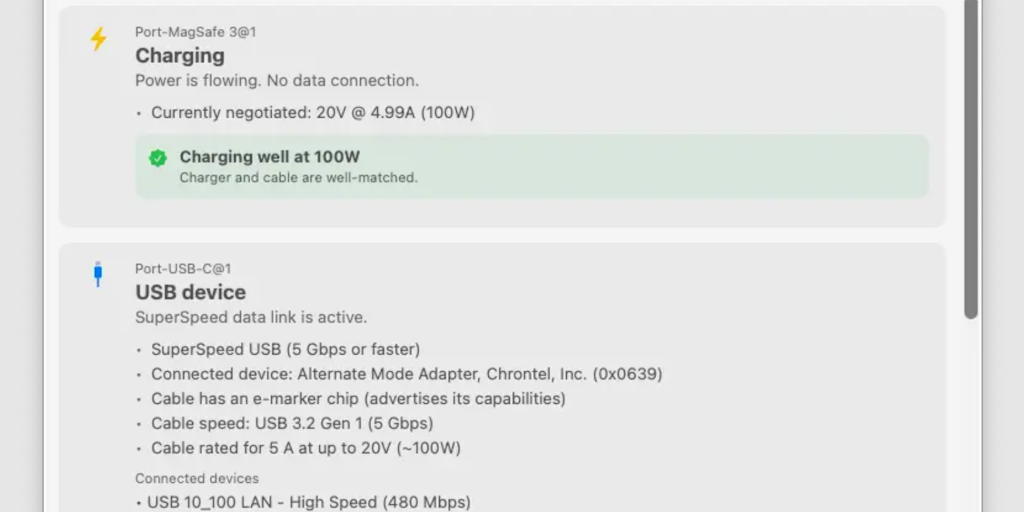
WhatCable: A Tool That Decodes USB-C Cable Capabilities in Plain English
WhatCable is a practical tool that helps users identify USB-C cable capabilities in plain English. It diagnoses whether the cable, charger,
 Product Hunt·1mo ago
Beginner's Guide to USB Development for Software Developers
This article provides a beginner-friendly introduction to USB development for software developers, demystifying the process of writing USB d
 werwolv.net·2mo ago
Amiga Pointer Archive: Color Information and Local Browser Storage
The article appears to be about an Amiga pointer archive with color information, specifically mentioning GUI colors that are not usable for
 heckmeck.de·5mo ago
The Unexpected Versatility of USB-C: From Toasters to Monitors
The article humorously explores the unexpected versatility of USB-C, highlighting its ability to connect unconventional devices like toaster
 worksonmymachine.ai·10mo ago
Exploring the Versatility of USB-C Technology
The article discusses the unexpected versatility of USB-C technology, highlighting unconventional uses like connecting a toaster to a monito
worksonmymachine.substack.com·1y ago
Comments
Sign in to join the conversation.
No comments yet. Be the first.