
























How to Use SuperGrok With Hermes Agent via xAI OAuth (No API Key Required)
By
Hongkiat.com
Summary
This article explains how to use SuperGrok with Hermes Agent through xAI OAuth login, eliminating the need for a separate xAI API key. Users with a SuperGrok subscription or X Premium+ account can authenticate via a browser-based OAuth flow, and Hermes saves tokens locally for automatic background refresh. The same login also unlocks Hermes' direct xAI media tools including text-to-speech, image generation, video generation, and transcription.
Source

 HongkiatHow to Use SuperGrok With Hermes Agent via xAI OAuth (No API Key Required)hongkiat.com
Key quotes
· 3 pulledHermes Agent can use Grok through an existing SuperGrok subscription, or through an X Premium+ subscription linked to the X account you sign in with.
You log in once through a browser-based OAuth flow, Hermes saves the tokens locally, and future sessions refresh automatically in the background.
The same login also covers Hermes' direct xAI media tools, including text-to-speech, image generation, video generation, and transcription.
You might also wanna read

xAI Launches Grok Build: A New Coding Agent CLI for SuperGrok Heavy Subscribers
xAI has launched an early beta of Grok Build, a new coding agent and CLI tool designed for professional software engineering and complex cod
 x.ai·1mo ago
xAI Releases Grok Build 0.1 Coding Model to Developers via Public API Beta
xAI has released Grok Build 0.1, its fastest coding model, to developers via the xAI API in public beta. Previously limited to paying subscr
 devops.com·1mo ago
How To Install And Run Hermes Agent On Ubuntu VPS: A Quick-Start Guide
This article provides a step-by-step guide on installing and running Hermes Agent, an open-source AI agent framework from Nous Research, on
 blog.radwebhosting.com·16d ago
How to Install and Run Hermes Agent on Ubuntu VPS: A Quick-Start Guide
This article provides a step-by-step guide on installing and running Hermes Agent, an open-source AI agent framework from Nous Research, on
blog.radwebhosting.com·1mo ago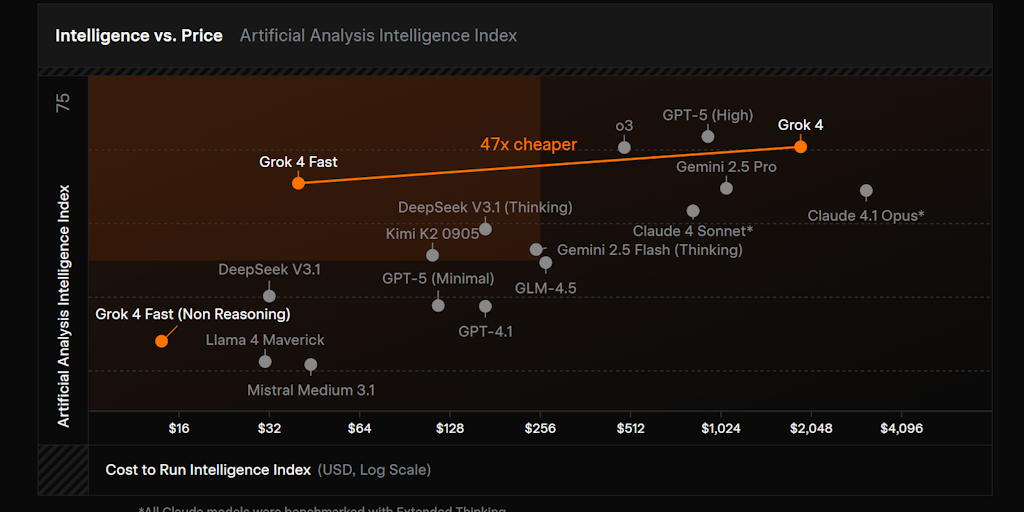
xAI Launches Grok 4 Fast AI Model with Free Access and Competitive Pricing
xAI has launched Grok 4 Fast, a new AI model that offers high speed (190 tokens per second), low cost ($0.20/1M input tokens, $0.50/1M outpu
 Product Hunt·4mo ago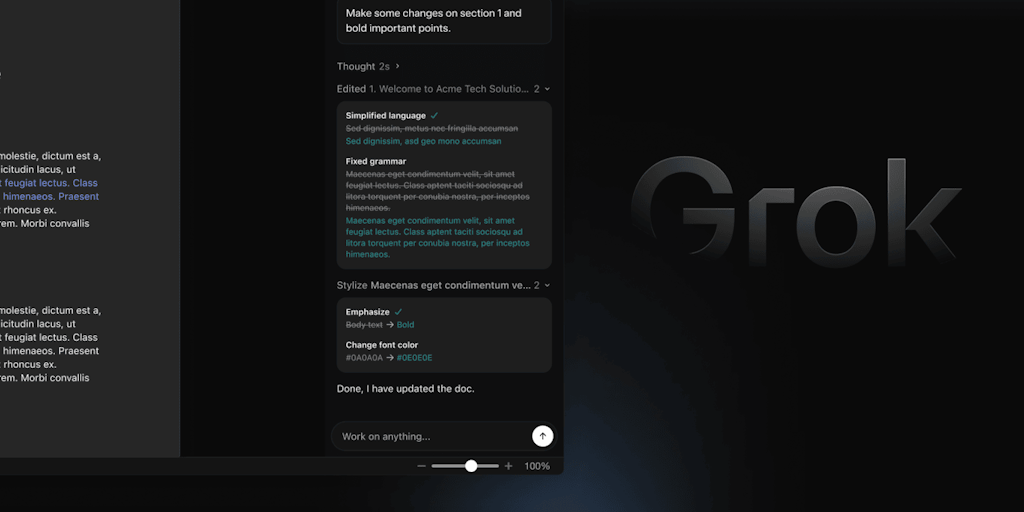
xAI Launches Grok for Word: AI-Powered Writing Assistant Add-In for Microsoft 365
Grok for Word is an AI-powered Microsoft 365 add-in by xAI that integrates directly into Word as a docked panel. It allows users to draft, r
Product Hunt·18d ago
Comments
Sign in to join the conversation.
No comments yet. Be the first.