
























How to see what’s taking up space on drive on Windows 11
By
Mauro Huculak
9h agoen
Source
PureinfotechHow to see what’s taking up space on drive on Windows 11pureinfotech.comWindows 11 can quickly analyze and let you know how the hard drive space is being used to take action accordingly to free up space. The post How to see what’s taking up space on drive on Windows 11 appeared first on Pureinfotech
You might also wanna read
Your Windows 11 PC might be hiding a 500GB storage bug – how to check
BackBox.org·1d ago
Your Windows 11 PC might be hiding a 500GB storage bug - how to check
zdnet.com·1d ago

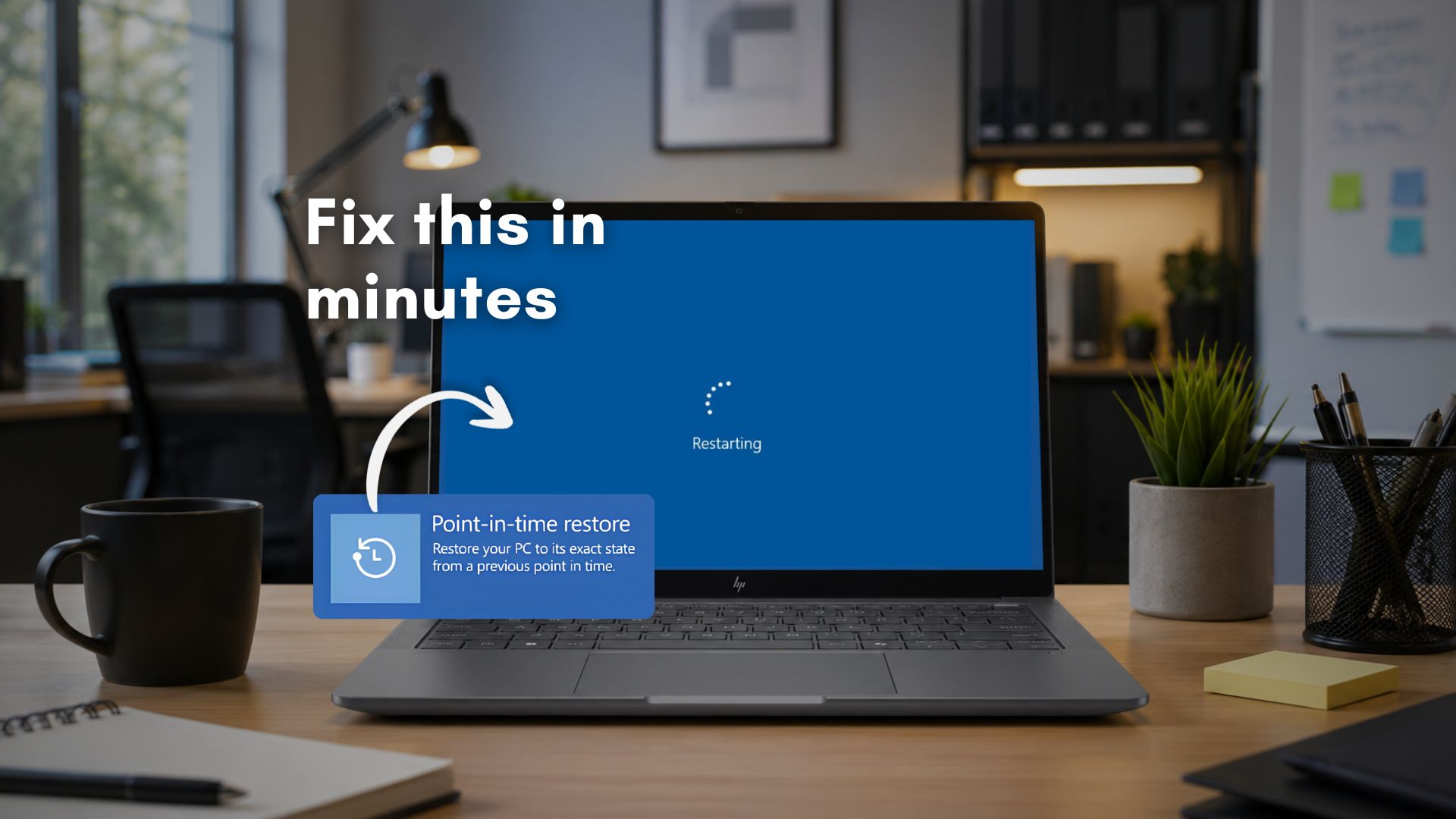
Windows 11 Point-in-time restore can use up to 50GB of storage for boot loop recovery
Microsoft's Point-in-time restore feature for Windows 11, arriving in the June 2026 optional update KB5095093, can use up to 50GB of storage
 windowslatest.com·9d ago
Why a 2TB SSD Shows 1.8TB in Windows: The Decimal vs. Binary Storage Measurement Explained
This article explains why a 2TB SSD shows only 1.8TB of usable space in Windows, attributing it to the difference between decimal (base-10)
 undercodetesting.com·16d ago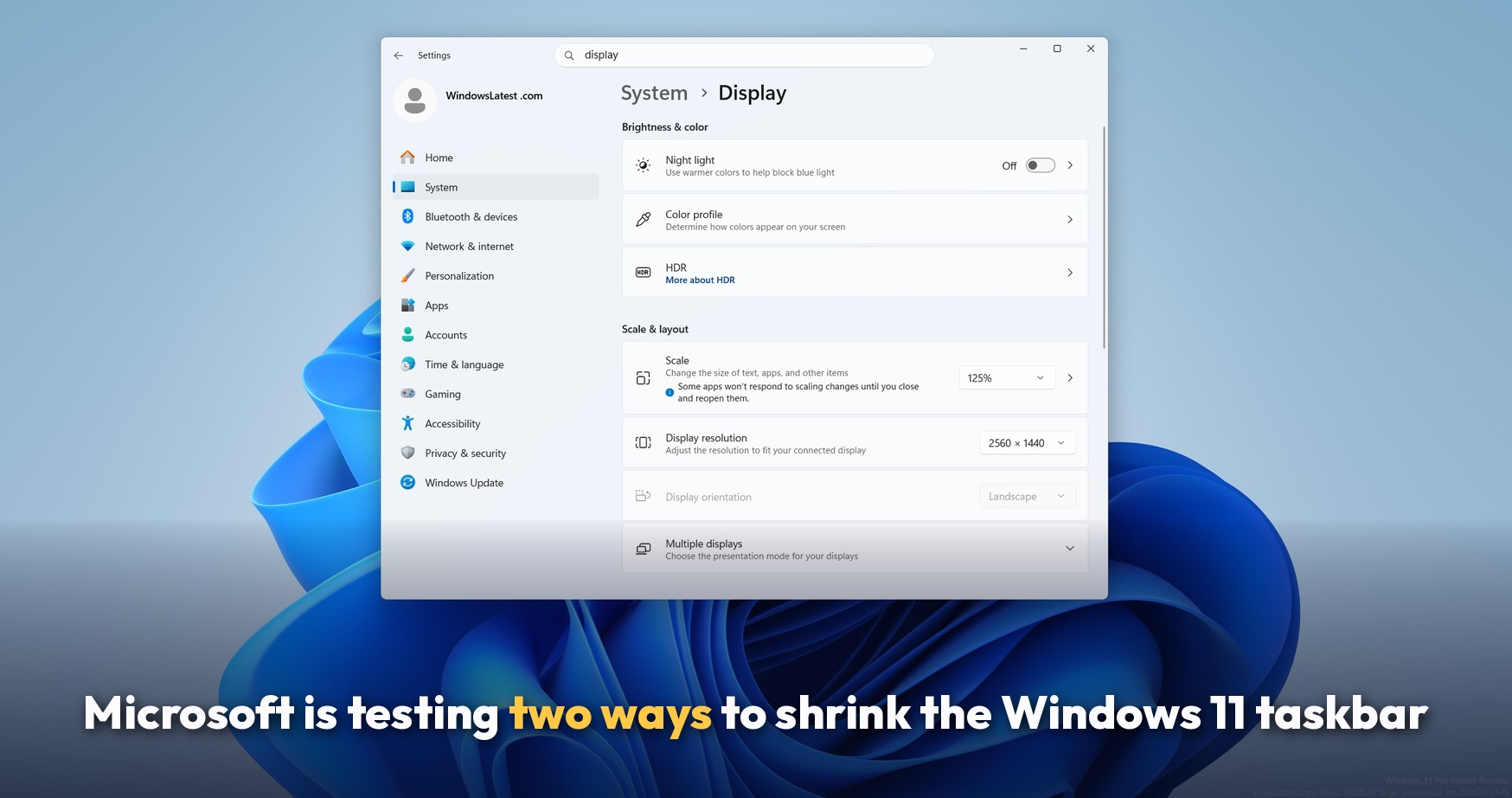
Microsoft tests two taskbar shrinking options for Windows 11, restoring Windows 10 feature
Microsoft is testing a new Windows 11 taskbar feature that allows users to shrink the taskbar size, restoring a capability that existed in W
windowslatest.com·8d ago
Windows 10 Usage Increases Despite Impending End of Support, While Windows 11 Adoption Declines
Despite Microsoft ending support for Windows 10 home editions next month, the operating system's usage share is actually climbing while Wind
 ghacks.net·10mo ago
Comments
Sign in to join the conversation.
No comments yet. Be the first.