
























How to Remove McAfee WebAdvisor and That Popup on Windows
TL;DR: To remove McAfee WebAdvisor, uninstall “WebAdvisor by McAfee” from Settings > Apps & features. You have to SCROLL to find it b/c the “Find a setting” search does not filter the app list. Click…
Read the full articleYou might also wanna read


21 Underused Firefox Features That Enhance Browsing Productivity
 itsfoss.com·13d ago
6 overlooked Microsoft Word features that can boost your productivity
 tweak.town·14d ago
How to Fix the VMware Workstation “mksSandbox” Crash (ISBRendererComm Error)
jdhodges.com·1mo ago
Claude Code Rate exceeded.
jdhodges.com·2mo ago
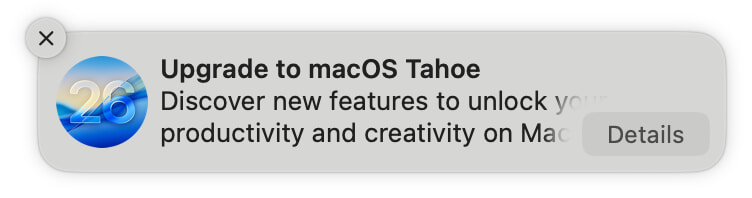
How to Block macOS Tahoe Upgrade Notifications and System Settings Indicators
 robservatory.com·4mo ago
How to Set Up a SSH Connection in Claude Code Desktop
jdhodges.com·1mo ago
Comments
Sign in to join the conversation.
No comments yet. Be the first.