
























How to Quickly Pixelate Faces in Photos on Your iPhone, iPad, or Mac to Blur Out People's Identities
By
Justin Meyers
1y agoen
Source
 Gadget HacksHow to Quickly Pixelate Faces in Photos on Your iPhone, iPad, or Mac to Blur Out People's Identitiesgadgethacks.com
With Apple's Photos app, you no longer need a third-party tool on your iPhone, iPad, or Mac to blur or pixelate faces in your photos, helping you safeguard identities when sharing online. Introduced in iOS 18.1, iPadOS 18.1, and macOS Sequoia 15.1, the Photos app has a built-in Clean Up tool that can remove and intelligently replace unwanted and distracting elements in photos, such as photobombers, imperfections, embarrassing objects, and other details you don't want anyone else to see. But it also has a hidden superpower: it can pixelate people's faces with a safety filter. Don't Miss: How to Remove Unwanted Objects, People, and Distractions in Photos on Your iPhone, iPad, or Mac To use the new safety filter in Photos, you'll need to be running the latest software, but you'll also need a device that supports Apple Intelligence — the backbone of the new privacy filter. That means it only works on the iPhone 15 Pro series, any iPhone 16 model, and iPads or Macs with M1 or A17 Pro chips
You might also wanna read


Apple introduces generative AI photo editing tools in iOS 27 beta
Apple is introducing generative AI photo editing tools in iOS 27, including Spatial Reframing, Extend, and an improved Clean Up feature. Whi
 The Verge·24d ago
Apple shifts stance on AI photo editing, embraces generative image manipulation tools
Apple has reversed its previous stance on AI photo editing, announcing new generative AI-powered tools at WWDC 2026 that allow users to easi
The Verge·28d agoApple overhauls RAW photo processing with iOS 27, showcases impressive results
9to5mac.com·1d ago
Ios 27 Broke Face ID
MacRumors·1d ago
Photo app without subscription
MacRumors·1d ago
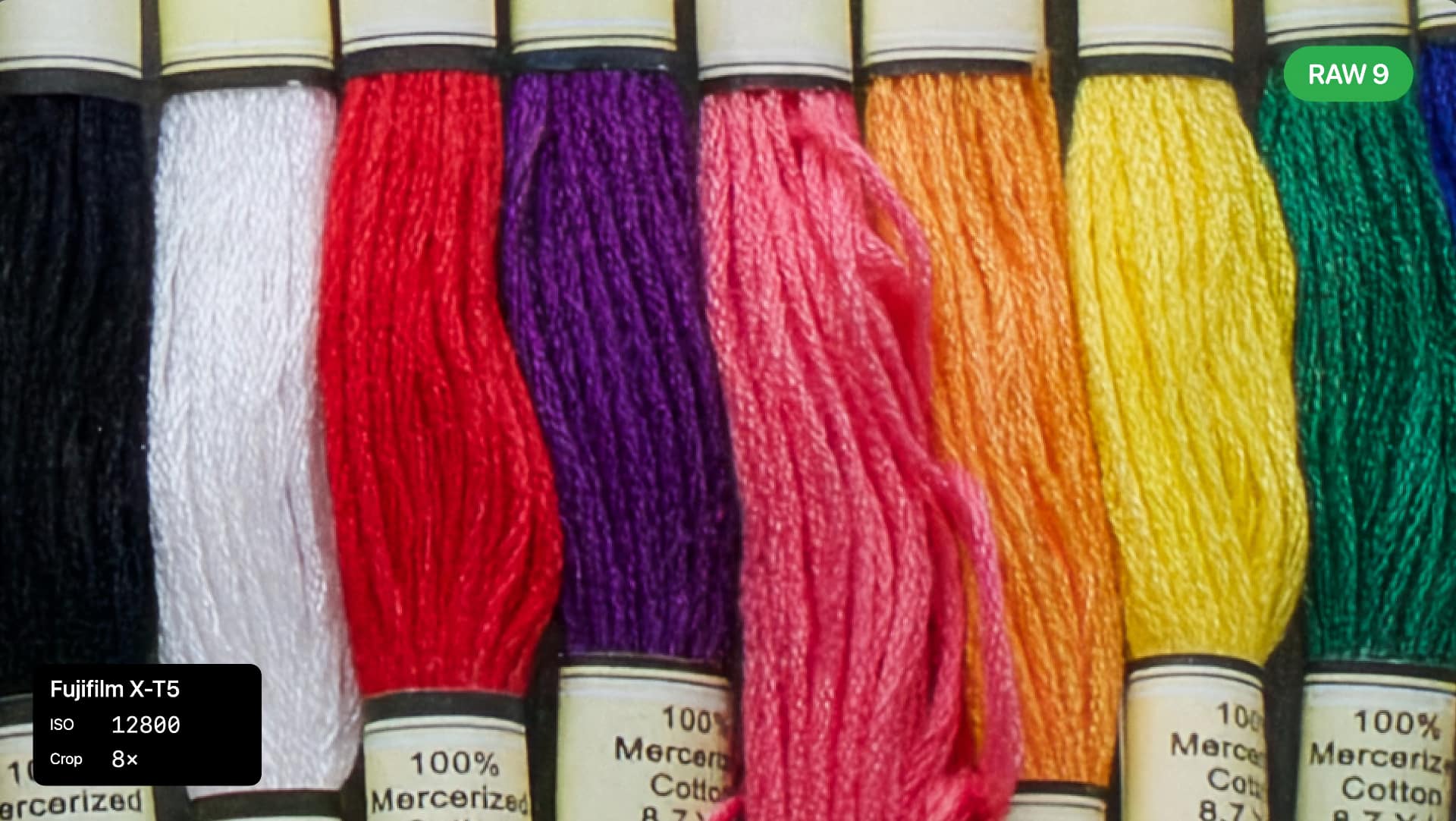
Apple's RAW 9 engine adds AI-powered denoising to Core Image for sharper photos
Apple's ninth RAW processing engine (shipping with OS 27) integrates machine-learning denoising at the demosaicing stage, delivering sharper
 redsharknews.com·26d ago
Comments
Sign in to join the conversation.
No comments yet. Be the first.