
























How to Manually Update NVIDIA Graphics Drivers Without GeForce Experience
By
Izoate
Summary
A step-by-step guide explaining how to manually update NVIDIA graphics drivers without installing GeForce Experience or the NVIDIA App. The article walks users through visiting NVIDIA's official driver download page, selecting their GPU model and OS, downloading the driver, performing a clean installation, and verifying the update — all without requiring any extra background software or account sign-ins.
Source

 bskyHow to Manually Update NVIDIA Graphics Drivers Without GeForce Experienceizoate.com
Key quotes
· 3 pulledA lot of PC owners just want the driver — not another background app, not another sign-in screen, not another icon in the system tray.
Good news: you don't need it. You can update your NVIDIA drivers manually, straight from NVIDIA's own website.
If you've ever gone to update your graphics card and felt a little annoyed at being pushed toward GeForce Experience, you're not alone.
You might also wanna read

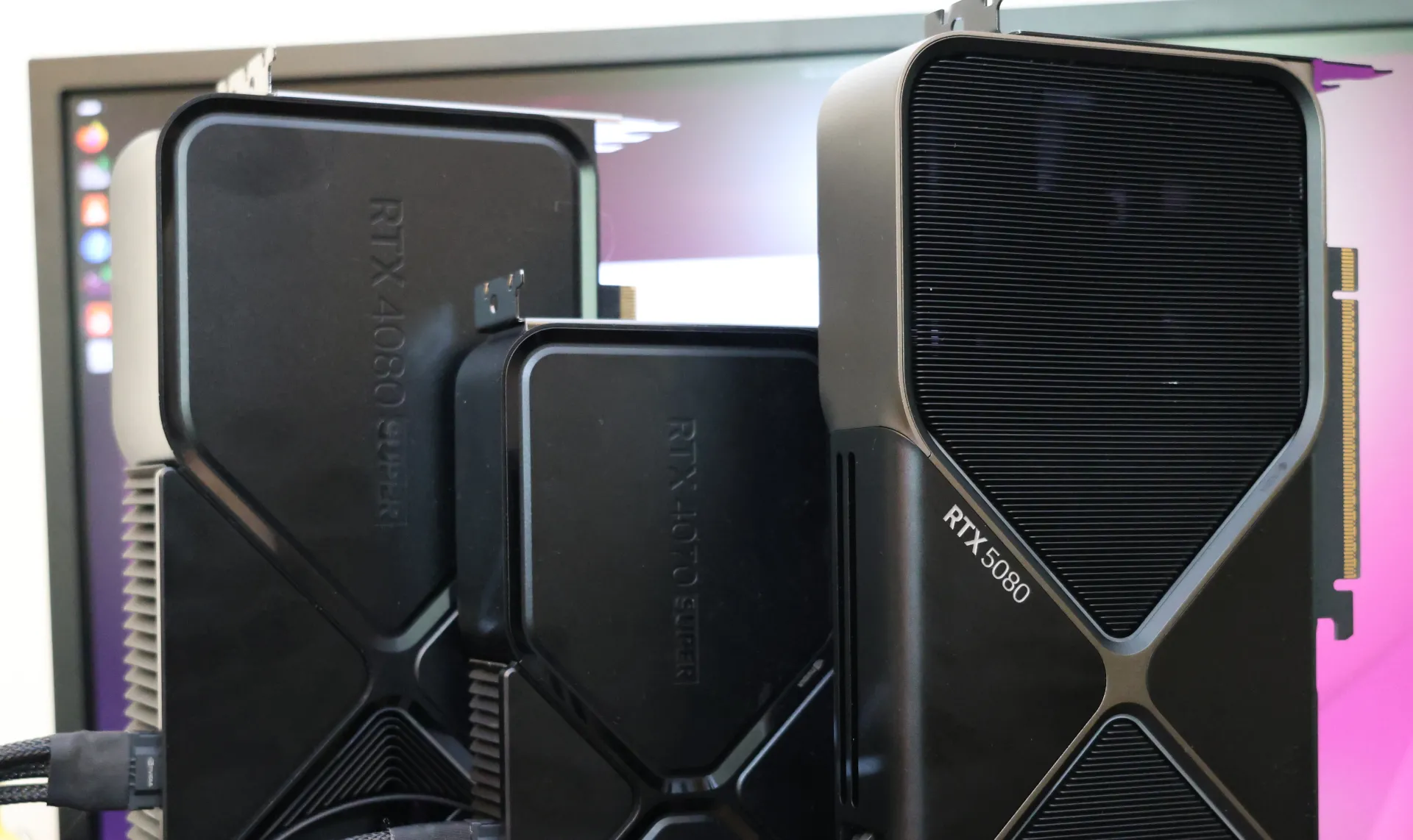
Performance Analysis of Open-Source NVIDIA Linux Drivers: Nouveau+NVK for Gaming and Compute
This article provides an in-depth performance analysis of the open-source NVIDIA Linux driver stack, specifically examining the Nouveau kern
 phoronix.com·7mo ago
Level Up with NVIDIA
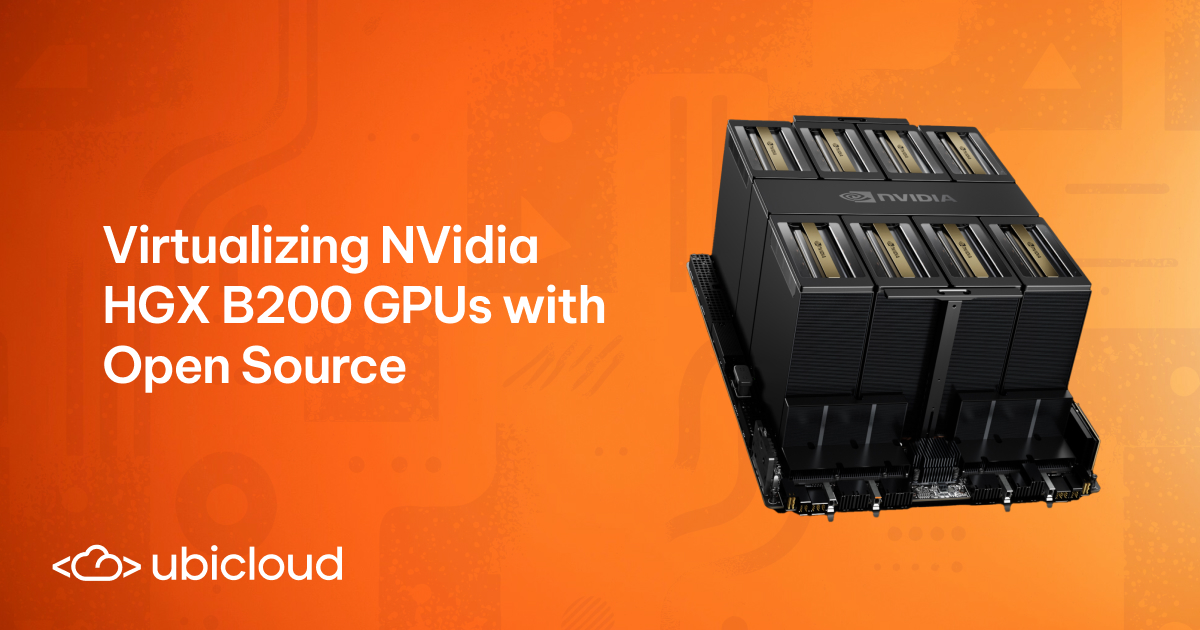
Virtualizing NVIDIA HGX B200 GPUs with Open-Source Software
This technical blog post details the process of virtualizing NVIDIA HGX B200 GPUs using open-source software. It covers hardware overview, F
 ubicloud.com·6mo ago
Exploring a GPU Calculator Tool for Estimating Graphics Card Performance
The article discusses a GPU calculator tool for estimating graphics card performance based on user input.
calculator.inference.ai·11mo ago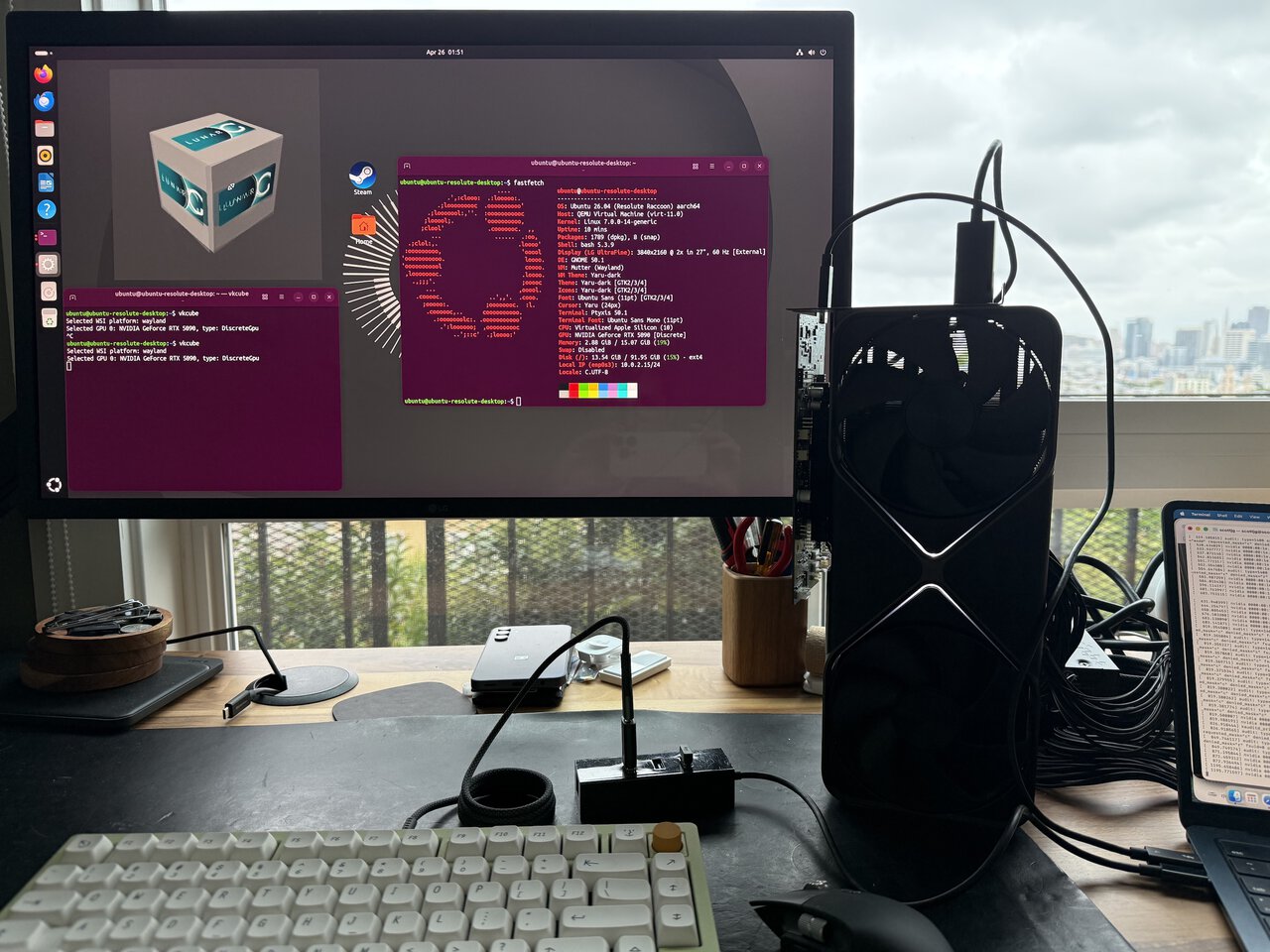
Testing an RTX 5090 eGPU Setup with the M4 MacBook Air: Feasibility and Performance
The article explores the feasibility of connecting a desktop NVIDIA RTX 5090 GPU to an M4 MacBook Air via a Thunderbolt eGPU dock. The autho
 scottjg.com·1mo ago
Challenges Faced by NVIDIA After RTX 50 Series Launch
NVIDIA has faced a series of challenges since the RTX 50 series launch, including scalper bots, melting power connectors, deceptive marketin
blog.sebin-nyshkim.net·1y ago
Comments
Sign in to join the conversation.
No comments yet. Be the first.