
























How to Keep Time Capsule Working in macOS 27: 3 Options
By
Gadget Hacks
24d ago
Source
Gadget HacksHow to Keep Time Capsule Working in macOS 27: 3 Optionsgadgethacks.comHow to Keep Time Capsule Working in macOS 27: 3 Options If you want to keep using an Apple Time Capsule after upgrading to macOS 27, you have three options: stay on macOS 26, install a community tool called TimeCapsuleSMB, or replace the hardware. This guide covers all three, including step-by-step setup for TimeCapsuleSMB, so you can make the right call before the upgrade window closes. The core problem: macOS 27 removes AFP, the networking protocol every Time Capsule depends on, and Time Machine in macOS 27 requires SMBv2 or SMBv3, which excludes unmodified Time Capsule hardware. AppleInsider confirmed the cutoff this week. The public beta is expected around early July; release is projected for mid-September, per Eclectic Light. That's roughly three months to sort this out. Which path fits your situation Situation Recommended path Fifth-gen Time Capsule, stable hardware, comfortable with Terminal, second backup available Patch with TimeCapsuleSMB Intel Mac, existing HFS+ b
You might also wanna read

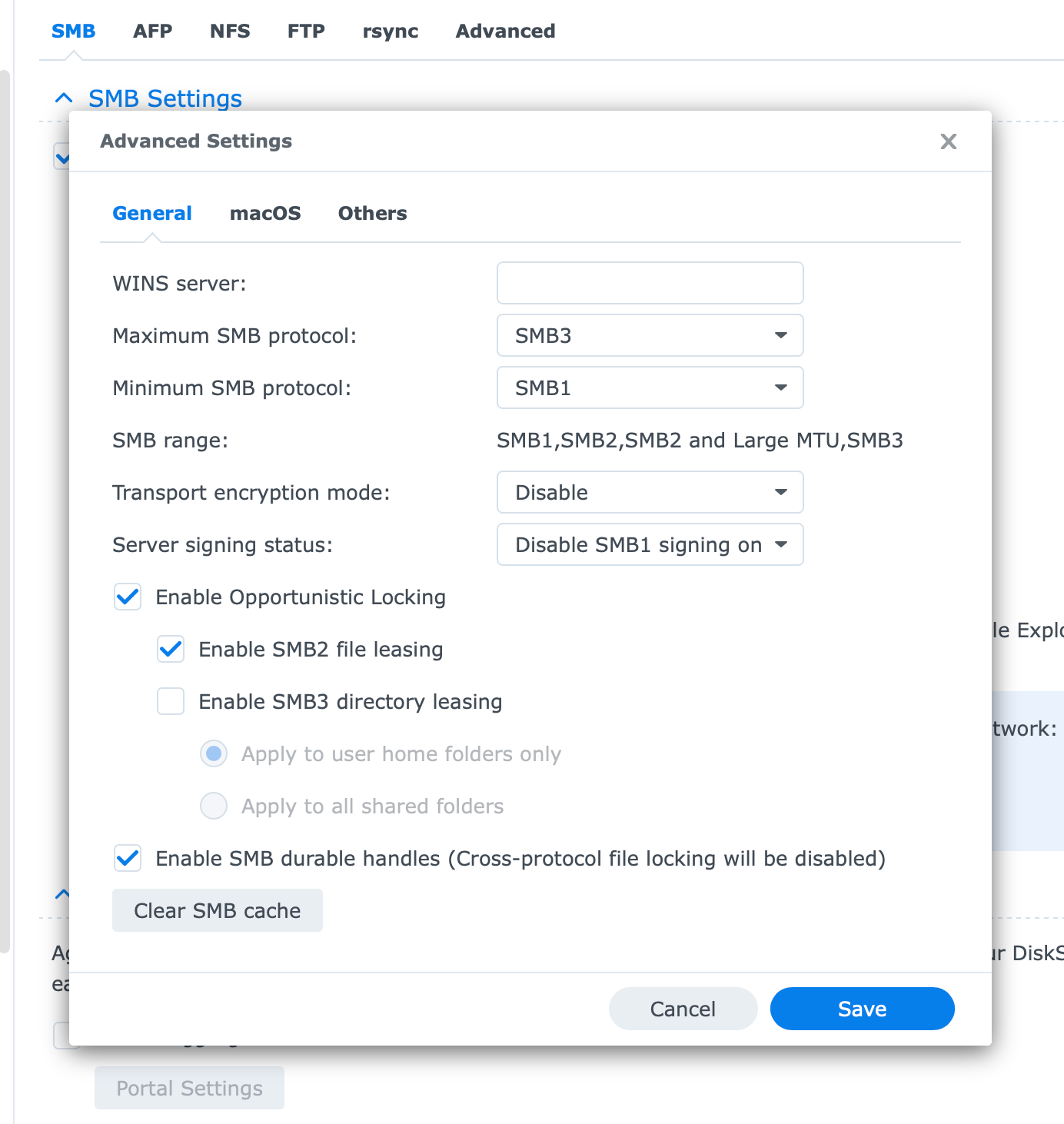
Apple Time Machine Backup Silently Fails on Tahoe Systems Using Synology NAS
The author describes a frustrating experience where Apple's Time Machine backup feature has silently stopped working on their Tahoe machines
 taoofmac.com·5mo ago
Apple Confirms macOS 26 Tahoe Is Final Intel Mac Release; macOS 27 Will Require Apple Silicon
Apple has confirmed that macOS 26 Tahoe will be the last major OS release supporting Intel-based Macs. Starting with macOS 27, only Apple si
 briefly.co·29d ago
Apple's macOS 27 ends Intel support: What the two key dates mean for Mac users
Apple is ending x86 (Intel) support for macOS, with two key dates causing confusion. macOS 27 (announced at WWDC) marks the end of Intel sup
 heise.de·1mo ago
Apple warns of AFP removal and networking changes in macOS 27
Apple has issued warnings about networking changes coming in macOS 27, including the likely removal of AFP (Apple Filing Protocol) support a
 The Eclectic Light Company·2mo ago
Longstanding Issues with Apple's Time Machine Backup Software and macOS Reliability
The article details the author's decade-long frustrations with Apple's Time Machine backup software, which consistently fails and requires c
take.surf·4mo ago
Ask HN: Anyone have a good solution for modern Mac to legacy SCSI converters?
news.ycombinator.com·5mo ago
Comments
Sign in to join the conversation.
No comments yet. Be the first.