
























How to Install Epic and GOG Games on Steam Deck (and Steam Machine)
From the article
If you shelled out the dough to get a Steam Machine or a Steam Deck, you most likely want to get every dollar's worth of value out of your device. A great way to do that is by installing games you've acquired outside of the Steam ecosystem. Whether you want to take advantage of the plethora of free games given away on the Epic Game Store, play storefront exclusives like Alan Wake II, or start a DRM-free digital game collection with GOG, we have you covered. In this video, we’ll give you a detailed guide on how to install Epic and GOG games onto your Steam Machine or Steam Deck.To get started with this process, you will need to enter the desktop environment of SteamOS and download the Heroic Game Launcher from the Discover store. From there, we will walk you through how to safely log into your Epic Game Store and GOG accounts, navigate the Wine Manager, and download the latest GE-Proton compatibility layer so your Windows games can run smoothly on your Linux-based handheld. We'll also show you how to automatically add your newly installed games to Steam so they are ready to launch as soon as you return to gaming mode.00:00 Install Epic & GOG Games on Steam Deck00:43 Things to Know Before You Start01:27 Enter Desktop Mode01:54 Download Heroic Game Launcher02:22 Install Heroic Launcher02:48 Sign Into Epic Games Store or GOG03:26 Install GE-Proton03:57 Configure Heroic Launcher04:17 Automatically Add Games to Steam04:31 Play Epic & GOG Games in Gaming Mode04:34 Outro
Continue reading on IGNYou might also wanna read


Run Windows on Steam Machine (No Wipe, No PC Needed)
NerdZap·57m ago

Welcome to GOG.com | best PC games DRM-free
 gog.com·8d ago
GOG.COM
gog.com·18d ago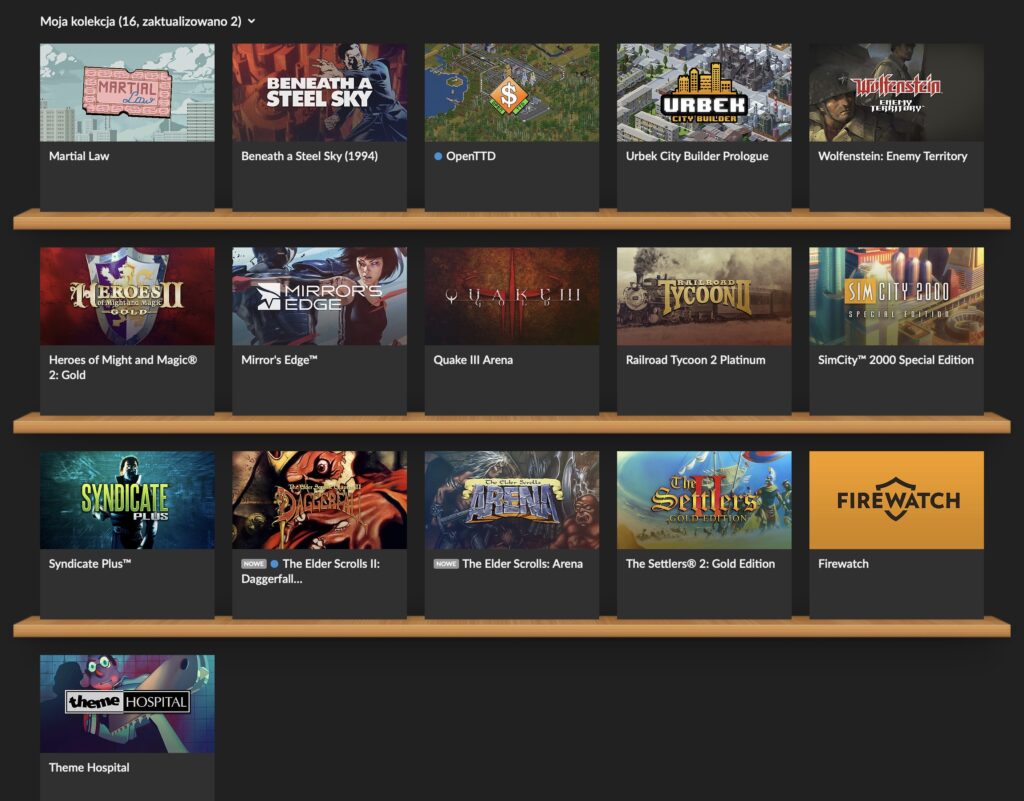
How to Run Windows GOG DOS Games on M-Series Macs Using DOSBox
The article discusses how to run Windows-only GOG DOS games (like Settlers II and Heroes of Might & Magic) on M-series Macs. The author expl
 f055.net·1mo ago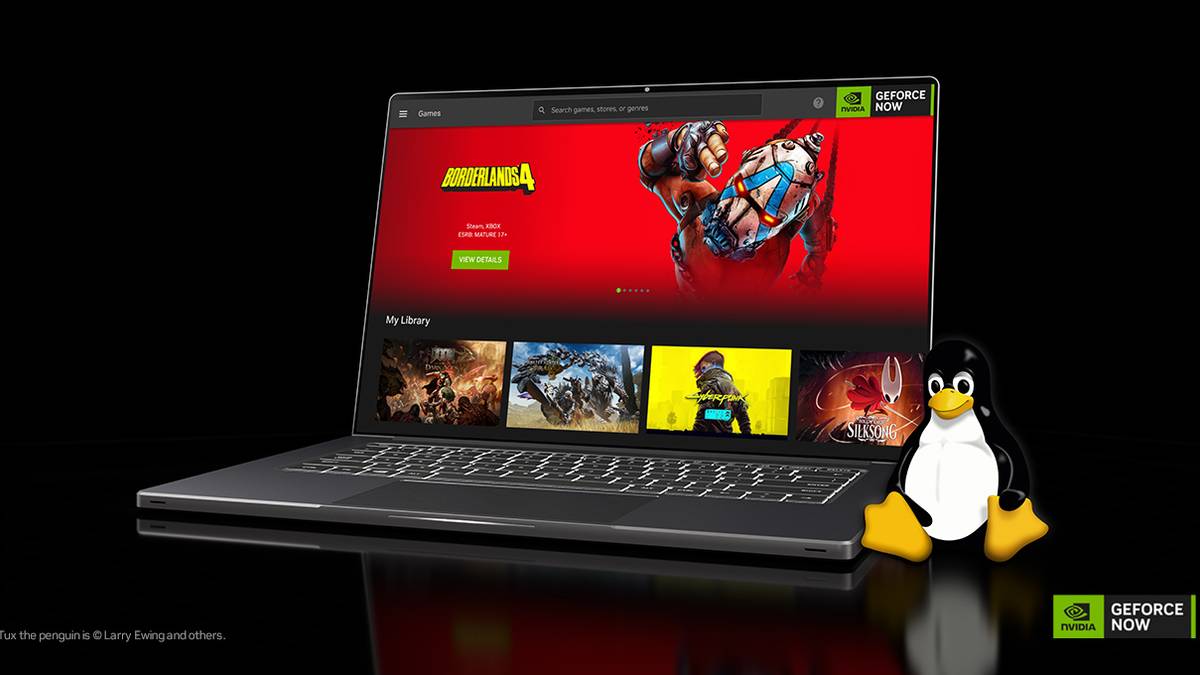
GOG Developing Native Linux Gaming Client, Sees Linux as Next Major Gaming Frontier
GOG, the digital game distribution platform owned by CD Projekt, is developing a native Linux client and sees Linux as "the next major front
 xda-developers.com·5mo ago
Why Buy a $1K Steam Machine When Valve Is Giving Away SteamOS for Free?
PCMag·21h ago
Comments
Sign in to join the conversation.
No comments yet. Be the first.