
























How to Disable Microsoft Email Reactions by Adding a Postfix Header
Over the past few months, I've noticed that an increasing number of replies to email that I've sent are
Read the full articleYou might also wanna read


Turn Off Direct Send in Microsoft Exchange to Protect Yourself from Phishing
Microsoft Exchange includes a feature known as Direct Send that lets devices and apps send emails through your Exchange setup while bypassin

Give reactions a thumbs up
When you’re standing next to a friend who says something funny, you can just laugh. You don’t need to pause and say “I found what you just s

Microsoft Dynamics 365 Email Sentiment uses AI to detect customer emotions in support emails
Email Sentiment in Dynamics 365 helps representatives understand customer tone, respond with empathy, reduce escalations, and resolve issues
 microsoft.com·25d ago
Email security - Invalid Submissions Feedback
Email security relies on your submissions to continuously improve our detection models. However, we often receive submissions in formats tha
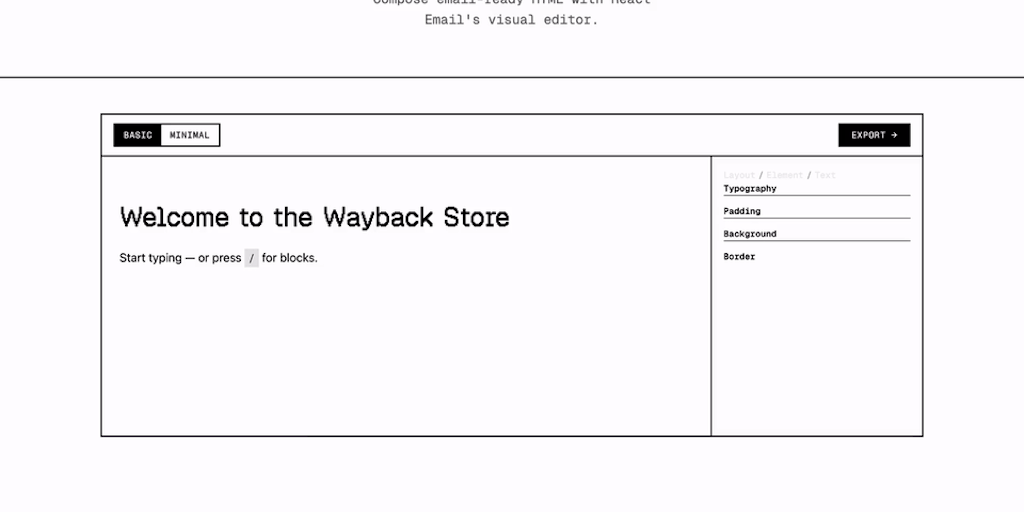
React Email 6.0: Open-Source Visual Editor for Embedding Email Creation in Apps
React Email 6.0 introduces an open-source visual editor you can embed in your app with a few lines of code. It outputs email-ready HTML that
 Product Hunt·3mo ago
The Pros and Cons of Using Email Aliases
Phishing scams are on the rise, and your inbox is probably full of messages from people you don't know. One way to combat this is by using a
Comments
Sign in to join the conversation.
No comments yet. Be the first.