





















How to Disable AI Features in Firefox
By
speckx

Not artisan, but a perfectly fine bagel. Hits the spot.
Summary
Mozilla has rolled out AI features in Firefox by default, including pop-ups when highlighting text and a sidebar chat, which has upset many Firefox users who find the features distracting and unnecessary. The article provides instructions on how to disable these AI features through Firefox's about:config settings.
Key quotes
· 4 pulledTo the outrage of the Firefox community across the web, Mozilla has started rolling out AI across our beloved browser and has enabled the features by default.
I've found the new Firefox 'AI' features, like the pop-ups that appear when highlighting text, to be more distracting than useful.
The sidebar chat isn't something I need either; if I want that experience, I'll just open ChatGPT in a containerised tab.
If you'd like to turn these features off, open about:config in the Firefox address bar, search for brow
You might also wanna read


Firefox to Add User Control Switch for AI Features in February Update
Mozilla is adding an "AI control" option to Firefox's settings menu that will allow users to disable or enable all AI-powered features in th
 The Verge·3mo ago
Mozilla Developing AI-Powered "AI Window" Feature for Firefox Browser
Mozilla is developing an AI-powered feature called "AI Window" for its Firefox browser, which will include an AI assistant and chatbot. The
The Verge·6mo ago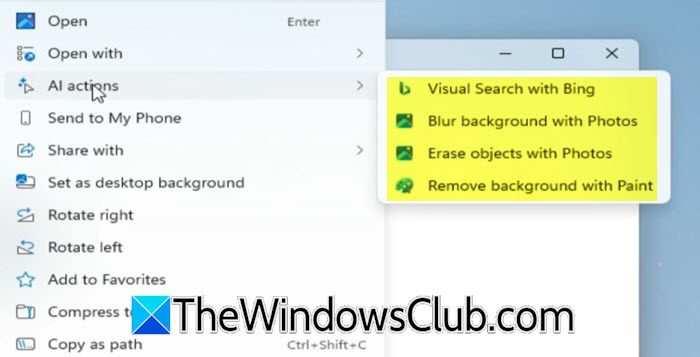
How to Enable or Disable AI Actions in Windows 11 File Explorer Context Menu
This guide explains how to enable or disable AI-powered actions in the File Explorer right-click context menu in Windows 11. The AI Actions
 thewindowsclub.com·5d ago