





















Firefox to Add User Control Switch for AI Features in February Update
By
Emma Roth

Solid neighbourhood-bakery energy. Trustworthy and warm.
Summary
Mozilla is adding an "AI control" option to Firefox's settings menu that will allow users to disable or enable all AI-powered features in the browser. The update, coming on February 24th, will provide a single switch to turn off features like the built-in AI chatbot, AI translations, AI tab group suggestions, and other AI capabilities. This contrasts with other browsers like Microsoft Edge and Google Chrome that have been aggressively integrating AI features without providing easy opt-out options.
Key quotes
· 3 pulledUnlike many of the companies stuffing AI into their browsers, Mozilla will soon give you a way to turn all of these features off.
An update coming on February 24th will add a new 'AI control' option to Firefox's settings menu, allowing you to disable or enable the browser's individual AI features.
Over the past year, Firefox joined Microsoft Edge and Google Chrome in doubling down on AI, with the company rolling out a new 'shake to summarize' feature that iPhone users can use to get an AI-powered summary.
You might also wanna read


Firefox Adds User Controls to Disable AI Features
Mozilla is adding new controls to Firefox that allow users to disable AI features. Users will be able to turn off AI enhancements entirely o
 macrumors.com·3mo ago
Firefox to Include Option for Complete AI Feature Disablement
Firefox developers are implementing an option to completely disable all AI features, internally referred to as the "AI kill switch." This fe
 mastodon.social·5mo ago
Firefox 148 Adds Permanent AI Disable Feature with 'AI Kill Switch'
Firefox 148 introduces a new 'AI kill switch' feature that allows users to permanently disable AI functionalities like chatbot prompts and A

How to Disable AI Features in Firefox
Mozilla has rolled out AI features in Firefox by default, including pop-ups when highlighting text and a sidebar chat, which has upset many
 flamedfury.com·7mo ago
Mozilla Forces AI Features in Firefox Without User Control Options
Mozilla is forcing LLM and AI features into Firefox by default without user consent, with no GUI options to disable them. Users report high
 equk.co.uk·6mo ago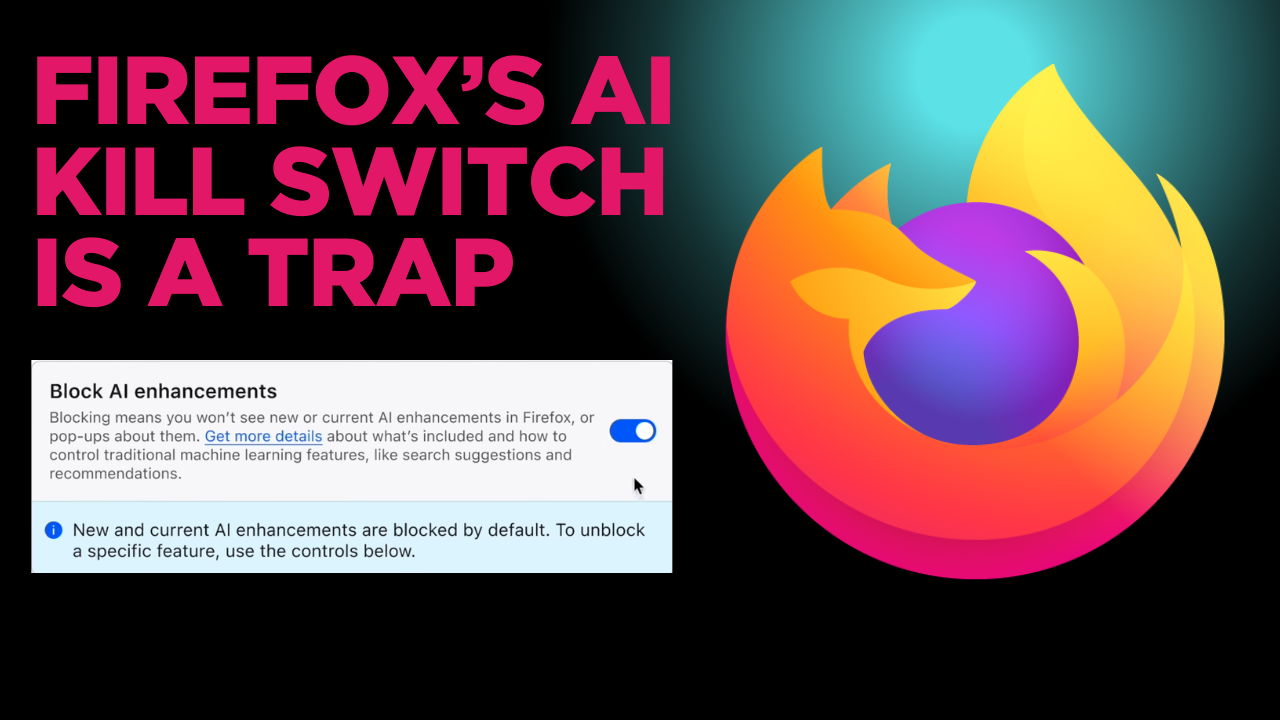
Mozilla's Firefox AI Controls Shift Ethical Responsibility to Users, Critics Argue
Mozilla's new AI controls for Firefox, which allow users to disable or selectively enable AI features, are criticized as an 'accountability
 quippd.com·3mo ago