
























How to Declutter Firefox's Right-Click Menu on macOS Using about:config Settings
A practical about:config checklist to declutter Firefox right-click menus on macOS, disabling AI/chatbot prompts, link previews, OCR, visual search, and other low-value context menu items.
Read the full articleYou might also wanna read


Found a solution for the macOS MouseCursor/Hover/FocusLoss/ContextMenu Bug!
TL;DR: I discovered a workaround for the frustrating macOS hover bug using an app called BetterMouse. It features an option called “Right Cl
These 6 macOS settings make a new Mac feel much better right away
Not every default setting on a Mac is perfect. These are some of the macOS settings I always change on a new Mac.

MacQuit: Menu Bar Utility for One-Click App Management on macOS
MacQuit lives in your menu bar for instant control over every running app on your Mac. One click quits everything. Hold Option for Force Qui
 Product Hunt·4mo ago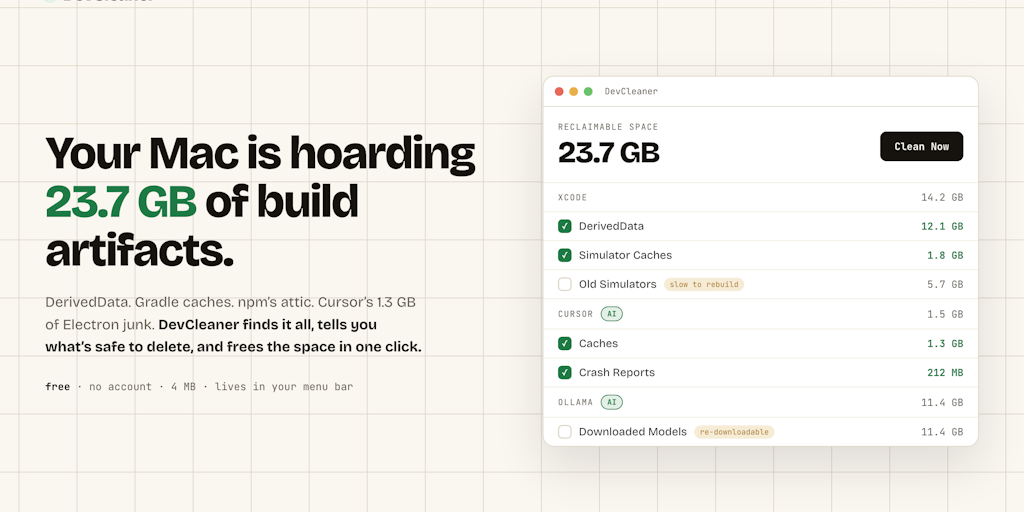
DevCleaner: Free macOS menu bar app for safely cleaning dev tool and AI app caches
DevCleaner lives in your Mac's menu bar and frees the gigabytes that 22 dev ecosystems quietly hoard — Xcode, Gradle, npm, plus AI apps like
Product Hunt·1mo ago
PowerClick – A Finder Productivity Tool for creating, renaming, moving, and opening files in a better way
Hi everyone, I’m Ata, the developer of PowerClick, a macOS Finder extension that started from one very small but annoying missing workflow:

Usagebar: macOS Menu Bar App for Tracking Claude Code Usage Limits
A macOS menu bar app that tracks your Claude Code 5-hour and weekly usage limits. See reset timers, get notifications, and never hit the wal
Product Hunt·5mo ago
Comments
Sign in to join the conversation.
No comments yet. Be the first.