
























How to change lid close action on Windows 11
Yes, you can change the action when closing the lid of your laptop, and in this guide, you will learn how. The post How to change lid close action on Windows 11 appeared first on Pureinfotech
Read the full articleYou might also wanna read


Laptop shutdown vs. closing the lid: What's better for your device?
Closing your laptop is a quick fix, but it lacks the deep system refresh that comes with a full power-off.
 cnet.com·22d ago
How to Keep MacBook Awake With Lid Closed: 3 Scenarios Explained
How to Keep MacBook Awake With Lid Closed: 3 Scenarios Explained Close your MacBook mid-download and it goes to sleep. Open it again and the
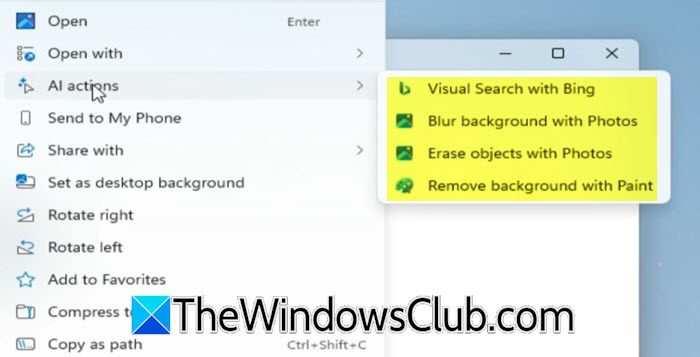
How to Enable or Disable AI Actions in Windows 11 File Explorer Context Menu
If you want to enable or disable AI Actions in Explorer Context Menu in Windows 11, see this post. AI Actions integrates cloud-based AI into
 thewindowsclub.com·1mo ago
Microsoft finally makes the Windows 11 taskbar movable
After years of users begging, Microsoft has finally made it possible to move the Windows 11 taskbar from the bottom of the screen. This func
Why You Should Regularly Restart Your Laptop for Better Performance
If you're a regular laptop user, you might be content to close the lid and walk away, but you should absolutely reboot your machine every no
 slashgear.com·1mo ago
How to identify and remove bloatware from Windows 11
Don’t let bloatware ruin your Windows 11 experience. Discover how to remove bloatware and configure other settings to drastically improve Wi
Comments
Sign in to join the conversation.
No comments yet. Be the first.