
























How to Access and Use Samsung's Hidden Connectivity Labs Menu for Better Wi-Fi Performance
Here's how to find Connectivity labs on your Galaxy phone - and the 7 features I actually use.
Read the full articleYou might also wanna read

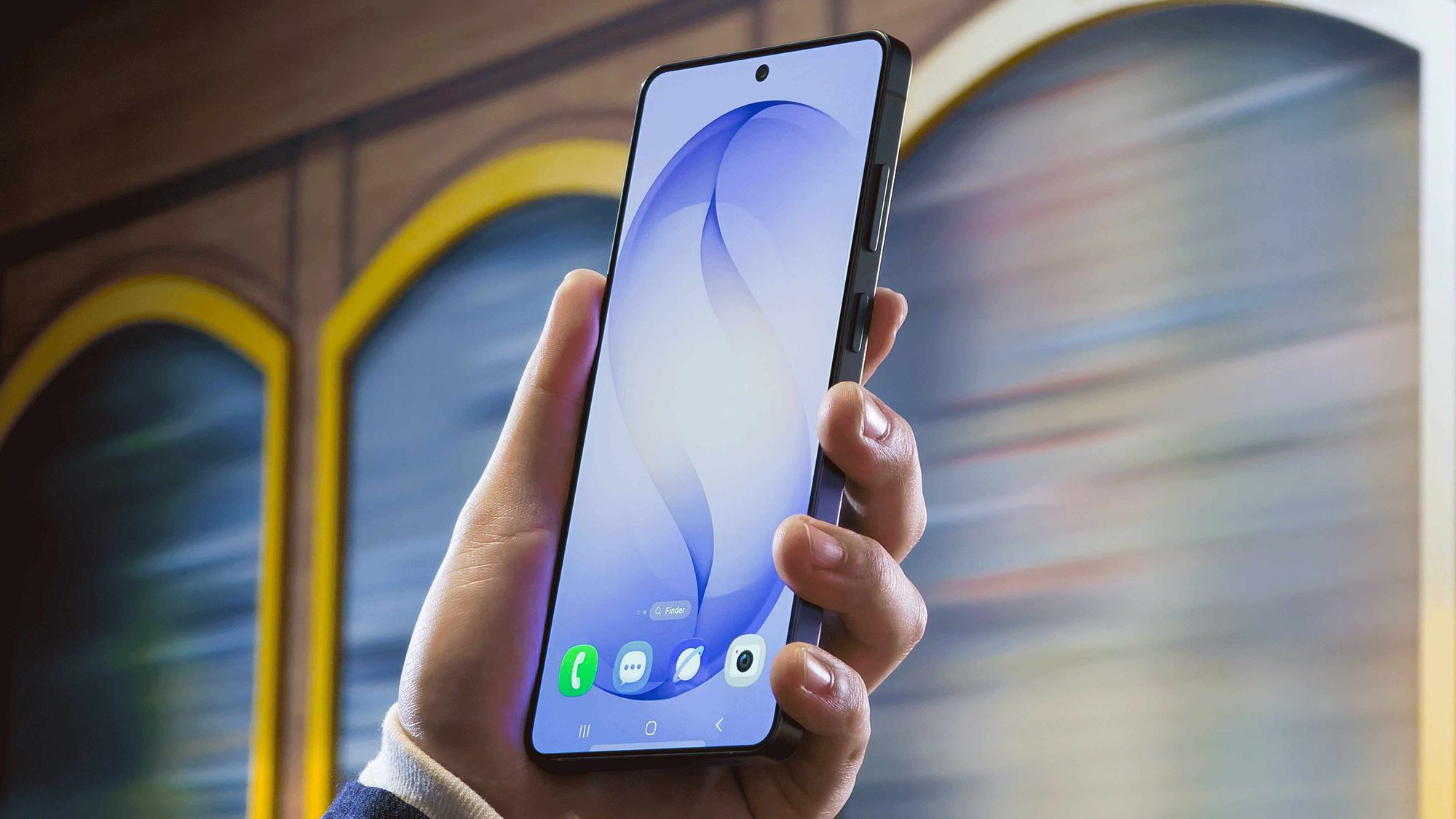
How to access the hidden Wi-Fi scanner on Samsung Galaxy phones to detect dead zones
There's a useful Wi-Fi scanner built into every Galaxy phone, but it's not particularly easy to get to.
 techradar.com·24d ago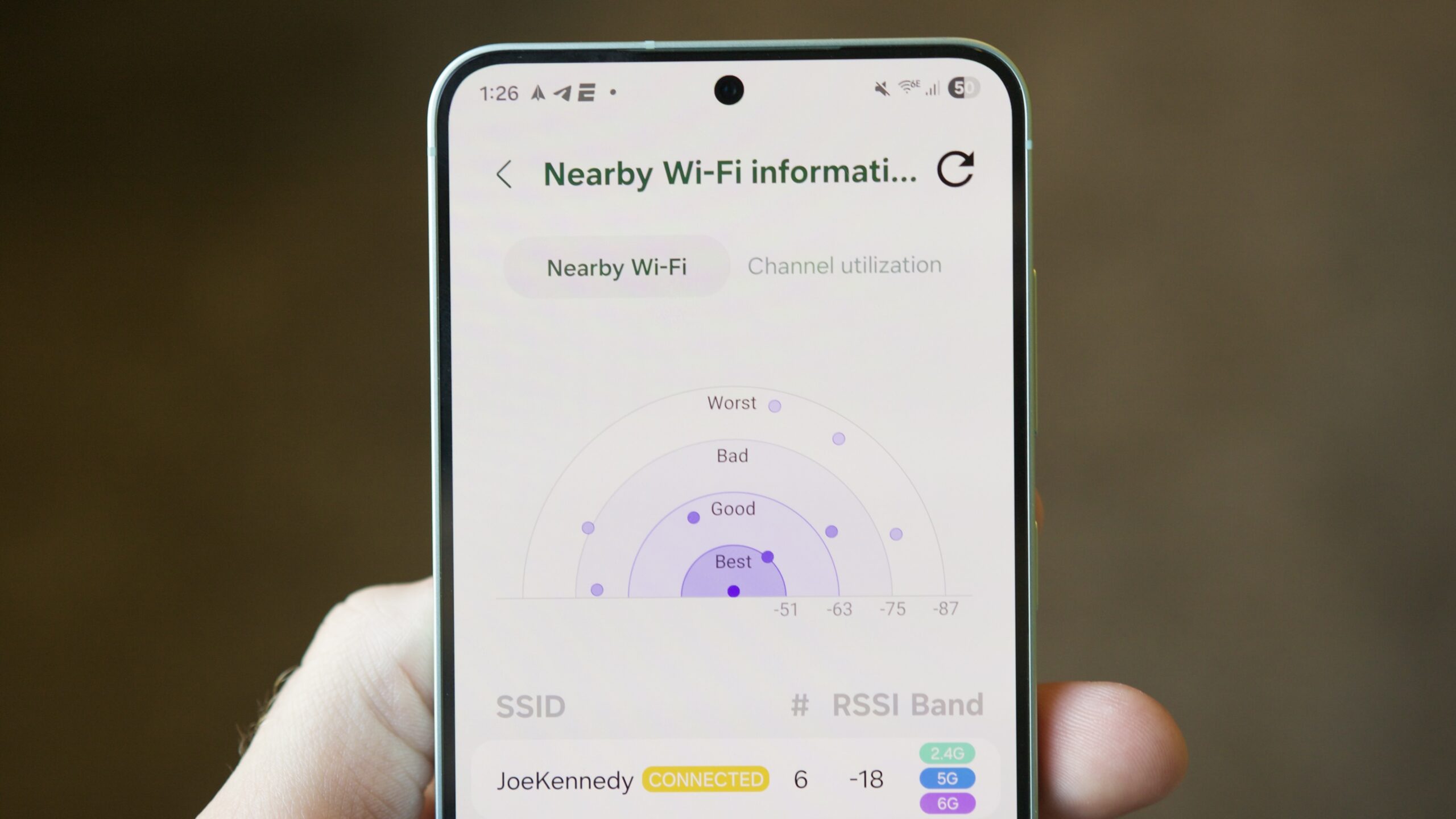
Five hidden Samsung One UI features: Compass, ruler, Wi-Fi analyzer, and more
Compass, ruler, Wi-Fi analyzer, and more. These hidden Samsung features made me realize I don't know One UI as well as I thought.
androidauthority.com·1mo ago

I found Galaxy's secret Gallery Labs menu and suddenly my phone does way more
Turn on Gallery Labs on your Samsung Galaxy to unlock a bunch of new features.
MakeUseOf·6d ago
Four hidden Samsung Galaxy features you can unlock with the Good Lock app
Discover the hidden app that transforms your Samsung Galaxy phone with a suite of powerful tools and customizations.
 ift.tt·8d ago
5 Samsung One UI features I disable on every Galaxy phone
Discover the hidden feature in One UI that might be slowing your phone down
How-To Geek·1d ago
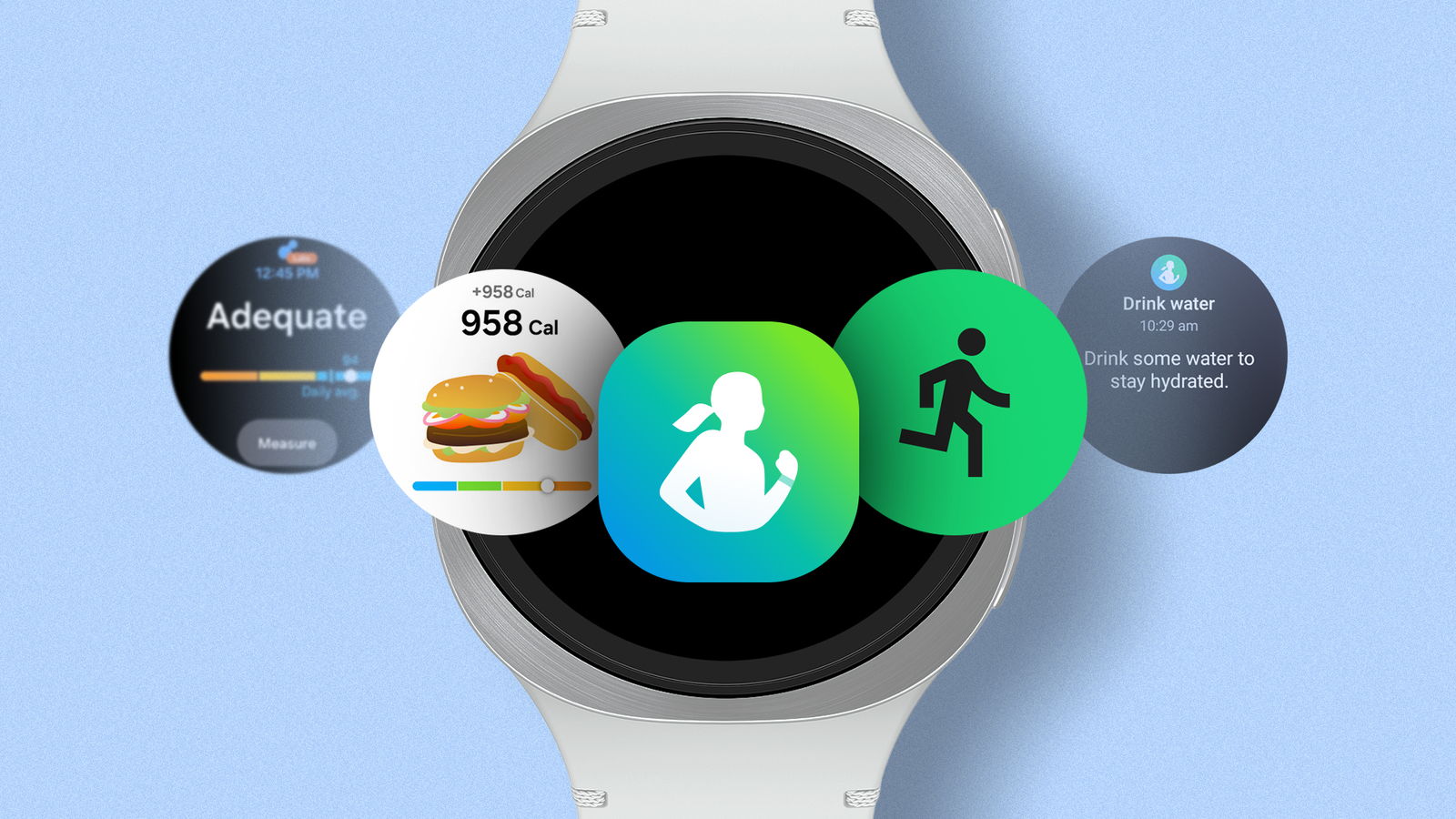
Hidden Samsung Health features for Galaxy Watch users: Sleep coaching, body composition, and social challenges
You need to dig into Samsung Health to get the most from it
 androidpolice.com·1mo ago
Comments
Sign in to join the conversation.
No comments yet. Be the first.