
























What to plug into your monitor's USB ports — and what to keep connected directly to your PC
By
Kazim Alvi
Summary
This article explains which devices are best suited for a monitor's built-in USB ports versus those that should be plugged directly into a computer. It covers the technical limitations of monitor USB hubs (typically USB 2.0 or slower USB 3.0), power delivery constraints, and data transfer speeds. The author recommends low-bandwidth peripherals like keyboards, mice, and USB headsets for monitor ports, while advising against high-power devices (external drives, phone charging), high-bandwidth devices (external SSDs, VR headsets), and latency-sensitive peripherals (gaming mice, high-refresh-rate devices). The piece also explains USB-C and Thunderbolt alternatives, daisy-chaining, and KVM switch functionality for cleaner desk setups.
Source
 bskyWhat to plug into your monitor's USB ports — and what to keep connected directly to your PCbgr.com
Key quotes
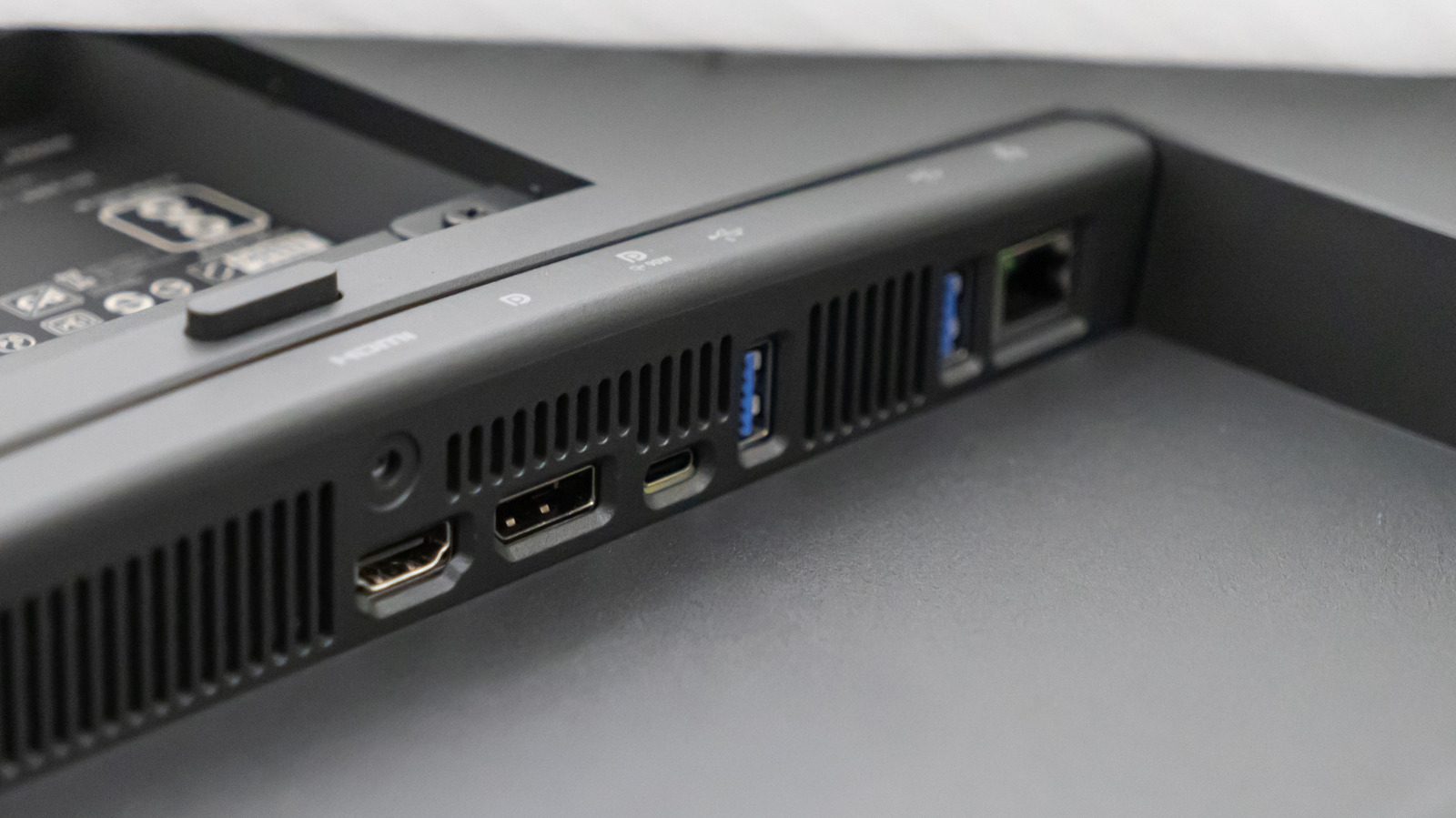
· 3 pulledIf you have a relatively modern monitor, chances are it features one or more USB ports.
Plugging the right peripherals into your monitor's USB ports can clean up your desk. A few devices, though, are better with a direct connection.
The USB ports on your monitor are essentially a USB hub built into the display.
You might also wanna read

Exploring the Versatility of USB-C Technology
The article discusses the unexpected versatility of USB-C technology, highlighting unconventional uses like connecting a toaster to a monito
worksonmymachine.substack.com·1y ago

The Unexpected Versatility of USB-C: From Toasters to Monitors
The article humorously explores the unexpected versatility of USB-C, highlighting its ability to connect unconventional devices like toaster
worksonmymachine.ai·10mo ago
Technical Discussion: Software Solutions Needed for Linking Two Computers via USB
The article is a technical discussion from Hacker News about creating a USB device to link two computers. The main advice suggests that a pu
 news.ycombinator.com·8mo ago
Exploring USB-C Hubs: A Humorous Descent into Madness
The article discusses the author's experience with USB-C hubs due to the limited accessory ports on their laptop, leading to frustration and
overengineer.dev·11mo ago
Using a Logitech Mouse as a Data Storage Device: A Technical Exploration
A developer explores the technical possibility of using a Logitech MX Vertical mouse as a data storage device by leveraging its internal fla
timwehrle.de·3mo ago
Generating Device Clocks for High-Speed Peripheral Design
The author discusses their experience building interfaces between hardware designs and external peripherals after completing CPU, bus interc
 zipcpu.com·16d ago
Comments
Sign in to join the conversation.
No comments yet. Be the first.