
























Guide to Optimizing Windows 11 25H2: Removing AI Features and Decluttering the OS
A new major Windows 11 release means a new guide for cleaning up the OS.
Read the full articleYou might also wanna read


Microsoft Trials AI Tool to Diagnose Windows 11 Slowdowns
Discover Microsoft's new AI tool to identify performance issues in Windows 11. Learn how it can enhance your PC's efficiency.
Microsoft redesigns Windows 11 Search to prioritize local results and reduce clutter in 26H2
Microsoft is redesigning Windows Search to remove clutter, reduce web distractions, and make finding apps, files, and settings faster. The p

Microsoft Backtracks on Taskbar & AI in Huge Windows 11 Overhaul
Microsoft has announced major quality-of-life improvements for Windows 11, including a repositionable taskbar, reduced Copilot integration,

Windows 11 Copilot Diagnoses Sluggish PCs While Eating 1GB Of RAM
Microsoft's ongoing efforts to improve Windows 11 don't always go to plan. One major cause behind Windows 11 performance issues was increase
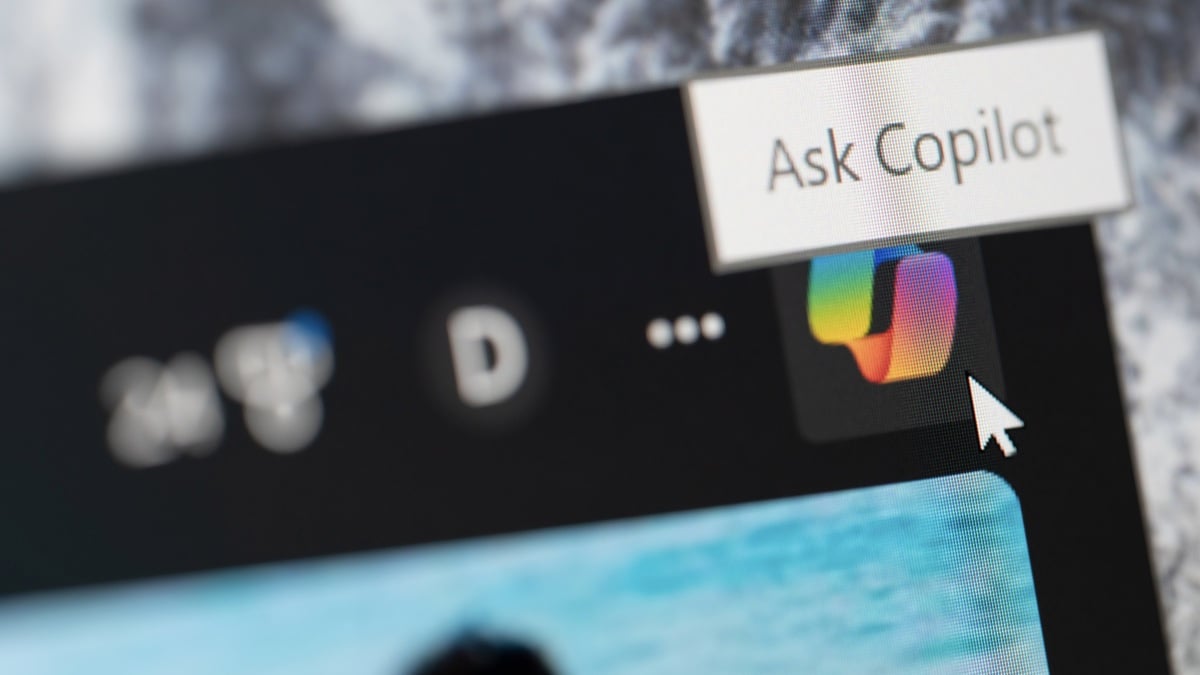
How to Remove Microsoft Copilot From Windows 11: Two Methods
You can block AI services you didn't ask for.
 lifehacker.com·1mo ago
Microsoft Prioritizes Developer Experience and Windows 11 Fundamentals Over AI at Build 2026
Behind the AI hype, Microsoft unveiled a developer-first vision for Windows 11—one centered on performance, customization, and fixing long-s
 pcmag.com·1mo ago
Comments
Sign in to join the conversation.
No comments yet. Be the first.