
























Fix @unknown Terminal Prompt in MacOS
By
Paul Horowitz
2d agoen
Source
OS X DailyFix @unknown Terminal Prompt in MacOSosxdaily.comSome Mac Terminal app users may find that their zsh prompt and Mac host name at the command line randomly sets itself to “@unknown”, or some variation of that. Opening the Terminal, you might find your prompt is something like “@unknown92844982″, @unknown184Afb84.home”, @UNKNOWN, or some variation of “@unknown” with a bunch of alphanumeric characters on ... Read More The post Fix @unknown Terminal Prompt in MacOS appeared first on OS X Daily .
You might also wanna read


Your Mac May Block Terminal Pasted Commands. Here's What Each Alert Means
Gadget Hacks·20d ago

Terminal Workaround Bypasses Siri AI Waitlist on macOS 27 Golden Gate Developer Beta
The article provides a workaround for users who have installed the macOS 27 Golden Gate developer beta and are waiting for Siri AI waitlist
 macrumors.com·26d ago
Apple patches Siri AI waitlist bypass in macOS 27 developer beta 2
Apple's second developer beta of macOS 27 has patched the Terminal command hack that let some Mac users bypass the waitlist for the new Siri
 cultofmac.com·13d ago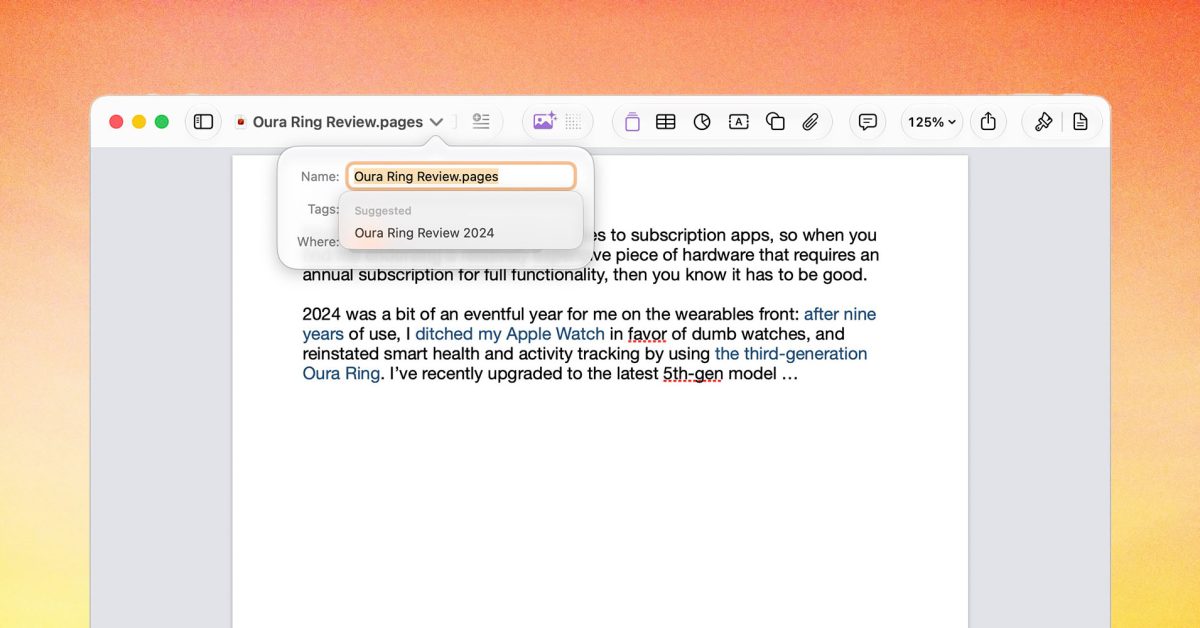
Apple's macOS 27 adds AI-powered file name suggestions to Pages, Numbers, and TextEdit
Apple is adding a small but useful AI enhancement to its productivity apps in macOS 27: automatic file name suggestions. When users create n
 9to5mac.com·12d ago
How to Disable Menu Icons in macOS Tahoe Using Terminal Command
The article discusses a Terminal command that disables menu icons in macOS Tahoe, which the author finds cluttered and inconsistent. The com
 512pixels.net·3mo ago
Choosing Colors for CLI Applications: Testing Across Different Terminal Themes
The article discusses the challenges of choosing colors for CLI applications that display syntax-highlighted source code, emphasizing that c
blog.xoria.org·5mo ago
Comments
Sign in to join the conversation.
No comments yet. Be the first.