
























First line of pop up boxes is clipped
By
Undecided
1d agoen
Source
 MacRumorsFirst line of pop up boxes is clippedmacrumors.com
Any idea why this is happening since upgrading to Tahoe? The example is from Calendar but I see this elsewhere too, such as Shortcuts output windows, Shortcuts list of 'menu bar' shortcuts. I thought maybe it's text size settings (in Accessibility), but after testing different settings it made no difference. The text area is scrollable but snaps back into clipping the first line.
You might also wanna read


Solving Dropdown Clipping Issues in Scrollable Containers: Technical Solutions for Web Developers
This technical article addresses a common web development problem where dropdown menus get clipped or disappear when placed inside scrollabl
 Smashing Magazine·3mo ago
Usability Issues with Window Resizing in macOS Tahoe Due to Large Corner Radius Design
The article discusses usability issues with window resizing in macOS Tahoe, specifically focusing on problems caused by the operating system
 noheger.at·5mo ago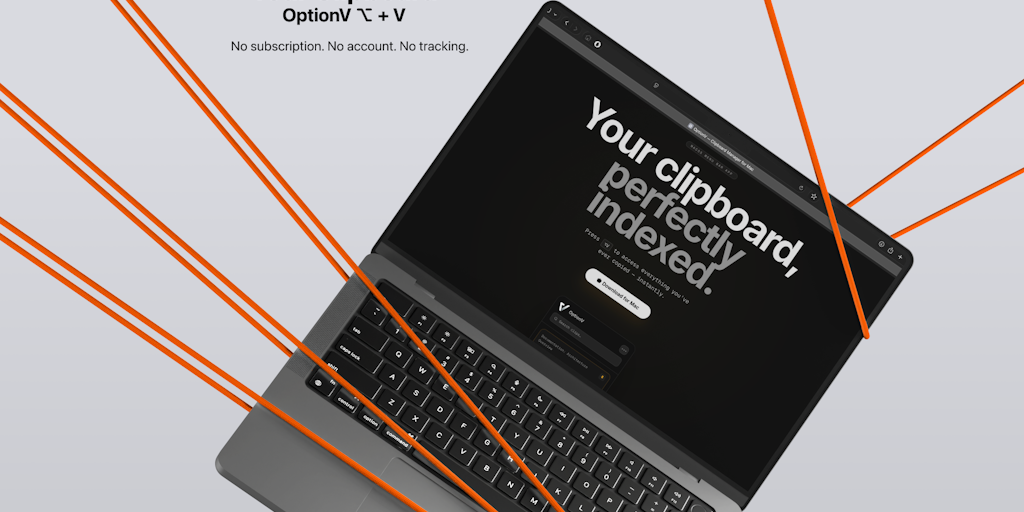
OptionV: A macOS Menubar Clipboard Manager with ⌥V Shortcut Access
OptionV is a macOS clipboard manager that lives in the menubar and allows users to access their clipboard history by pressing ⌥V (Option+V).
 Product Hunt·2mo ago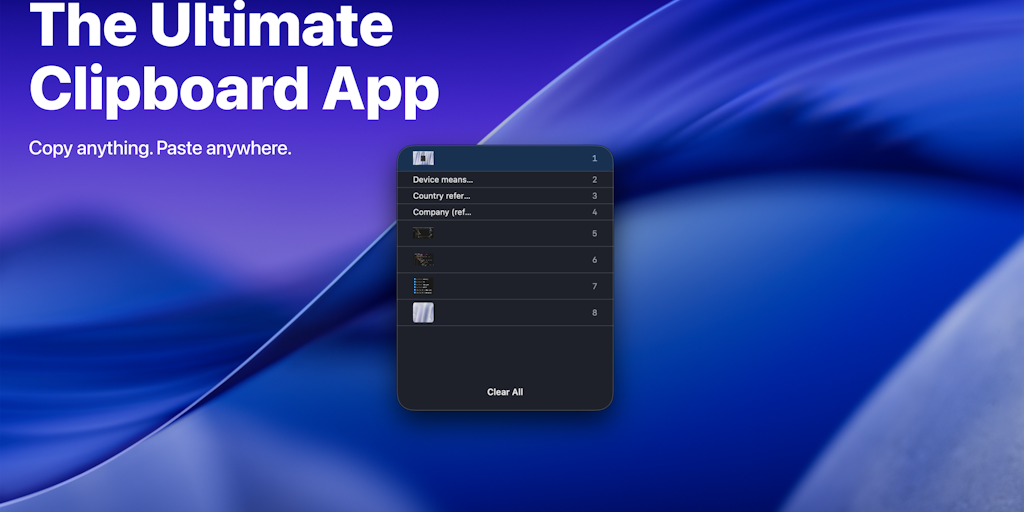
Clipgo: A Clipboard Manager for Mac to Boost Workflow Efficiency
Clipgo is a clipboard manager for Mac that provides instant access to recent copies, drag-and-drop functionality, and smart search capabilit
Product Hunt·1y agoShow HN: Vim-like text editor in go. (LSP, TreeSitter, Themes)
github.com·1y ago
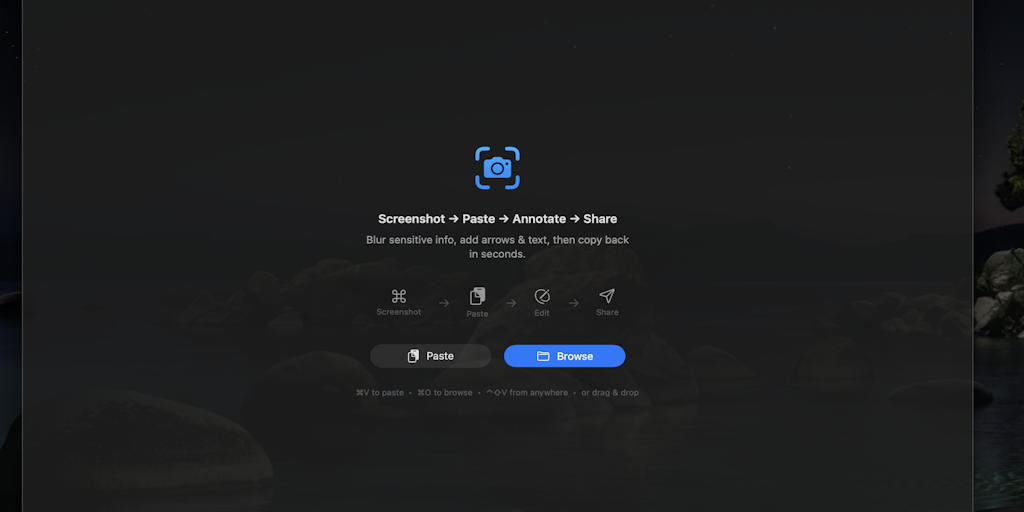
SnapEdit: Lightweight SwiftUI Clipboard Image Editor for macOS
A developer created a lightweight SwiftUI app called SnapEdit that allows users to quickly edit images directly from the clipboard without s
Product Hunt·2mo ago
Comments
Sign in to join the conversation.
No comments yet. Be the first.