
























A Practical Folder Structure Template for Organizing UX Assets and Files
Lost in a sea of UX files, docs, PDFs, and scattered decisions across Slack, Dropbox, Notion, and Figma? We talk a lot about organizing Figma, but what about a sensible folder structure for all UX…
Read the full articleYou might also wanna read


A Curated Guide to Free Graphic Design Assets for Better Projects
Explore the possibilities of using free graphic design assets to transform a project with this human curated resource list organized by cate
 adamsdesk.com·22d ago
A Practical Guide to Using Vector Assets Across Web Project Stages
Introduction Modern web projects require a balance between speed, quality, and scalability. Whether a team is building a startup landing pag
 CSS Author·1mo ago
Bridging the Gap Between Design Tools and Real Product Experiences at Slack
For most of my design career, Figma was where the real work happened. I’d design screens, build prototypes, then hand off the designs for so
 slack.design·1mo ago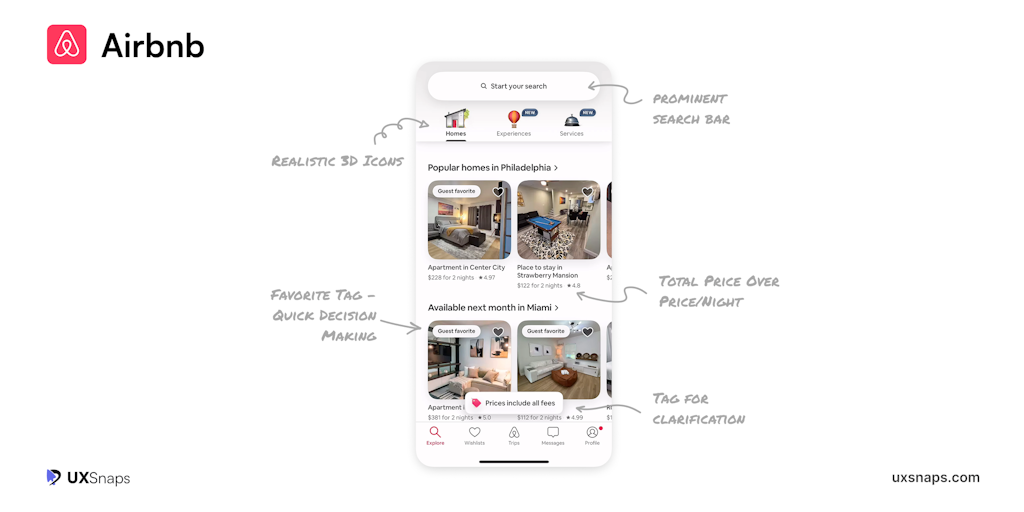
UXSnaps: Practical UI/UX Insights from Top App Breakdowns
Explore real UI/UX breakdowns from billion-dollar apps. Actionable lessons, visual insights, and patterns you can apply. Built for designers
 Product Hunt·11mo ago
Learn-Figma-user-interface-design-essentials-ui-ux-design - Google Drive
Drive
 drive.google.com·28d ago
Scaling design systems: managing theming, experimentation, and maintainability
Design system architecture: theming, experiments, and keeping it maintainable Every design system eventually hits the same wall. The setup t
 medium.com·6d ago
Scaling design systems: managing theming, experimentation, and maintainability
Design system architecture: theming, experiments, and keeping it maintainable Every design system eventually hits the same wall. The setup t
medium.com·6d ago
Comments
Sign in to join the conversation.
No comments yet. Be the first.