
























Deno Desktop: Build cross-platform desktop apps from Deno projects with auto-update and hot reload
Deno Desktop is a tool that converts Deno projects (from single TypeScript files to Next.js apps) into self-contained desktop applications. It bundles code, the Deno runtime, and a web rendering engine into cross-platform redistributable binaries. The article discusses how it leverages web technology for desktop UI while addressing tradeoffs found in alternatives like Electron, Tauri, and Electrobun—such as large binary sizes, missing platform support, and lack of built-in update mechanisms.
Key quotes
deno desktop turns a Deno project (anything from a single TypeScript file to a Next.js app) into a self-contained desktop application.
The output is a redistributable binary that bundles your code, the Deno runtime, and a web rendering engine into one bundle per platform.
Web technology is the most widely-known UI toolkit in the world.
Desktop apps built on web stacks (Electron, Tauri, Electrobun) take advantage of that, but each has tradeoffs you have to live with: huge binaries, missing platform support, no JavaScript ecosystem, no built-in update story.
From the article
You might also wanna read
Deno Basics for Beginners
Bun vs Node.js vs Deno: Which Runtime in 2026?

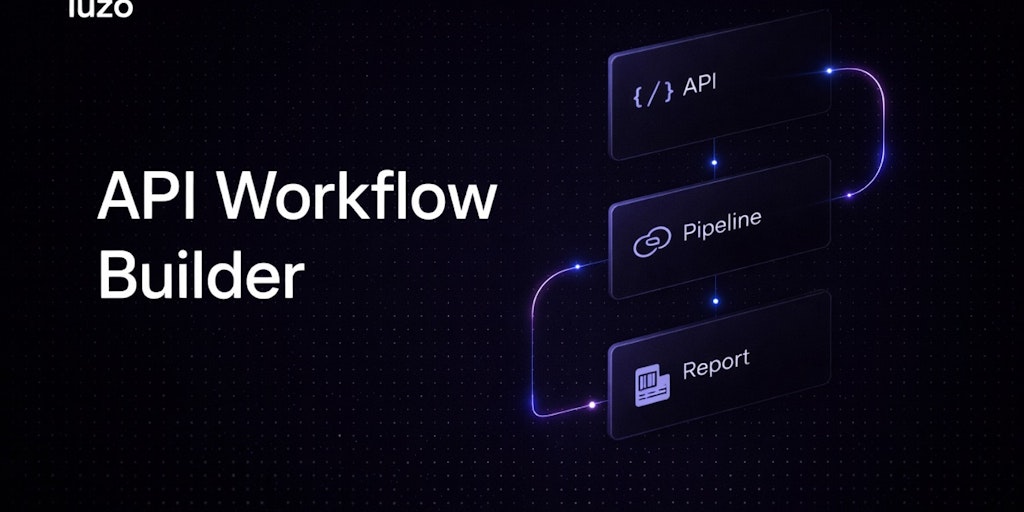
Luzo: Open-Source Desktop Tool for Visual API Workflow Design and Debugging
Luzo is an open-source desktop tool designed for developers and QA teams to visually build, run, and debug multi-step API workflows. Unlike
 Product Hunt·3mo ago
Node.js vs. Deno vs. Bun: Performance & JavaScript Runtime Comparison

DIMO Build: Open Developer Platform for Vehicle Data and Automotive Applications
DIMO Build is an open developer platform that provides access to vehicle data, enabling developers to create applications for cars similar t
Product Hunt·9mo ago
Tauri: A Rust-based framework for building cross-platform desktop and mobile apps with web frontends
Tauri is an open-source framework for building desktop and mobile applications using web front-end technologies (HTML, JS, CSS) with a Rust-
 github.com·19d ago
Comments
Sign in to join the conversation.
No comments yet. Be the first.