
























Crade AI Launches Desktop Assistant That Sees Your Screen, Eliminating Screenshot-to-AI Workflow
Tired of sending screenshots to AI? Crade is a desktop AI assistant for Mac and Windows that already sees your screen. Stuck on a bug, an Excel formula, a German invoice, or a weird error message?…
Read the full articleYou might also wanna read

Seeva AI Assistant: Spotlight-Style Overlay for Quick AI Access Without App Switching
AI overlay that works like Spotlight. Press a key, ask AI, get back to work. - thisisharsh7/seeva-ai-assistant
 github.com·8mo ago
Cua: Open-Source Infrastructure for Computer-Use AI Agents Across Desktop Operating Systems
Open-source infrastructure for Computer-Use Agents. Sandboxes, SDKs, and benchmarks to train and evaluate AI agents that can control full de
GitHub·2mo ago
AI-First Desktop App Architecture: How Developers Should Build for Agentic Operating Systems
AI-first desktop apps need to expose goals, context, tools, permissions, and progress instead of hiding all useful work behind screens. The
agent-desktop: A Rust-based CLI for AI-driven desktop automation via OS accessibility trees
Native desktop automation CLI for AI agents. Control any application through OS accessibility trees with structured JSON output and determin
GitHub·2mo ago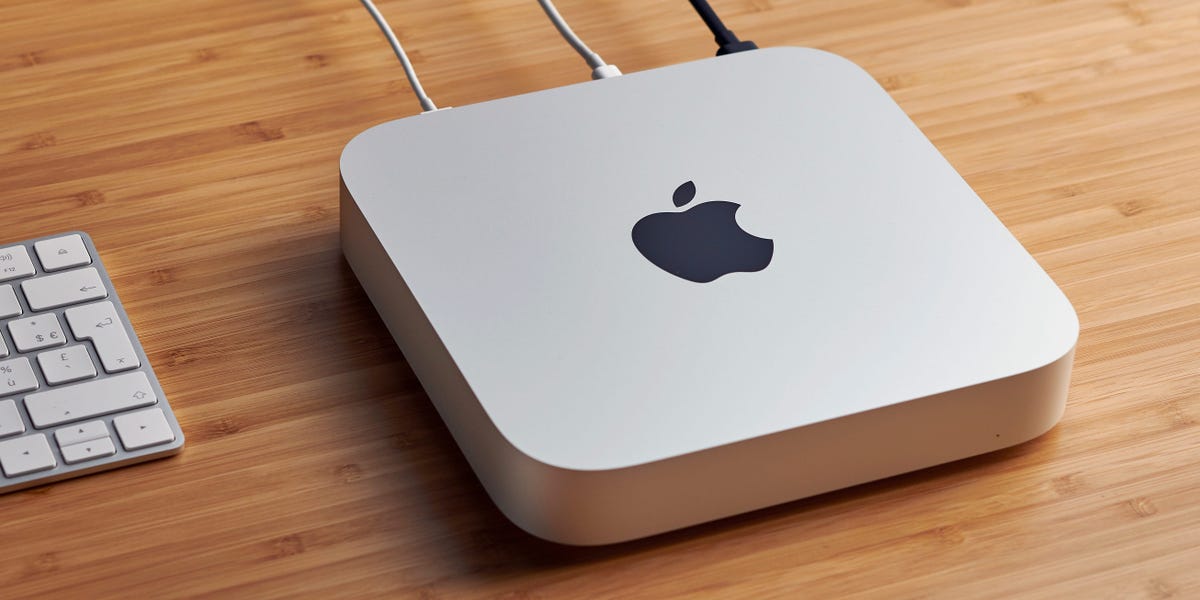
Perplexity AI distributes Mac Minis to test new desktop automation tool
Perplexity is sending out Mac Minis for people to test its new Personal Computer technology with.
 businessinsider.com·1mo ago
Perplexity AI distributes Mac Minis to test new desktop automation tool
Perplexity is sending out Mac Minis for people to test its new Personal Computer technology with.
businessinsider.com·1mo ago
AI agent authorization startup Arcade raises $60M in Series A funding
AI agent authorization startup Arcade nabs $60M investment - SiliconANGLE
 siliconangle.com·1mo ago
Comments
Sign in to join the conversation.
No comments yet. Be the first.