
























Cloudflare One - Dark Mode for Zero Trust Dashboard
1y ago
Source
CloudflareCloudflare One - Dark Mode for Zero Trust Dashboardcloudflare.comThe Cloudflare Zero Trust dashboard now supports Cloudflare's native dark mode for all accounts and plan types. Zero Trust Dashboard will automatically accept your user-level preferences for system settings, so if your Dashboard appearance is set to 'system' or 'dark', the Zero Trust dashboard will enter dark mode whenever the rest of your Cloudflare account does. Zero Trust Dashboard To update your view preference in the Zero Trust dashboard: Log into the Zero Trust dashboard . Select your user icon. Select Dark Mode . Core Dashboard To update your view preference in the Core dashboard: Log into the Cloudflare dashboard . Go to My Profile For Appearance , choose Dark .
You might also wanna read

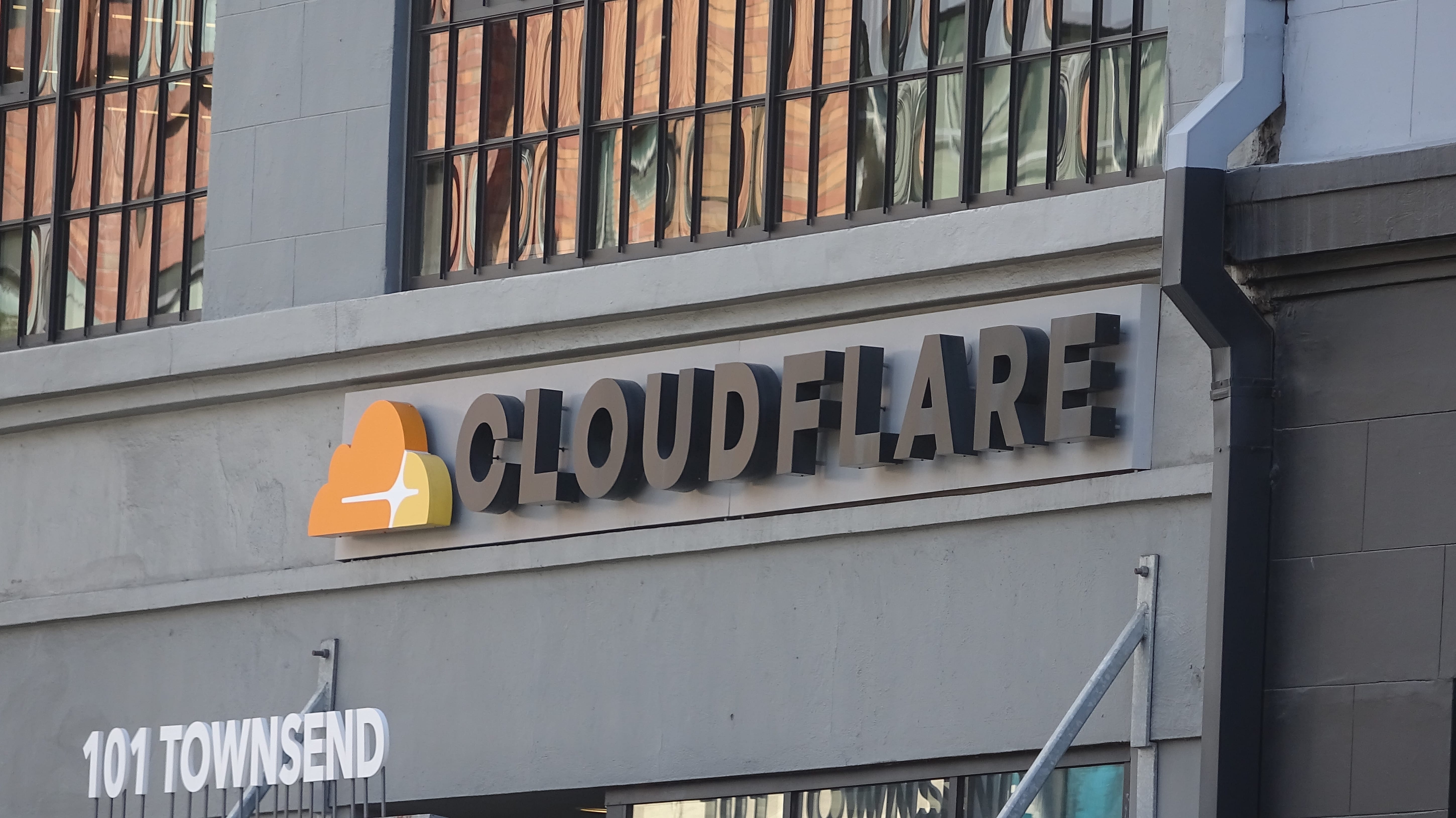
Cloudflare expands post-quantum encryption to enterprise zero trust services
Cloudflare is rolling out post-quantum encryption for enterprise users, with approximately 35% of human-directed web traffic on its network
 cyberscoop.com·1mo ago
Cloudflare Dashboard | Manage Your Account
dash.cloudflare.com·7d ago
Cloudflare Dashboard Service Incident Resolved After Investigation
Cloudflare experienced service issues with its dashboard, which has now been resolved. The incident was reported and investigated on Novembe
 cloudflarestatus.com·7mo ago
Comments
Sign in to join the conversation.
No comments yet. Be the first.