
























Chrome's On-Device AI Model Can Use Several Gigabytes of Storage; Here's How to Check and Remove It
By
Hongkiat.com
Summary
Chrome's on-device AI features, powered by Gemini Nano, can store several gigabytes of model files (specifically a file called weights.bin) in the OptGuideOnDeviceModel folder within Chrome's browser data directory. This storage is used for features like writing assistance, scam warnings, tab organization, and page summaries. The article explains how users can check for this file and remove it if they don't use these AI features, helping keep Chrome lean.
Source

 HongkiatChrome's On-Device AI Model Can Use Several Gigabytes of Storage; Here's How to Check and Remove Ithongkiat.com
Key quotes
· 4 pulledChrome can use more than memory, battery, CPU, and tab space.
Its on-device AI features can also store several gigabytes of model files on your computer.
The file to look for is weights.bin. It appears inside Chrome's browser data directory, under a folder named OptGuideOnDeviceModel, and is connected to Gemini Nano, Google's on-device AI model for Chrome.
This file helps power Chrome features such as writing assistance, scam warnings, tab organization, page summaries.
You might also wanna read


Chrome automatically downloads 4GB Gemini Nano AI model file, consuming significant user storage
Google Chrome is automatically downloading a 4GB AI model file (weights.bin) associated with its Gemini Nano AI into users' browser director
 The Verge·1mo ago
Chrome automatically downloads 4GB Gemini Nano AI model file, consuming significant user storage
Google Chrome is automatically downloading a 4GB AI model file (weights.bin) associated with its Gemini Nano AI into users' browser director
The Verge·1mo ago
Google Chrome Installs 4GB Gemini Nano AI Model on Users' Computers Without Consent
Google Chrome has been secretly installing Gemini Nano, a 4GB on-device AI model, onto users' computers without their knowledge or consent.
 oztalking.com·12h ago
Google Chrome Integrates Gemini AI for Enhanced Browsing Experience
Google Chrome is introducing new AI-powered features with deep Gemini integration, transforming the browser into an intelligent assistant. K
 Product Hunt·9mo ago
Google Chrome Adds Gemini AI-Powered Auto Browse Feature for Automated Web Tasks
Google is introducing a new 'auto browse' feature in Chrome powered by Gemini AI that can perform multi-step tasks automatically. Available
The Verge·5mo ago
Google Integrates Gemini 3 AI Features into Chrome Browser
Google is introducing major updates to Gemini AI integration in Chrome for MacOS, Windows, and Chromebook Plus, powered by the new Gemini 3
 blog.google·5mo ago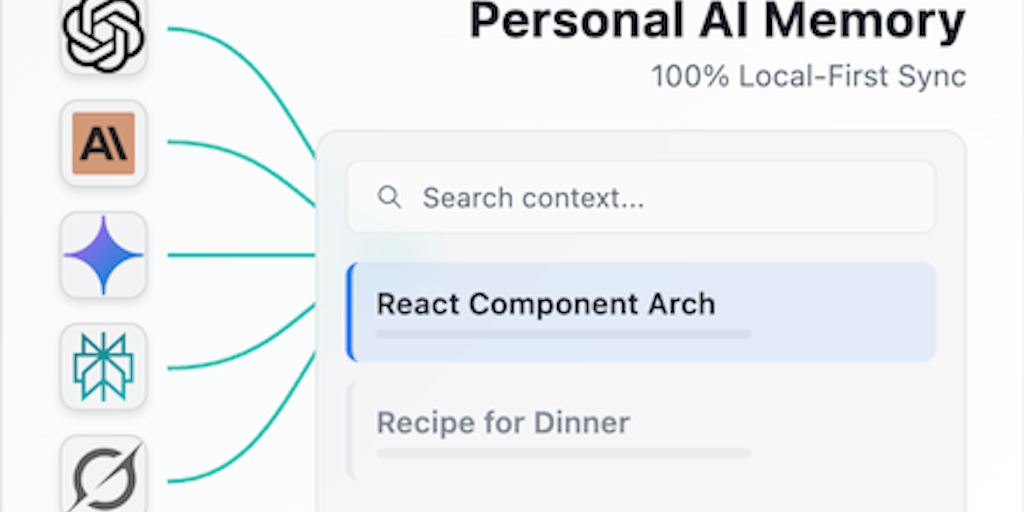
AI Memory: Privacy-First Browser Extension for Local Storage of AI Chat Conversations
AI Memory is a privacy-focused browser extension that captures and organizes conversations from various AI platforms (ChatGPT, Gemini, Claud
Product Hunt·3mo ago
Comments
Sign in to join the conversation.
No comments yet. Be the first.