
























How to Install the iOS 27 Developer Beta Right Now
By
Jason Cohen
26d ago· 5 min readen
Summary
Apple announced iOS 27 at WWDC, featuring an AI-powered Siri, redesigned Screen Time app, Liquid Glass customizations, and deeper Apple Intelligence integration. The stable release is expected in fall alongside new iPhones, but early adopters can access the developer beta immediately or wait for the public beta. The article provides guidance on how to install the developer beta for those eager to test new features.
Source
 bskyHow to Install the iOS 27 Developer Beta Right Nowbit.ly
Key quotes
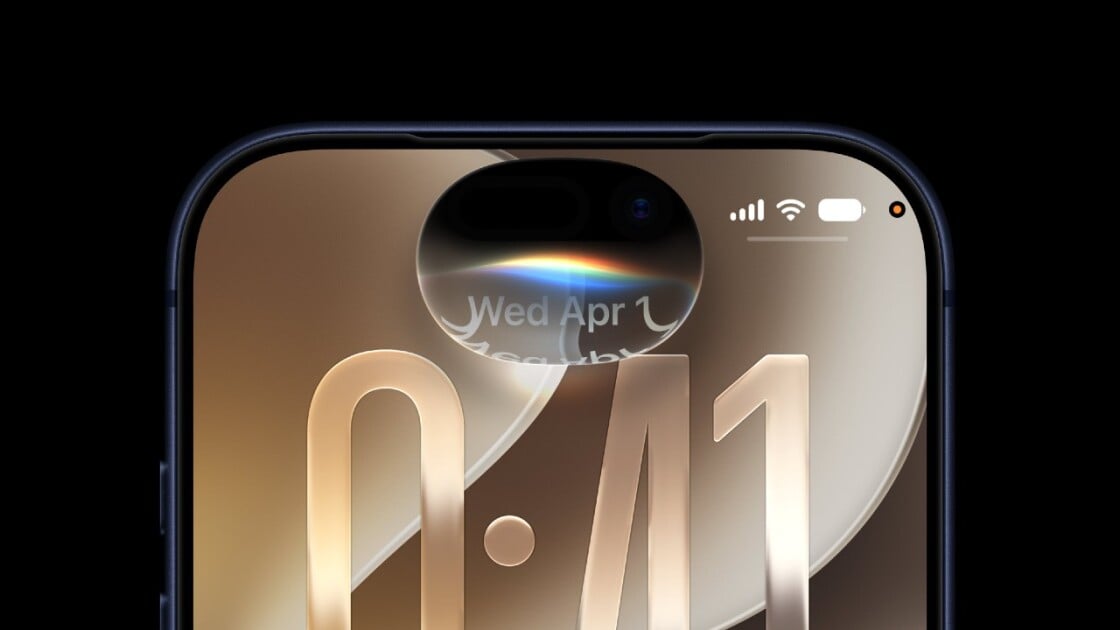
· 4 pulledAt Apple's WWDC today, the company unveiled its next-gen mobile OS, iOS 27.
New features included an AI-powered Siri, a redesigned Screen Time app, more Liquid Glass customizations, and deeper Apple Intelligence integration.
The stable version of iOS 27 is expected this fall alongside new iPhones, but if you're an early adopter who can't wait to get your hands on new features, you have two opportunities to try it out early: a developer beta and the public beta.
If you're itching to try out the new Siri in iOS 27, the developer beta is available now for those who want to put the OS through its paces.
If you're itching to try out the new Siri in iOS 27, the developer beta is available now for those who want to put the OS through its paces. Here's how to try it out.
You might also wanna read


iOS 27 public beta release date: When you can install the new iPhone update
9to5mac.com·2d ago

Apple Beta Website Down Before WWDC: Should You Install iOS 27?
Gadget Hacks·26d ago

iOS 27 Public Beta Guide: How to Back Up and Ready Your iPhone for Apple's Latest Update
Mashable·1d ago

Apple Fall 2026 Product Rumors: What iOS 27 Beta Code Reveals
Gadget Hacks·23d ago

Apple Seeds tvOS 27 Beta 2 to Developers
MacRumors·9h ago

macOS 27 Golden Gate New Features: Design, Siri AI, and Release Dates
Gadget Hacks·22d ago
Comments
Sign in to join the conversation.
No comments yet. Be the first.