
























Building Timeframe: A Decade-Long Journey Creating a Custom Family Dashboard System
Over the past decade, I've worked to build the perfect family dashboard system for our home, called Timeframe
Read the full articleYou might also wanna read
Developer Builds Dual Clock-Matrix Tool to Visualize and Analyze Personal Productivity
A developer has created a productivity visualization tool combining a zoomable chronological timeline (the Clock) with a grid-based stopwatc

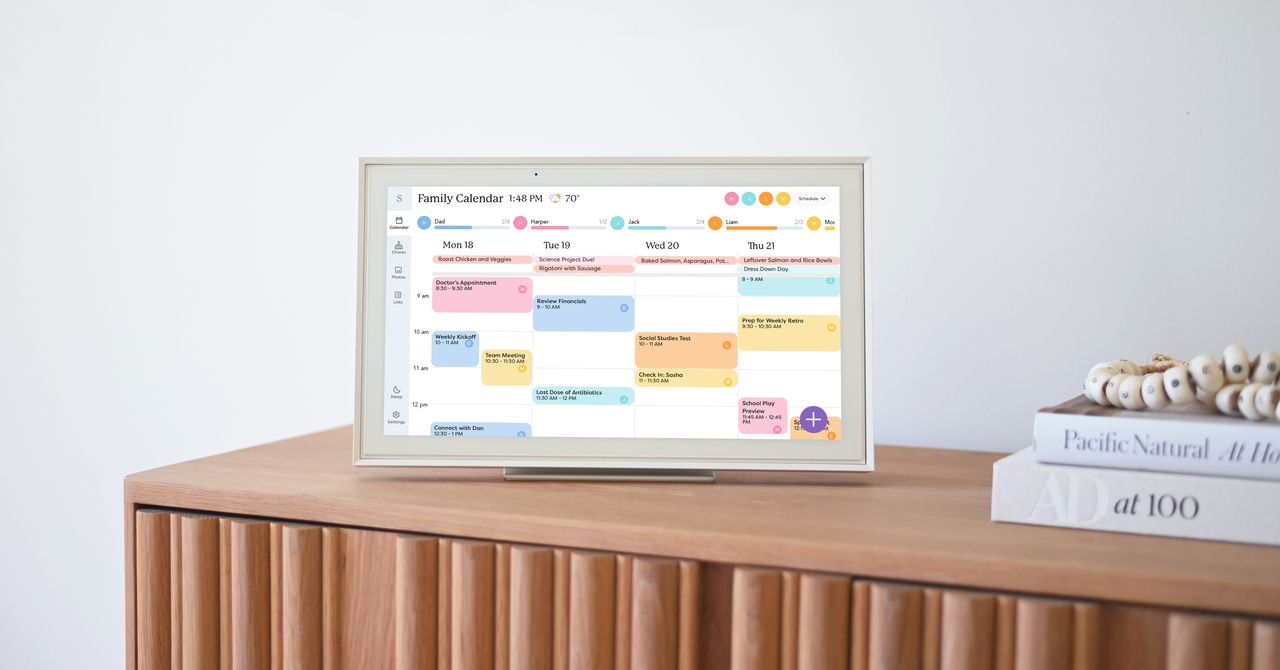
Skylight Touchscreen Calendar Review: A Family Scheduling Solution
The Skylight has become the informational and organizational hub of my household. My touchscreen-native kids have also gained more agency ov
 wired.com·5d ago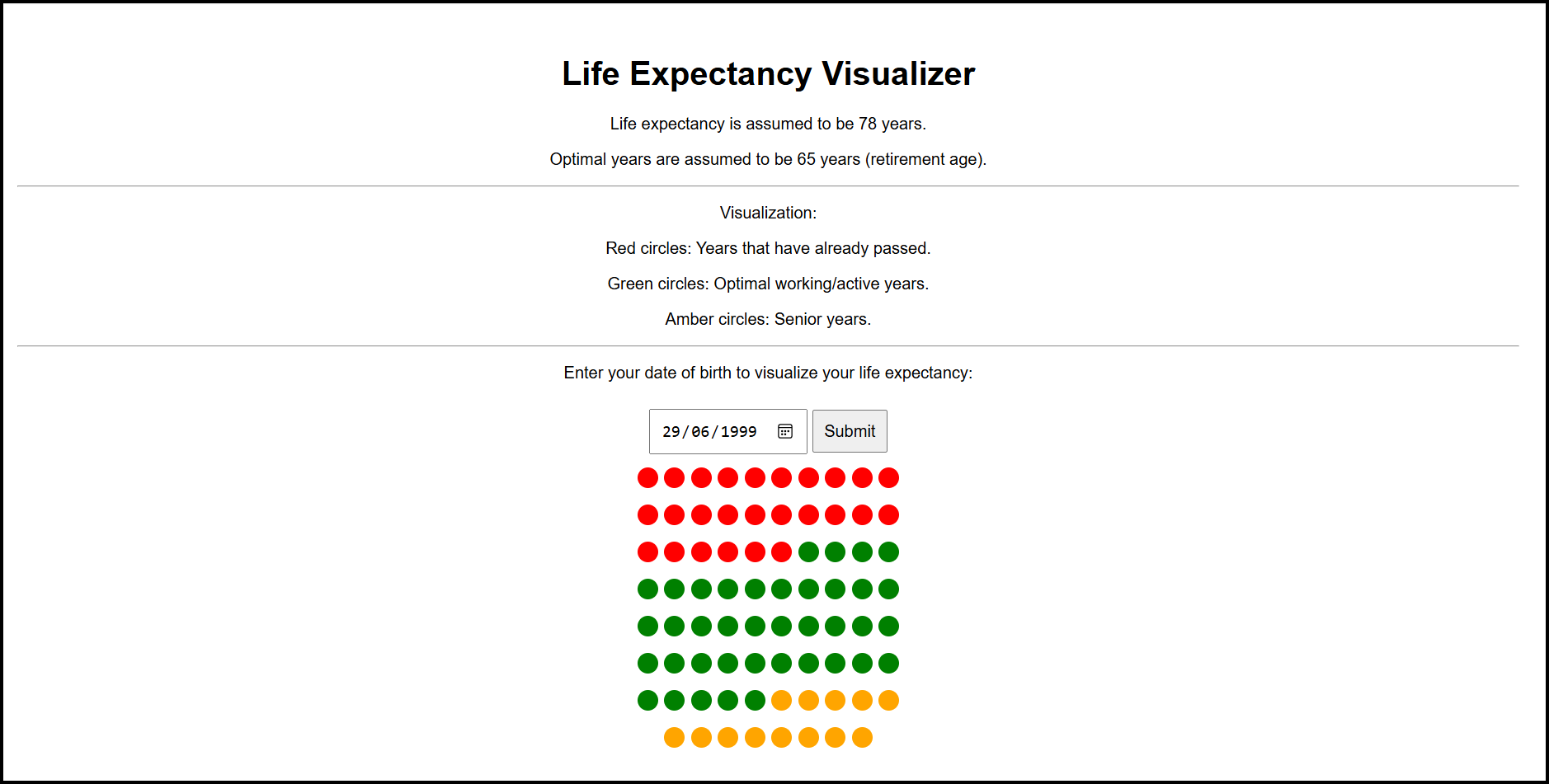
Building a Life Expectancy Visualizer with GPT-4o in Minutes
It was my birthday recently. It got me considering time.
 jamiemaguire.net·1mo ago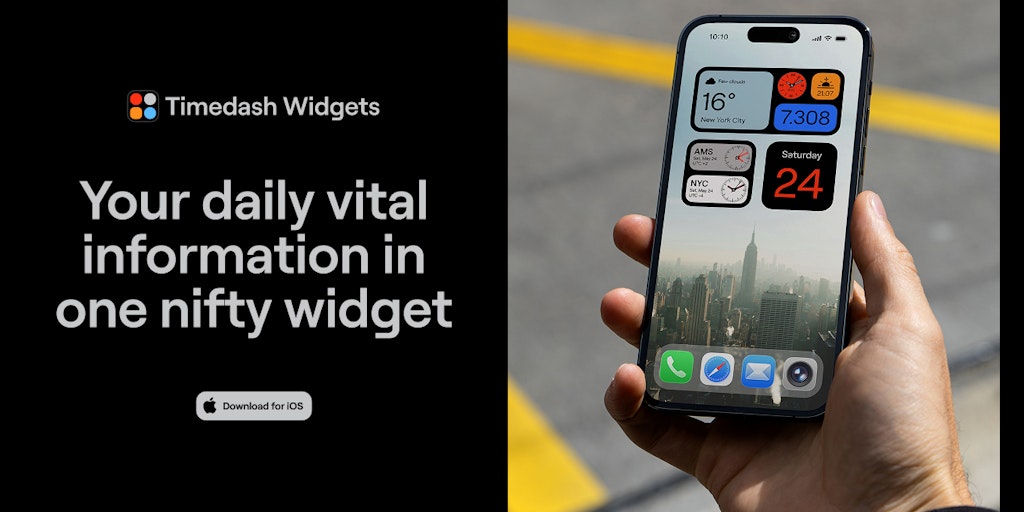
Timedash Widget: Consolidates Time, Date, Weather, and Step Counter in One Home Screen Widget
Timedash combines your most vital daily information in one nifty widget: time, date, weather & a daily step counter, all available in one cl
 Product Hunt·1y ago
Best Smart Home Hubs for Accessibility and Elderly Users
Empower senior independence with our 2026 guide to smart hubs. Explore how the Aqara Hub M3 and FP2 sensor provide local, privacy-first safe
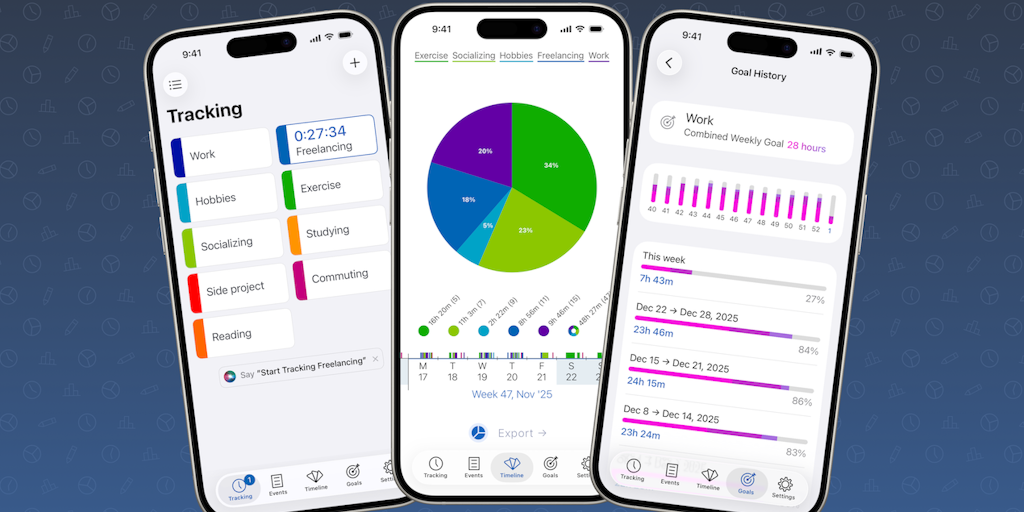
Timelines 4 Launches: Interactive Time Tracking App for Personal and Professional Productivity
Timelines is easy-to-use, flexible yet powerful time tracking app. Record what you're doing and get insights into your time with interactive
Product Hunt·6mo ago
Comments
Sign in to join the conversation.
No comments yet. Be the first.