
























Browser Run - Manage Browser Rendering sessions with Wrangler CLI
2mo ago
Source
CloudflareBrowser Run - Manage Browser Rendering sessions with Wrangler CLIcloudflare.comBrowser Rendering now supports wrangler browser commands, letting you create, manage, and view browser sessions directly from your terminal, streamlining your workflow. Since Wrangler handles authentication, you do not need to pass API tokens in your commands. The following commands are available: Command Description wrangler browser create Create a new browser session wrangler browser close Close a session wrangler browser list List active sessions wrangler browser view View a live browser session The create command spins up a browser instance on Cloudflare's network and returns a session URL. Once created, you can connect to the session using any CDP -compatible client like Puppeteer , Playwright , or MCP clients to automate browsing, scrape content, or debug remotely. wrangler browser create Use --keepAlive to set the session keep-alive duration (60-600 seconds): wrangler browser create --keepAlive 300 The view command auto-selects when only one session exists, or prompts for selection when multiple sessions are available. All commands support --json for structured output, and because these are CLI commands, you can incorporate them into scripts to automate session management. For full usage details, refer to the Wrangler commands documentation .
You might also wanna read

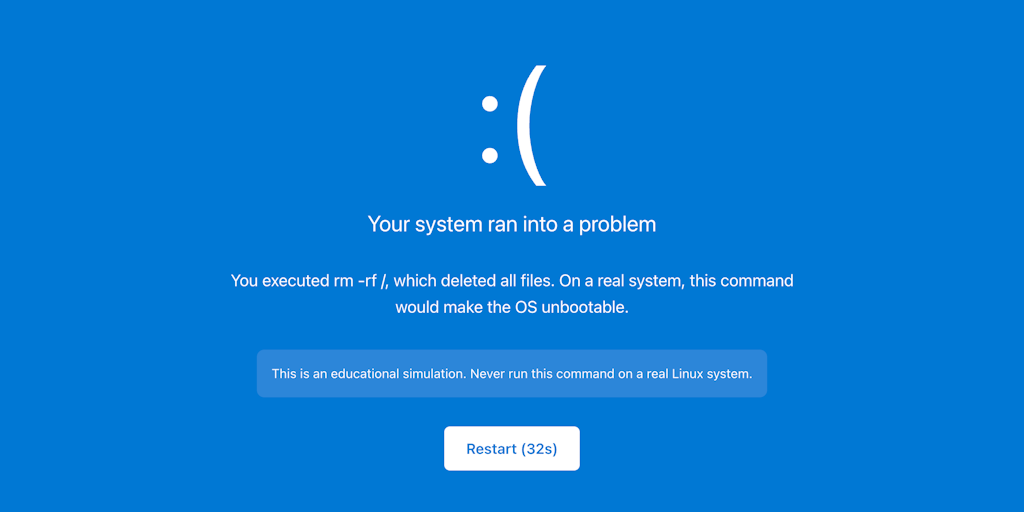
WebTerm: Browser-Based Terminal Sandbox for Learning CLI Skills Safely
WebTerm is a browser-based terminal sandbox designed to help beginners learn command-line interface (CLI) skills without fear of damaging th
 Product Hunt·5mo ago
Browser Harness: A lightweight CDP-based tool for LLM-driven browser automation
Browser Harness is a lightweight, self-healing browser automation tool built on Chrome DevTools Protocol (CDP) that gives LLMs direct contro
 github.com·2mo ago
Comments
Sign in to join the conversation.
No comments yet. Be the first.