
























Benchmark Comparison: Windows File Transfer Tool Speeds Show Copy-Item 27% Slower Than Drag-and-Drop
1 2 3 4 5 File Explorer drag & drop ########## (112 MBps) Copy-Item ####### (82 MBps) Built in SFTP client ###### (70 MBps) Built in robocopy (/MT:32) ## (25 MBps) WSL 2 rsync # (13 MBps) In table…
Read the full articleYou might also wanna read
Seagate IronWolf Pro 28TB performance issues
I got a Seagate IronWolf Pro 28TB from newegg. Every transfer I do maxes out at 125MB/s and i'm not sure if this response time is what it sh


Why I don’t trust Windows copy for big files—and what I use instead now
Moving a terabyte around doesn't have to be a pain.

Testing Microsoft's Free PC Manager: Can One Click Really Speed Up a Slow Windows PC?
I installed Microsoft's free PC Manager tool to see if a single click could actually make a difference on a sluggish computer.
 pcmag.com·1mo ago
20 PowerShell Commands Every System Administrator Should Know
Learn the most useful PowerShell commands that every Windows administrator uses to manage systems faster and with less effort Continue readi
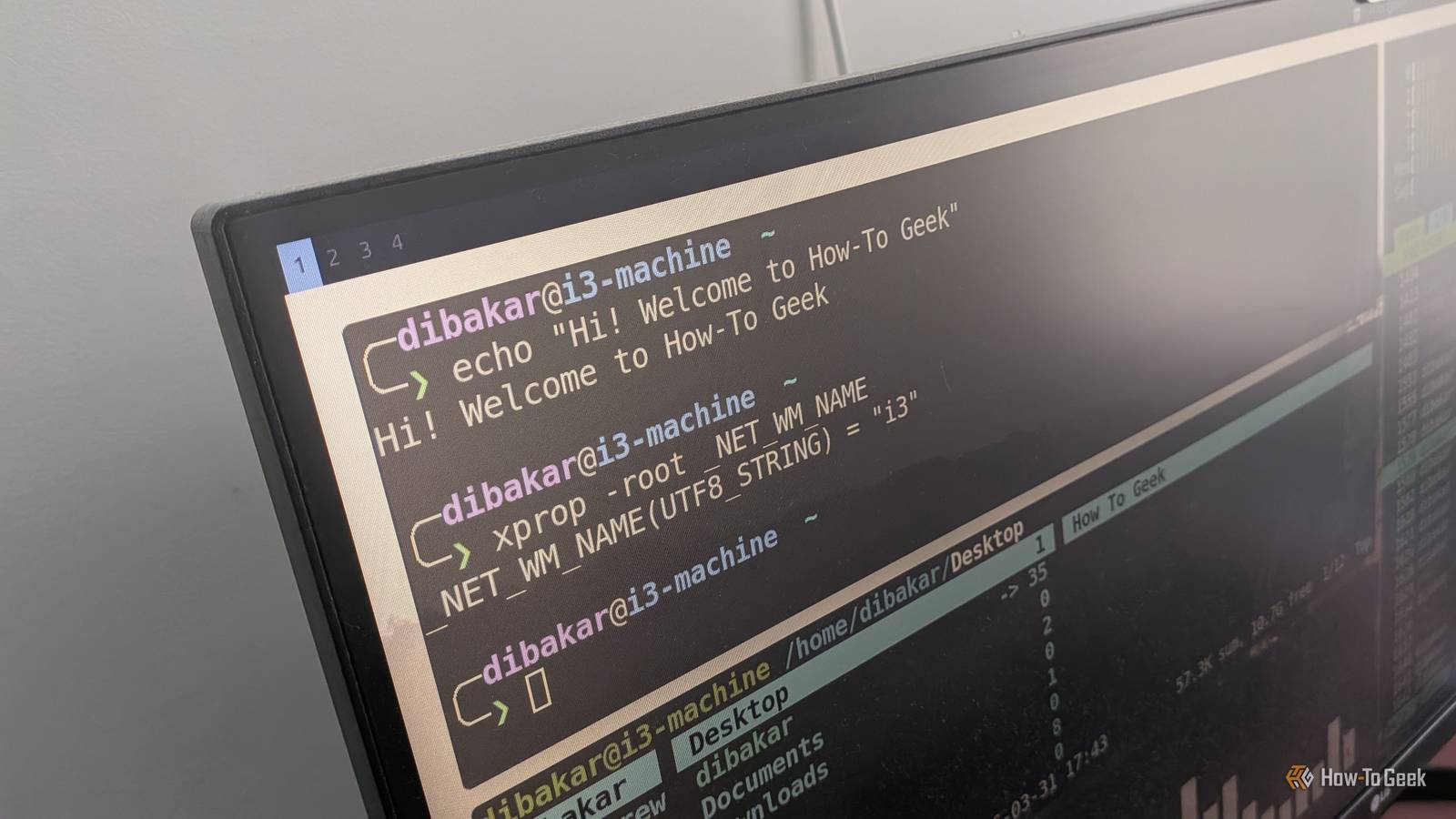
7 cross-platform commands that work on both Windows PowerShell and Linux
Unleash the power of cross-platform command-line compatibility
 howtogeek.com·1mo ago
How to copy files to all user profiles with PowerShell
Need to copy files to all your users' profiles? Here's how to do that in PowerShell in just a few steps.
Comments
Sign in to join the conversation.
No comments yet. Be the first.