
























Apple watch notification centre bug
On my Apple Watch (series 9 running 26.5) when I first pull down notification centre, scroll to the top and tap 'clear all', nothing happens. The button does not work or respond. I have to swipe…
Read the full articleYou might also wanna read

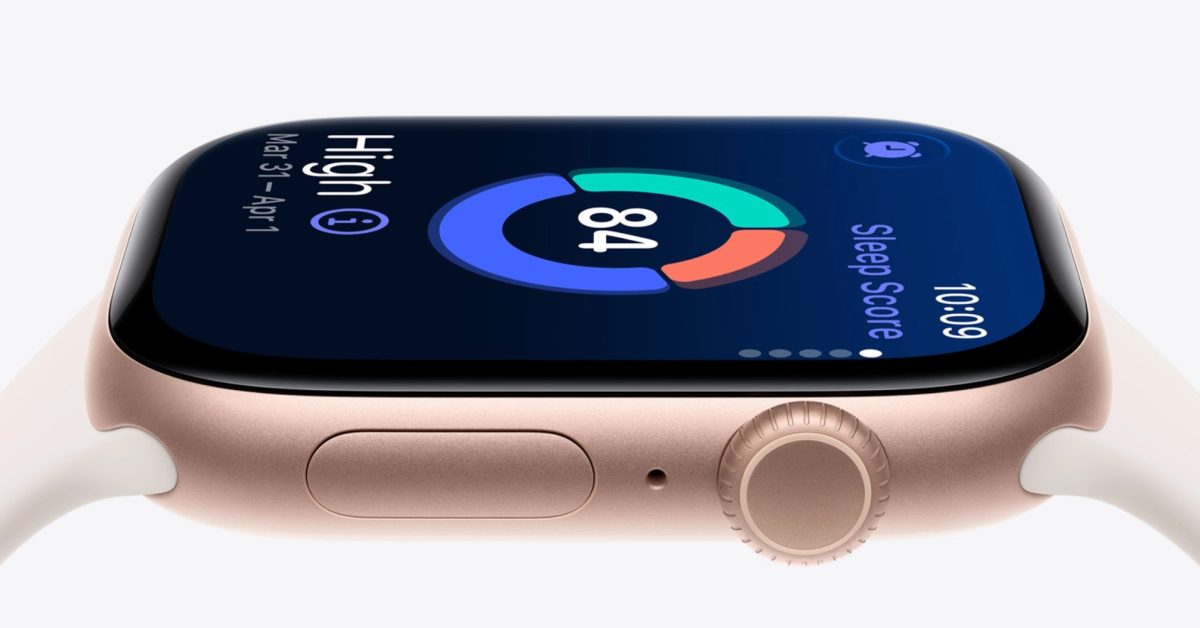
How to make Apple Watch sleep score more useful with notification range settings
Apple Watch includes a built-in sleep tracking feature. Just wear your Apple Watch to bed, and it works automatically. No...
 9to5mac.com·10d ago
How to make Apple Watch sleep score more useful with notification range settings
Apple Watch includes a built-in sleep tracking feature. Just wear your Apple Watch to bed, and it works automatically. No...
9to5mac.com·10d ago
If Your Apple Watch Shows A Charger Symbol, Here's What It Means
Are you seeing a charger symbol on your Apple Watch but can't figure out how to clear it? Here's everything you need to know about the icon.

iOS 26.4 Always Play on iPhone Alarm Feature Explained for Apple Watch Users
iOS 26.4 Always Play on iPhone Alarm Feature Explained for Apple Watch Users Apple Watch owners who use Sleep Schedule have had one persiste

Why There's A Blue Border On Your Apple Watch — And How To Get Rid Of It
If a blue border keeps appearing on your Apple Watch, it is probably tied to an accessibility setting. The fix is easy once you know where t

Apple just made Siri on the Apple Watch much more useful – and finally fixed one of its oldest frustrations
Apple's latest developer beta introduces several meaningful upgrades that make the Apple Watch feel noticeably smarter

watchOS 27 has brand new default Home Screen for Apple Watch
Apple Watch users have two current Home Screen layout options, but in watchOS 27 they’re joined by a new default: the dynamic app grid. Here
Comments
Sign in to join the conversation.
No comments yet. Be the first.