
























Any way to stop Safari taking over the keyboard media buttons?
From the article
So all Apple keyboards have media playback controls on them (Forward/Reverse/Play/Pause), and they are extremely convenient when you use Music or playback video a lot. And I use Music a lot. But Safari is extremely efficient at taking over said controls, and I would really like to know if there's a way to block Safari from doing this. If you have interacted with ANY audio or video in Safari, then it hijacks the media keys, even if you haven't interacted with said tabs for several hours, and... Read more
Continue reading on MacRumorsYou might also wanna read


Apple's macOS Adopts iOS Safari Video Controls Despite Previous Denials
The article discusses Apple's gradual merging of iOS and macOS features, specifically focusing on Safari video controls. It references Craig
underpassapp.com·9mo ago
Can You Disable Spotlight and Siri in macOS Tahoe?
eclecticlight.co·5mo ago

Siri Summarize Webpages and Videos in Safari and YouTube: Real but Unreliable
Gadget Hacks·14d ago
Audio API
12daysofweb.dev·4y ago
Permute receives major macOS update with rewritten UI and improved media handling
A review and reflection on the major update to Permute, a macOS media converter. The author, a long-time user who originally hunted Permute
 Product Hunt·28d ago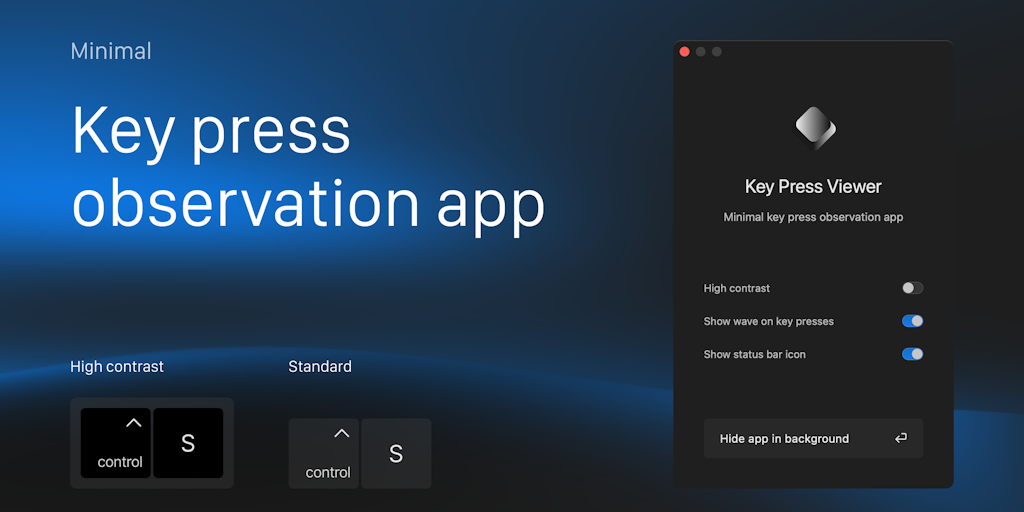
Minimal Key Press Viewer for macOS: Real-time Keyboard Display Tool for Presentations and Demos
The article presents a minimal key stroke viewer application for macOS that displays keyboard presses on-screen in real-time. The tool is de
Product Hunt·1y ago
Comments
Sign in to join the conversation.
No comments yet. Be the first.