
























Android Halo Status Bar Clutter Explained: Controls and Options
Google has carved out a slot in the Android status bar for AI agents, and right now there is no confirmed way to hide it. Android Halo, announced at Google I/O in May and explained in more detail…
Read the full articleYou might also wanna read


Google Android Halo Brings AI Agent Tracking To Status Bar
Google has revealed new details regarding Android Halo, a feature introduced at its recent developer conference aimed at increasing transpar

Worried about status bar clutter with Android Halo? Google may let you clean it up
A new Settings sub-section could let you toggle whether to show or hide the Android Halo icon and even the mute icon.

Android Halo brings AI agent updates to the status bar
The feature enables Gemini to share progress updates, ask follow-up questions, and deliver results without interrupting other apps.
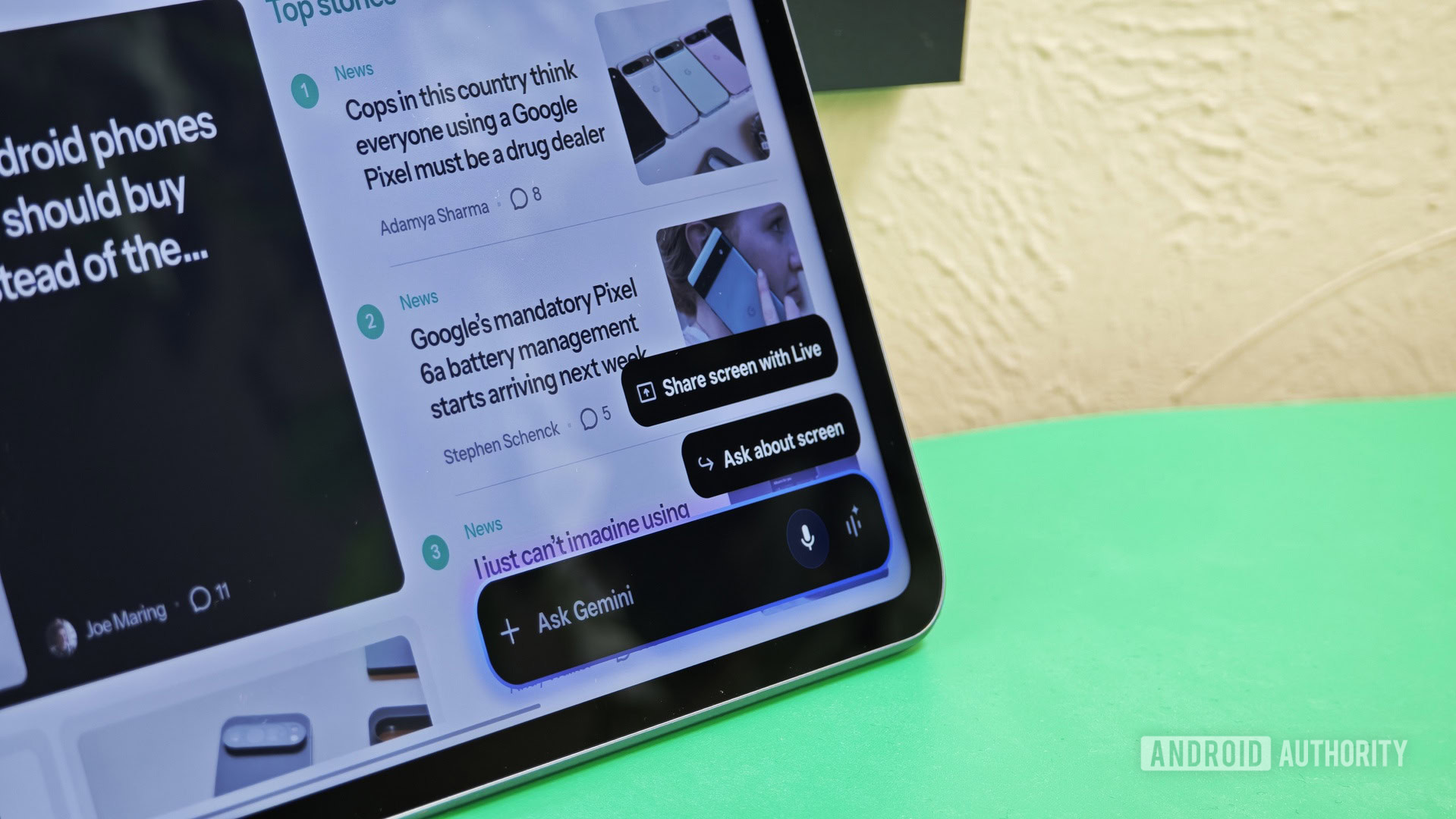
Google expands testing of persistent Gemini overlay bubble with refreshed gradient design on Android
Google appears to be expanding testing of a Gemini overlay bubble that lets conversations persist after you dismiss the overlay.
Ask HN: How to Get Rid of Gemini?
After the google+ fiasco I thought Google had learned their lesson about ramming new products down people's throats whether they like them o
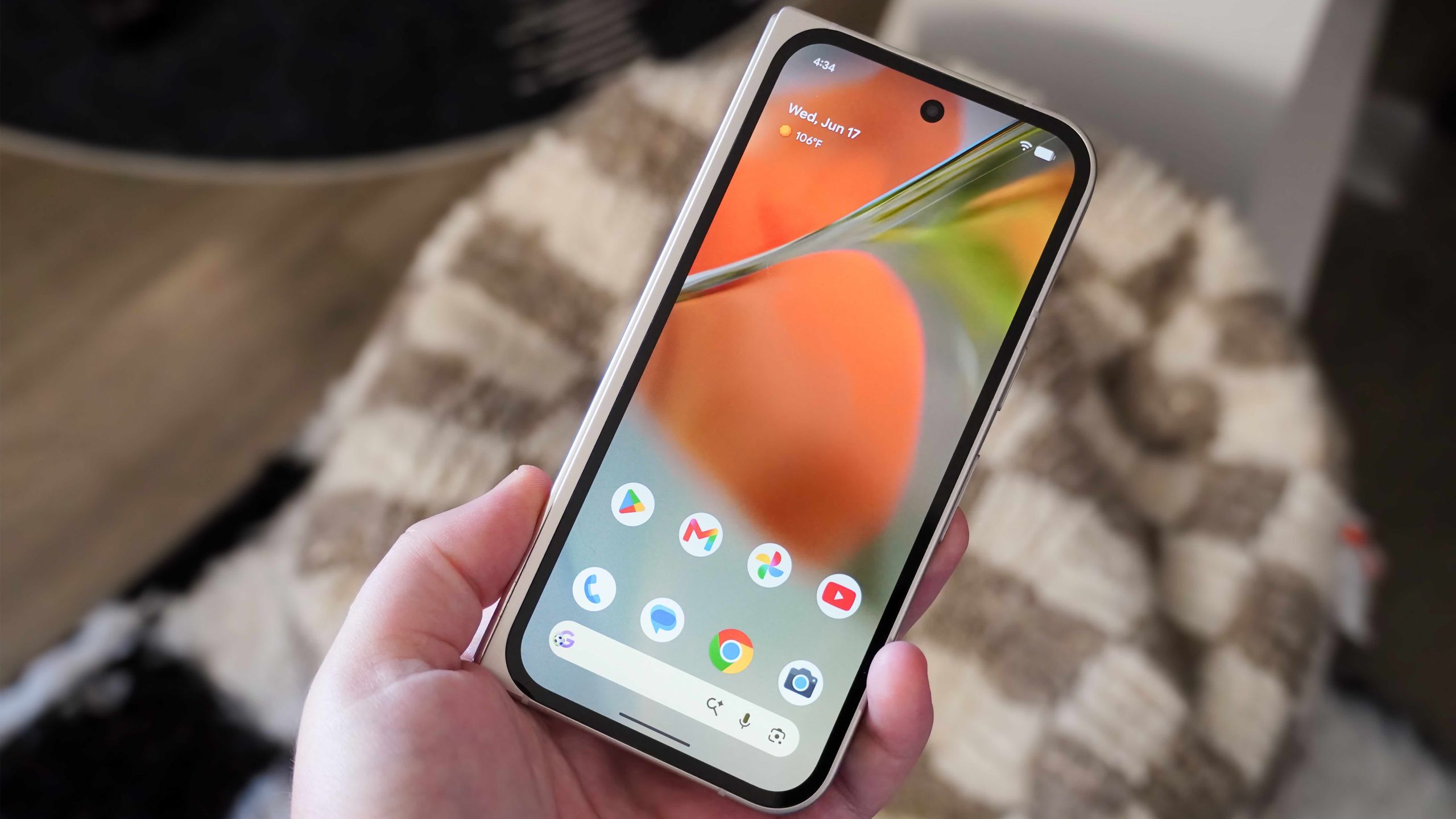
How to hide app names on your Google Pixel home screen with Android 17
You can now hide the names of apps on your home screen.
 androidcentral.com·18d ago
Comments
Sign in to join the conversation.
No comments yet. Be the first.