
























AI Search - Manage AI Search sync jobs with Wrangler CLI
2d ago
Source
CloudflareAI Search - Manage AI Search sync jobs with Wrangler CLIcloudflare.comWhen you connect a data source to your AI Search instance, AI Search runs sync jobs to keep your index up to date with your content. You can now manage those jobs directly from Wrangler . For example, you can trigger a sync job from your CI/CD or automated pipelines with the jobs create command so your index refreshes when you push a change: wrangler ai-search jobs create my-instance This creates an asynchronous sync job that checks for changes in your data source, and sends new, modified, or deleted files to be indexed. The following commands are available: Command Description wrangler ai-search jobs create Trigger a new sync job wrangler ai-search jobs list List sync jobs for an instance wrangler ai-search jobs get Get details for a job wrangler ai-search jobs cancel Cancel a running job wrangler ai-search jobs logs View log entries for a job All commands accept --namespace / -n (defaults to default ) and --json for structured output that automation and AI agents can parse directly. The list and logs commands also support --page and --per-page for pagination, and cancel prompts for confirmation unless you pass -y / --force . For full usage details, refer to the AI Search Wrangler commands documentation .
You might also wanna read

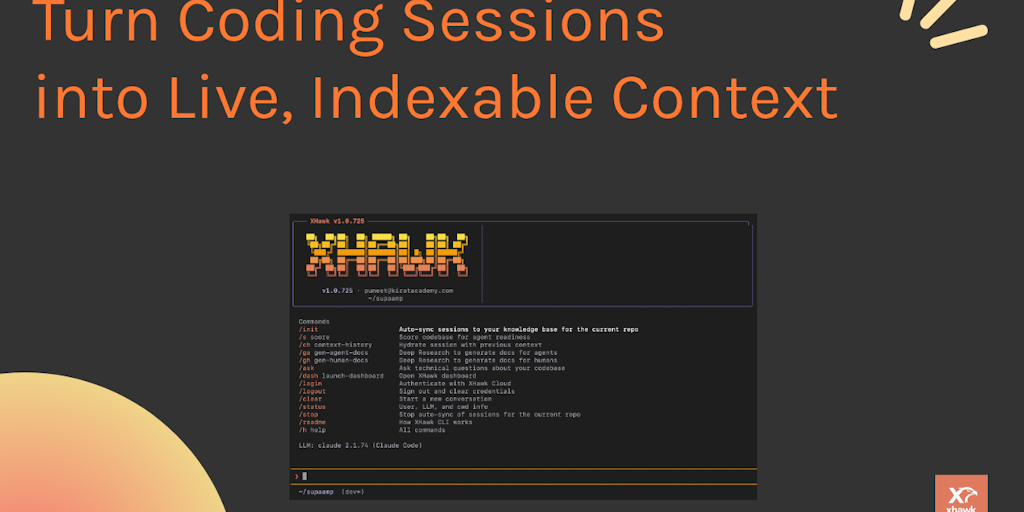
XHawk 0.99: CLI Tool Captures AI Coding Sessions and Maps Reasoning to Git Commits
XHawk 0.99 is a CLI tool that automatically captures AI coding sessions during git pushes, creating a knowledge base that maps AI reasoning
 Product Hunt·6mo ago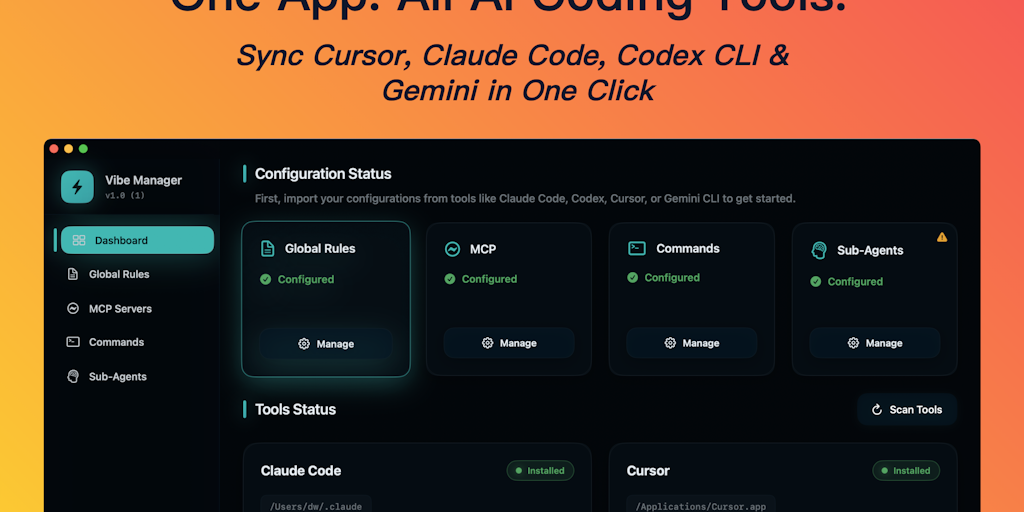
Vibe Manager: AI Coding Configuration Synchronization Tool
Vibe Manager is a tool that automatically synchronizes AI coding configurations (MCP servers, rules, and commands) across multiple AI coding
Product Hunt·7mo ago
Building a CLI Coding Agent with Pydantic-AI: A Practical Implementation Guide
This article provides a comprehensive guide on building a CLI (Command Line Interface) coding agent using Pydantic-AI. It explains how these
martinfowler.com·10mo ago
Comments
Sign in to join the conversation.
No comments yet. Be the first.