
























Advanced Methods for Annotating Design System Components
How to build custom annotations for your design system components or use Figma’s Code Connect to help capture important accessibility details before development.
Read the full articleYou might also wanna read


Building a Localization-Ready Design System: A Case Study on Figma Variables and Design Tokens
Learn how two designers tackled the challenges of building a localization-ready design system for a global audience. This case study dives i
 Smashing Magazine·1y ago
Scaling design systems: managing theming, experimentation, and maintainability
Design system architecture: theming, experiments, and keeping it maintainable Every design system eventually hits the same wall. The setup t
 medium.com·7d ago
Scaling design systems: managing theming, experimentation, and maintainability
Design system architecture: theming, experiments, and keeping it maintainable Every design system eventually hits the same wall. The setup t
medium.com·7d ago
Closing Accessibility Gaps With Figma Features and Plugins
Accessibility can’t be an afterthought that’s tacked on to the end of a project; it must be included from the start. With Figma’s native fea
 devm.io·13d ago
Using Component Variants and Design Tokens in Penpot for Flexible Design Systems
With component variants, design systems become more flexible, letting you reuse the same component while adapting its look or state with eas
Smashing Magazine·8mo ago
AI-Powered Design Automation in Figma Using Natural Language Commands
Connect your AI assistant to Figma through MCP. Create designs, update layers, and manage components directly from Cursor. Real-time bidirec
 Product Hunt·6mo ago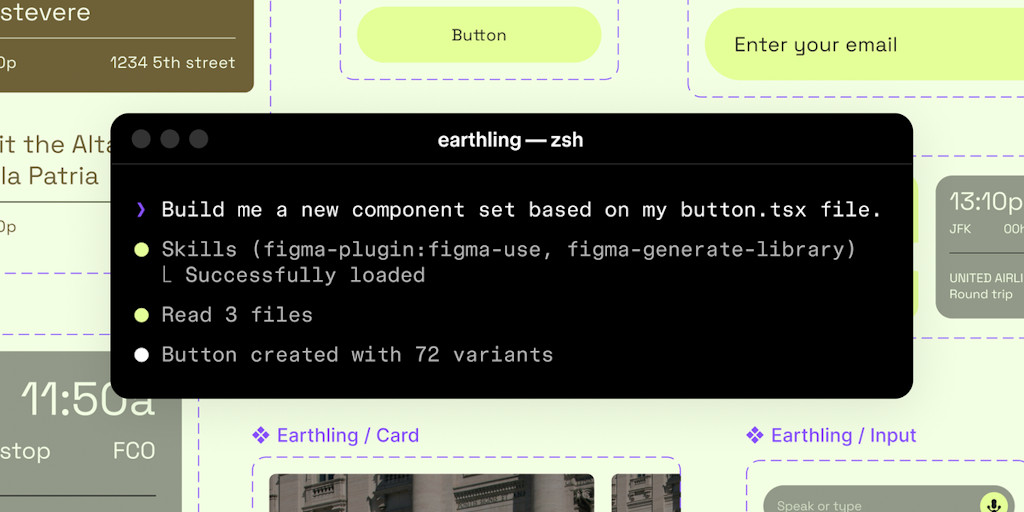
Figma Launches AI Tool That Connects AI Agents to Design Systems
AI-generated designs break brand standards because agents can't see your design system. Figma's use_figma MCP tool changes that. For product
Product Hunt·3mo ago
Comments
Sign in to join the conversation.
No comments yet. Be the first.