
























5 Hidden Samsung Galaxy Watch Features You Need to Enable Manually
By
Jordan Wirth
6d ago· 5 min readen
Summary
This article highlights five useful Samsung Galaxy Watch features that are not enabled by default and need to be manually activated. These include Universal Gestures (hand gestures for when fingers are dirty/wet), along with four other hidden capabilities that enhance the smartwatch experience. The piece serves as a practical guide for Galaxy Watch owners looking to unlock additional functionality from their device.
Source

 bsky5 Hidden Samsung Galaxy Watch Features You Need to Enable Manuallyslashgear.com
Key quotes
· 3 pulledWhether you're cooking or working in the yard, plenty of moments arise when you have dirty and/or wet fingers that you don't want smearing your Galaxy Watch's screen.
The Galaxy Watch has the exact same thing, albeit under the moniker Universal Gestures.
The best part of owning a Galaxy Watch might not be the features you see first. Some of its smartest tools need to be enabled manually.
The best part of owning a Galaxy Watch might not be the features you see first. Some of its smartest tools need to be enabled manually.
You might also wanna read


Samsung discontinues Vascular Load feature on Galaxy Watches in US, but here’s the alternative
Android Authority·2d ago

Samsung Galaxy Glasses leak reveals gesture controls and app layout
Gadget Hacks·4d ago
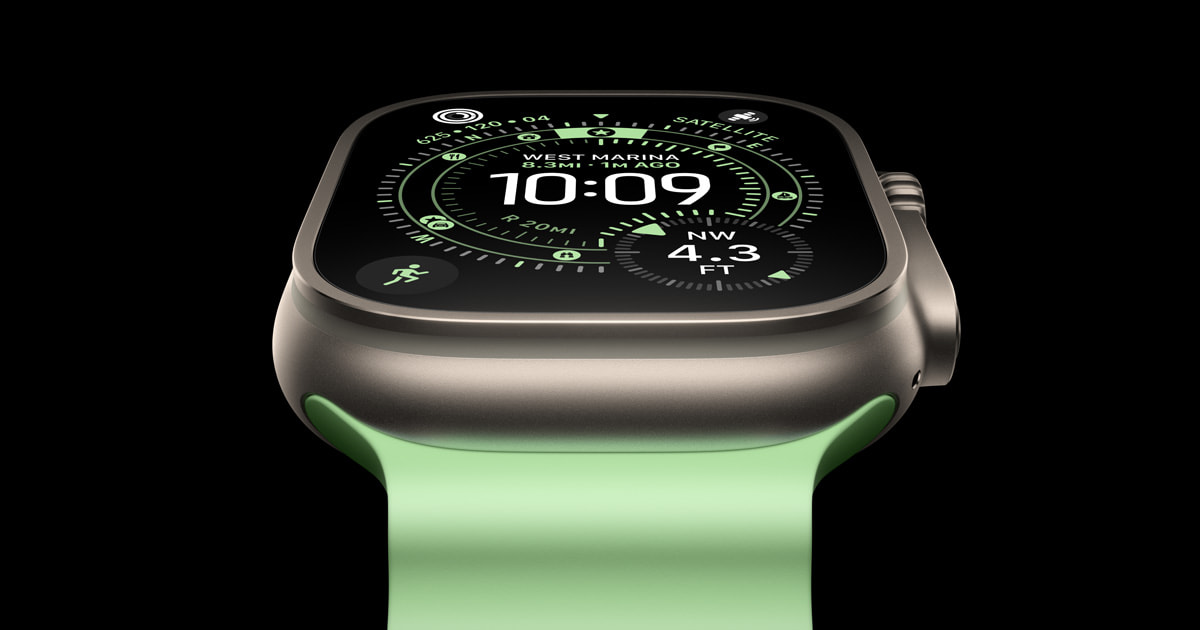
Apple Watch Ultra 3 Introduced with Satellite Communications for Emergency Messaging and Location Sharing
Apple has introduced the Apple Watch Ultra 3, featuring built-in satellite communications that enable users to text emergency services, mess
apple.com·9mo ago

Apple Updates Blood Oxygen Feature for Select Apple Watch Models
Apple is updating the Blood Oxygen feature for select Apple Watch models, including Series 9, Series 10, and Ultra 2, emphasizing its commit
apple.com·10mo ago

We need to relearn how to use AI when it’s on our bodies
 The Verge·11mo ago
watchOS 27 has brand new default Home Screen for Apple Watch
9to5mac.com·5d ago
Comments
Sign in to join the conversation.
No comments yet. Be the first.