
























How to Copy All Files from One Google Workspace User to Another: 4 Methods
This article provides a step-by-step guide on how to transfer all files from one Google Workspace (G Suite) user account to another. It covers common reasons for data migration such as employee departures or departmental changes, and outlines four distinct methods for copying files between accounts. The guide is aimed at businesses using Google Workspace who need to manage user transitions efficiently.
Key quotes
Billions of people use Google Workspace for its great cloud features.
Whether you are a small or large organization, G Suite is the backbone of your digital operations.
Every year, employees leave the organization or switch departments. This is the common reason why they move their data.
From the article
You might also wanna read

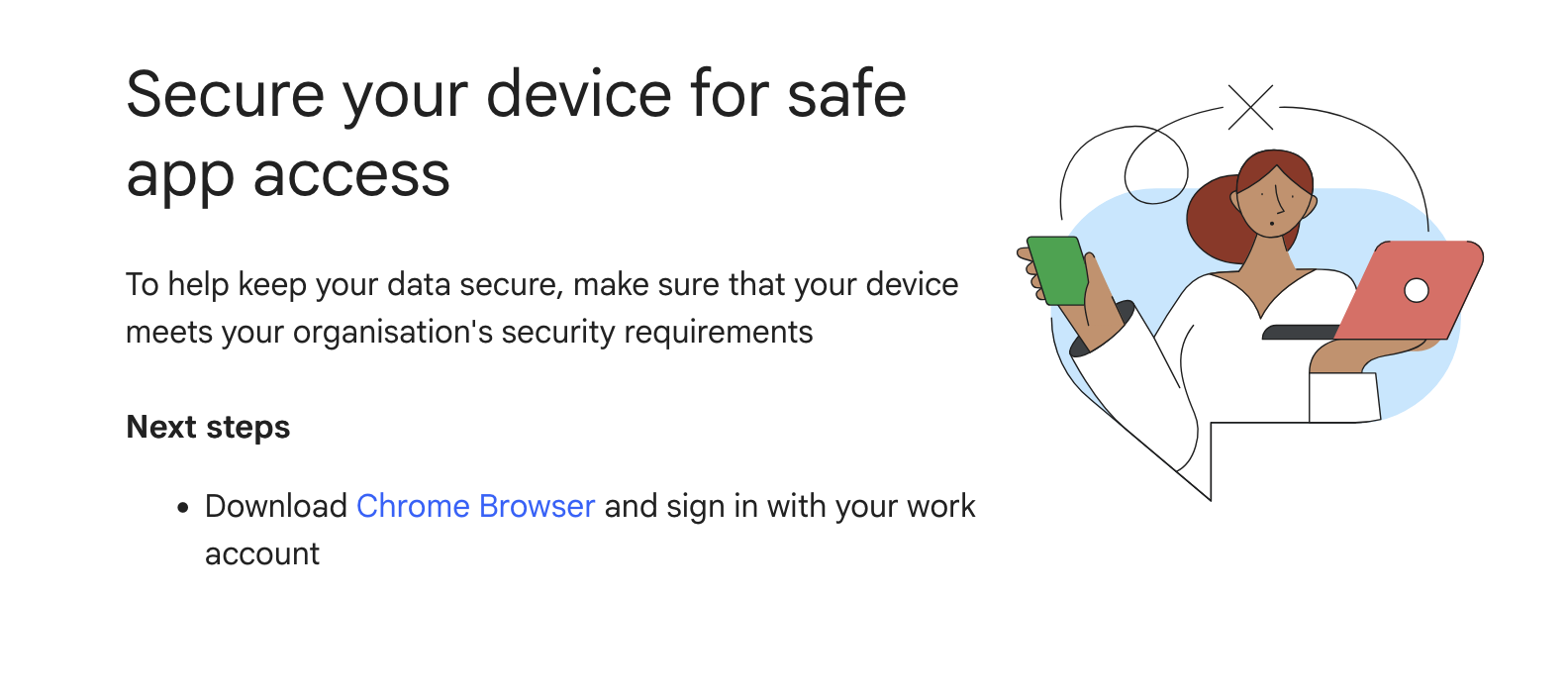
Google Workspace warns Firefox users they must switch to Chrome
Google Workspace has begun warning Firefox users that they must switch to Chrome to access the service. The warning appeared on a Google Wor
 tales.fromprod.com·19d ago
Google Workspace warns Firefox users they must switch to Chrome
Google Workspace has begun warning Firefox users that they must switch to Chrome to access the service. The warning appeared on a Google Wor
tales.fromprod.com·19d ago
GitHub - googleworkspace/cli: Google Workspace CLI — one command-line tool for Drive, Gmail, Calendar, Sheets, Docs, Chat, Admin, and more. Dynamically built from Google Discovery Service. Includes AI agent skills.
 github.com·15d ago
Google Workspace CLI: Dynamic Command-Line Tool for All Workspace APIs with AI Agent Integration
Google Workspace CLI (gws) is a command-line tool that provides unified access to all Google Workspace APIs including Drive, Gmail, Calendar
github.com·4mo agoTime Machine or Migration Assistant?

Lessons from Data Friction: How S3 Files Evolved to Solve Large-Scale Data Transfer Challenges
Andy Warfield shares insights from his experience with data friction challenges, particularly from working with genomics researchers at UBC
 allthingsdistributed.com·3mo ago
Comments
Sign in to join the conversation.
No comments yet. Be the first.