





















X-writer: VS Code Extension for Posting Tweets Directly from Your Editor
By
jawuilp

Toasted golden, schmeared with insight. Top of the rack.
Summary
X-writer is a VS Code extension that allows developers to post tweets to Twitter/X directly from their code editor. The extension features Bring Your Own Key (BYOK) credentials for security, smart context posting that can include code snippets or file context, and daily rate limit protection to prevent API overuse. The article provides installation instructions, development setup using pnpm and esbuild, and configuration steps for obtaining Twitter API credentials and setting them up within VS Code.
Key quotes
· 5 pulledVS Code extension to post tweets to Twitter/X directly from your editor.
Features BYOK credentials, smart context posting, and daily rate limit protection.
Get Twitter Credentials: Go to Twitter Developer Portal. Create an app (or use an existing one). Generate your API Keys and Access Tokens.
Open the Command Palette (Ctrl+Shift+P or Cmd+Shift+P). Search for: X Writer: Setup Credentials.
This project uses esbuild for bundling.
You might also wanna read


Researcher's "ADHD" tool for Claude Code claims 2x improvement; experts call for more evidence
Solo researcher Udit Akhouri released a third-party Agent SDK tool called "ADHD" for Claude Code on Reddit, claiming it helps coding agents
 bit.ly·4h ago
Microsoft Foundry Skill: Reusable Guidance for Coding Agent Workflows
The Microsoft Foundry Skill is a meta-skill for coding agents that provides reusable guidance for Foundry agent workflows. It helps standard

Erlang Ecosystem Foundation Launches Central Company Registry
The Erlang Ecosystem Foundation has launched a new canonical company registry at registry.erlef.org. The registry aims to serve members, spo
aislop: Open-source CLI tool detects low-quality code patterns left by AI coding agents
aislop is an open-source CLI tool (MIT-licensed) that detects low-quality patterns left behind by AI coding agents like Claude Code, Cursor,
 github.com·2d ago
wterm: A DOM-based Web Terminal Emulator Powered by Zig and WebAssembly
wterm is a web-based terminal emulator that renders directly to the DOM, providing native text selection, copy/paste, find functionality, an
 wterm.dev·2d ago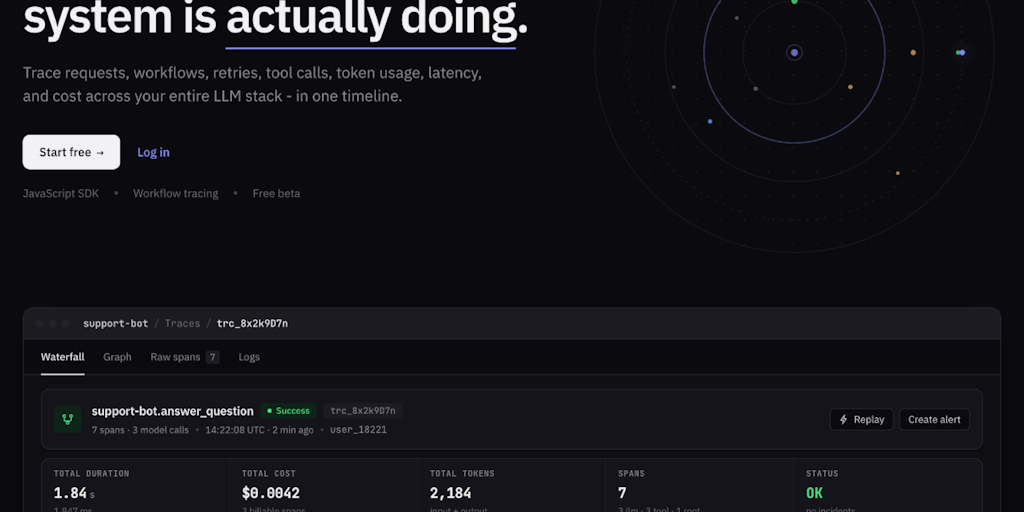
PromptLayer: AI observability tool for tracing multi-step workflows, costs, and failures
PromptLayer is an AI observability tool for developers that provides a unified timeline and waterfall view to trace AI requests, workflows,
 Product Hunt·2d ago